OPTIMOD SURROUND PROCESSOR INSTALLATION
2-85
e) Click “Add.”
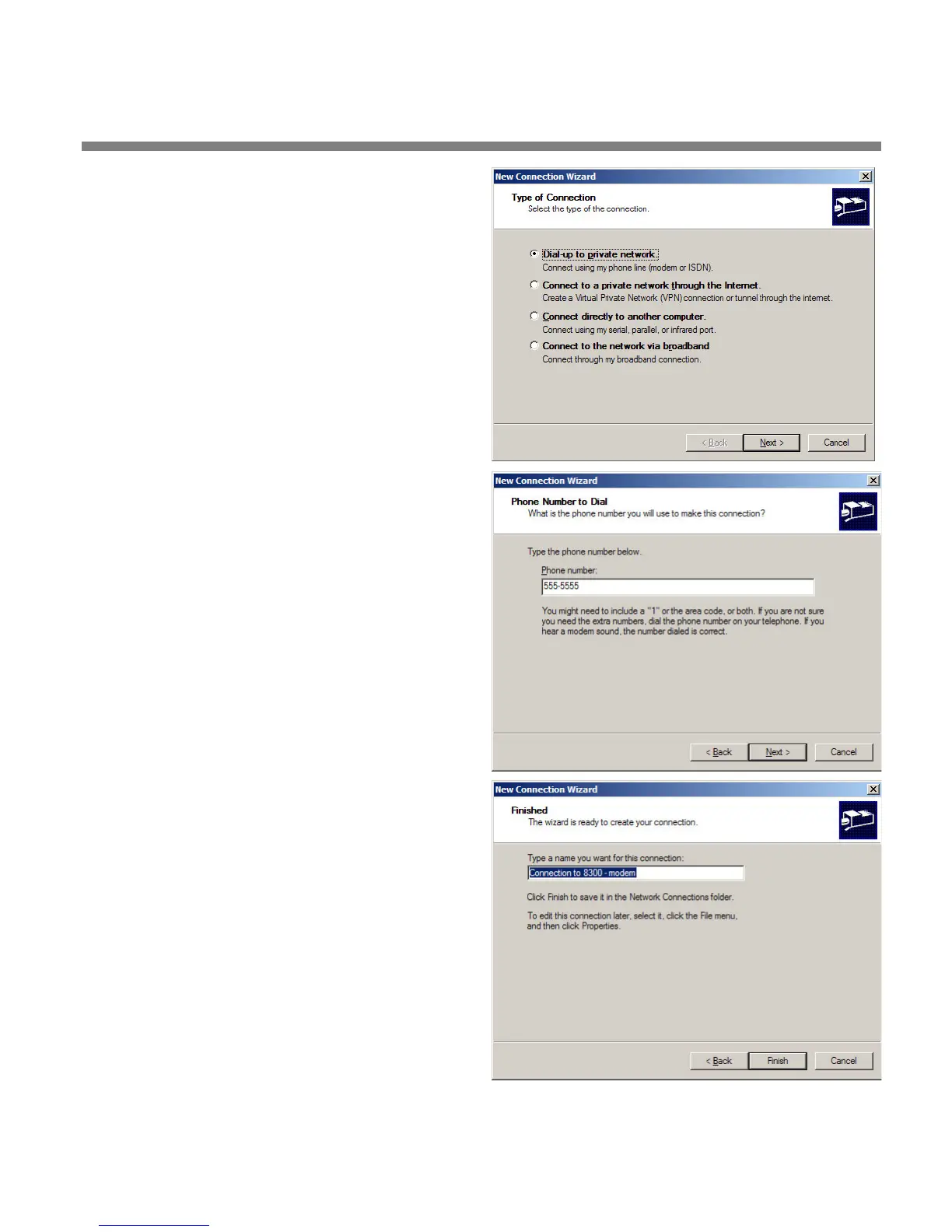
The Windows New Connection
Wizard starts up.
f) Select “Serial Connection.”
g) Click the “Add” button.
h) Select “Dial-up to private network.”
i) Click “Next.”
j) Enter the phone number of the modem
connected to the 8685 you are setting
up.
k) Click “Next.”
l) Type in a name for your Connection like:
“Connection to 8685 – Modem”
m)Click the “Finish” button.



 To Next Page