ADF SERIES™ OPERATION MANUAL
SECTION 6:
Front Panel Operation
Entire Contents Copyright 2018 by Pacific Power Source, Inc. (PPS) • All Rights Reserved • No reproduction without written authorization from PPS.
ADF Series Power Source Operation Manual Page 82 of 349
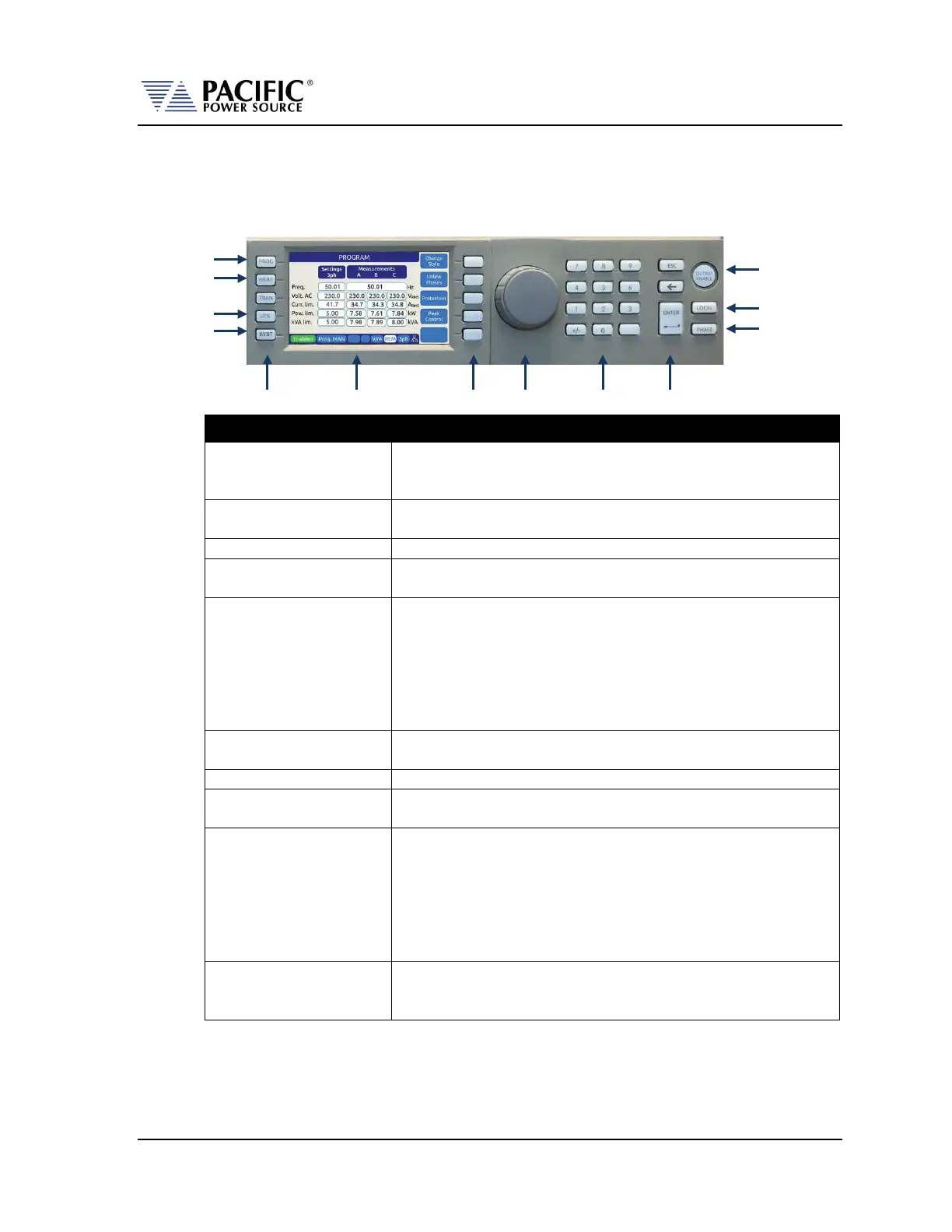
6.1.1 Keyboard Buttons
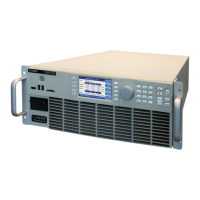
There are several groupings of push buttons that make up the front panel. They are grouped
as follows:
Group Function
These keys select the available top-level menus. Sub menus may be
accessible using any of the available soft keys within each top-level
Soft keys change function as indicated by the decal directly to the
left of the soft key on the LCD display.
See next section for details on shuttle operation.
The decimal key pad is used to enter parameter values directly.
Values may also be set using any available soft key or the shuttle.
The ENTER key confirms a selection or setting made with the
decimal key pad. Until confirmed by pressing the ENTER key,
selections and values will be shown grayed out on the LCD display
to indicate they have been edited/changed but have not yet taken
effect. This allows multiple parameters in the same screen to be
edited with all new setting values taking effect at once when the
ENTER or UPDATE ALL soft key is pressed.
The escape key backs out of a menu or selection and returns to a
previous level.
This key backs up one position erasing the last digit value entered.
The OUTPUT ENABLE key is used to toggle the output on or off. If
the output is ON, this key will be lit.
Returns the instrument to local control mode allowing front panel
operation. This key may be disabled over one of the remote control
interfaces. While in REMOTE, the keyboard is locked out.
The LOCAL key can also be used to capture and LCD Image and
store it as an .png image file in internal memory. To do so press and
hold the LOCAL key, then press the 1 key. Screen images are saved
in folder “internal/screenshots”.
The PHASE key is used to select a specific phase on three phase
3150ADF ––models. On single phase 1150ADF models, the selected
phase is always A and this key has no function.
MEASUREMENTS
> NOT USED <<
UTILITY MENU
SYSTEM MENU
LOCAL KEY
PHASE SELECTION
MENU KEYS LCD DISPLAY SOFT KEYS SHUTTLE KEYPAD ENTER KEY


 To Next Page