5-68 DBS 576 (USA) issued September 2001 576-50-700
Chapter 5. Key Telephone Features Section 700 - Operation
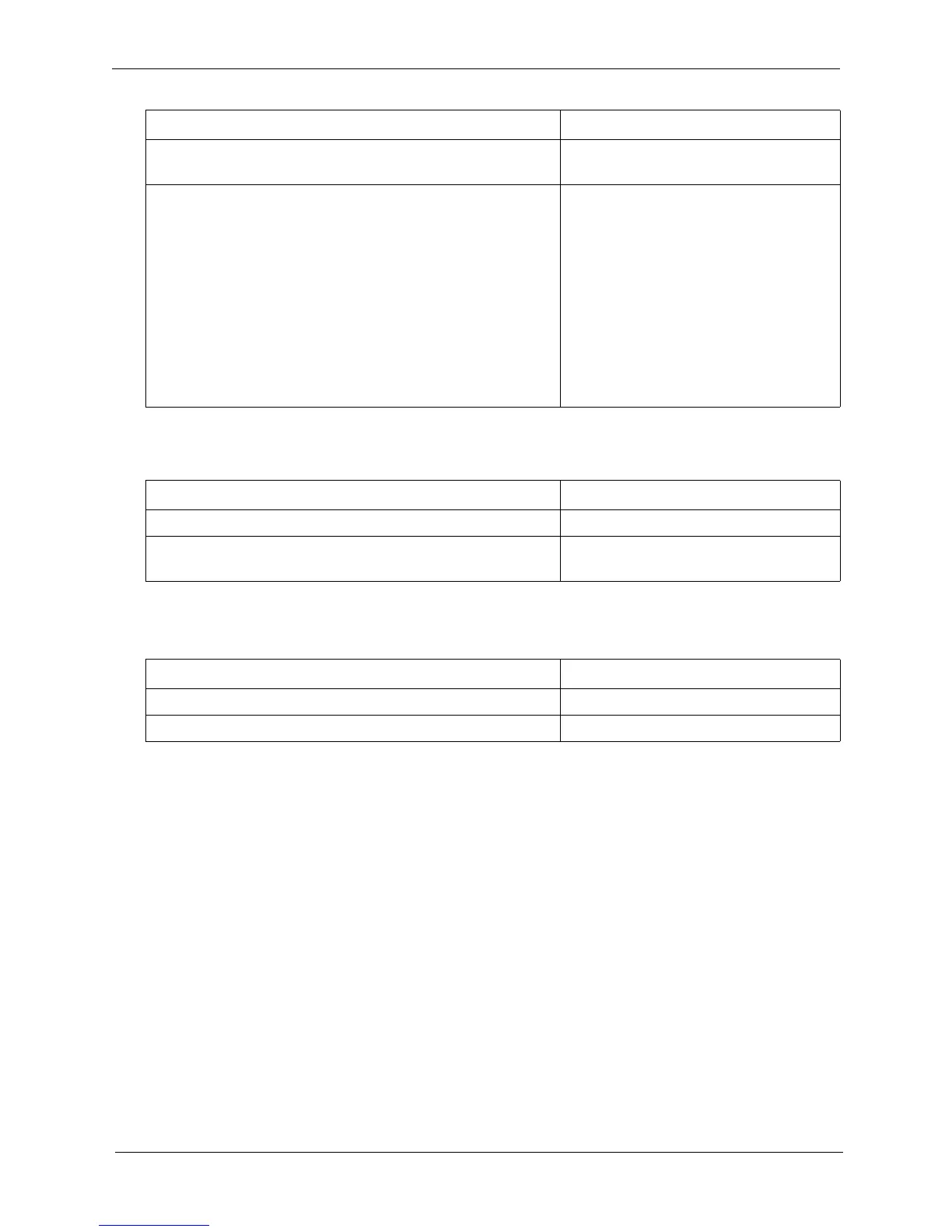
To reply to off-hook voice announcement with a text message:
To answer a call after it has been announced using the OHVA:
Hardware Requirements
•N/A
Related Programming
• FF1 0 03: Extension COS OHVA Originate
• FF1 0 03: Extension COS OHVA Receive
• FF3: Extension COS Assignments
• FF4: FF Key Assignments
Considerations
• The held call is transferred as soon as the extension sending the OHVA hangs up.
• If the transferred call is not answered immediately, it will queue for a set time limit, then return
to the extension sending the OHVA by transfer recall timer.
• You cannot receive a Call Waiting message during an OHVA.
3. Enter OHVA feature access code (default = 8) and
announce the call to be transferred.
4. If transfer is:
• Not accepted, retrieve the call by pressing the associ-
ated flashing MCO key (if an appearing call) or by
pressing the HOLD key (if a non appearing call).
• Accepted, and On-hook Transfer is enabled for your
extension, replace the handset or press the ON/OFF
key.
If On-hook Transfer is not enabled for your extension,
press the PROG key (or RELEASE key if using DSS/
72).
Action Result
1. Press the MSG key.
2. Enter the Reply Text Message number (1-9, 0). See Table 6
on page 5-67 for the text message replies.)
The text message reply appears on the
camped on telephone display.
Action Result
1. Replace the handset. Your extension rings
2. Lift the handset or press the ON/OFF key.
Action Result













 To Next Page