8 Operation Instructions
8.1. Taking out the Disc from BD/DVD Drive Unit when Disc cannot be
ejected by OPEN/CLOSE button
8.1.1. Forcible Disc Eject
8.1.1.1. When the power can be turned off.
1. Turn off the power and press [SKIP REV] and [PLAY] keys on the front panel simultaneously for 5 seconds.
8.1.1.2. When the power can not be turned off.
1. Press [POWER] key on the front panel for over 10 seconds to turn off the power forcibly, and press [SKIP FWD] and [PAUSE]
key on the front panel simultaneously for 5 seconds.
8.1.2. When the Forcible Disc Eject can not be done.
1. Turn off the power and pull out AC cord.
2. Remove the Top Cover and BD/DVD Drive.
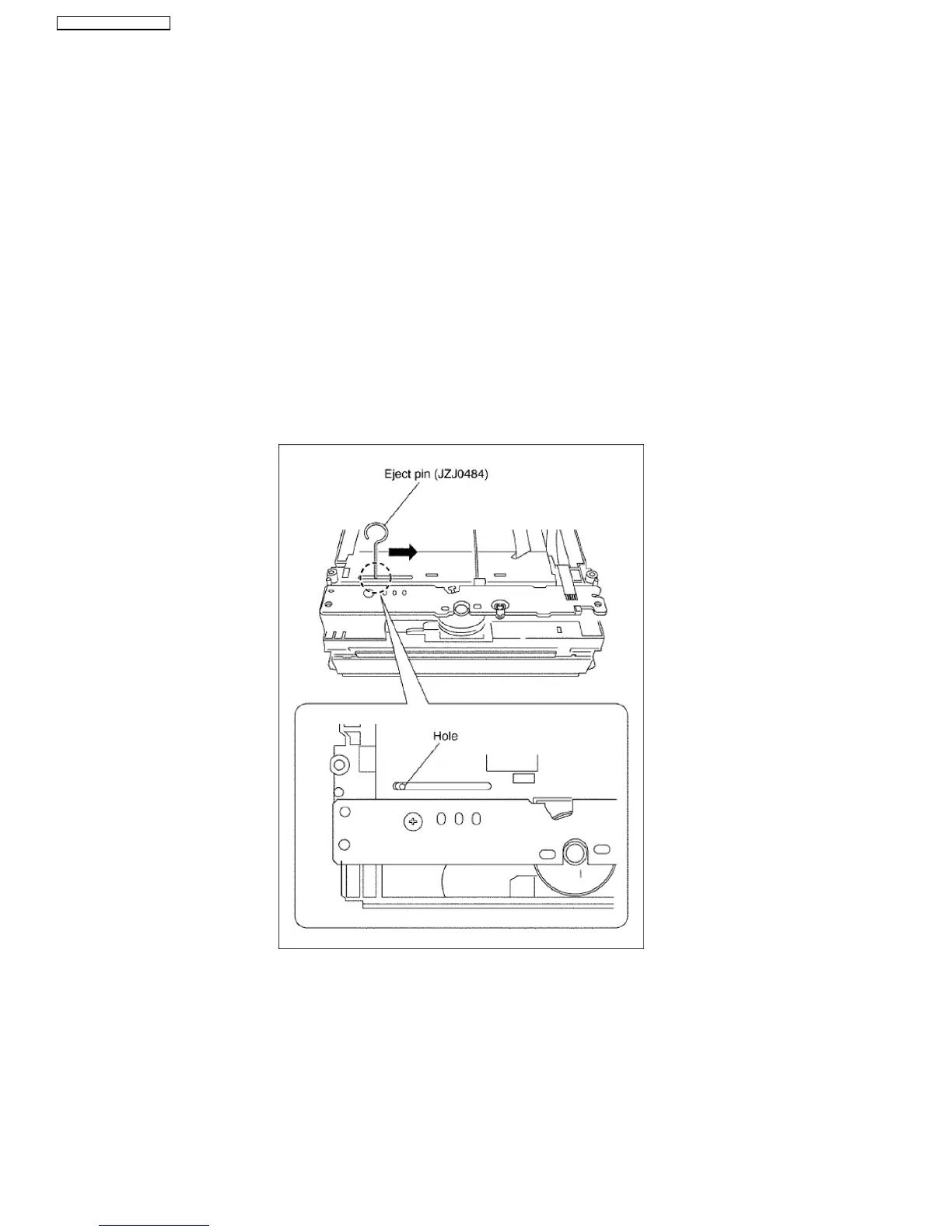
3. Insert Eject Pin (JZJ0484) into the hole on the bottom of BD/DVD Drive and slide the Eject Pin in the direction of the arrow to
eject tray slightly.
26
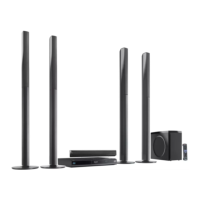
SA-BT100P / SA-BT100PC






 To Next Page