146
4
Function Reference
Automatically sets shutter speed and aperture value to the proper
exposure according to Program line when taking pictures.
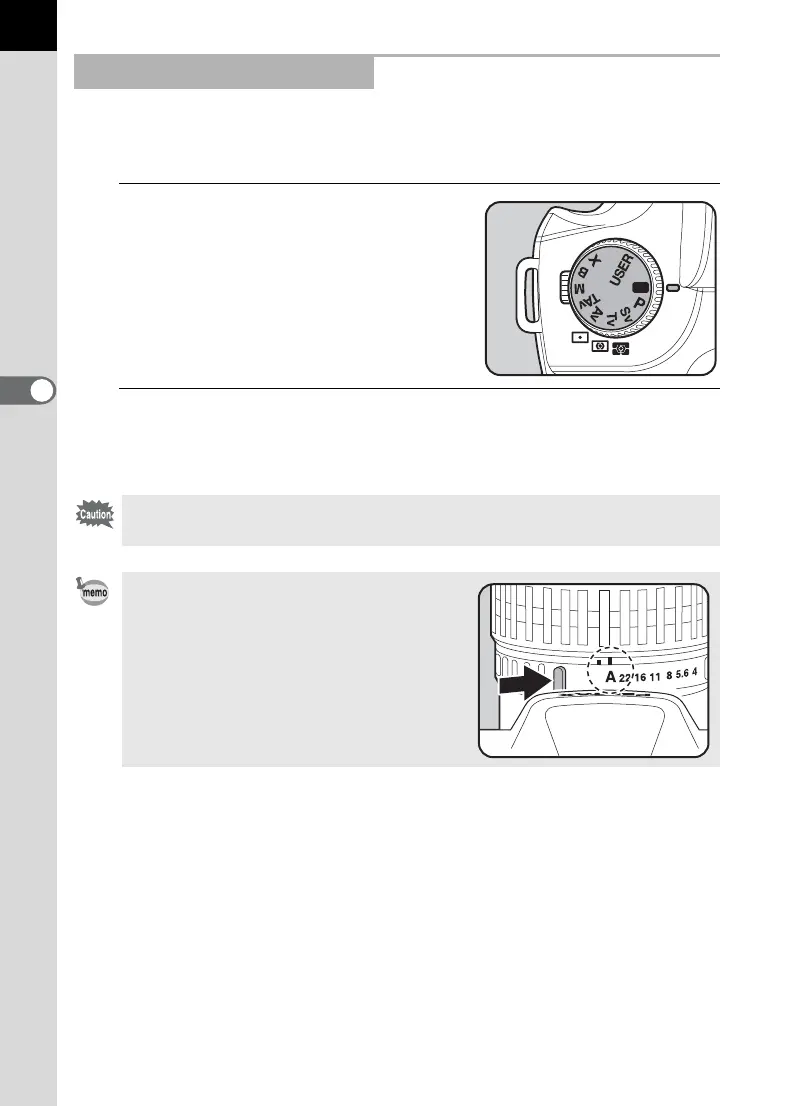
1
Set the mode dial to B.
2
Confirm the shutter speed and aperture in the viewfinder
and on the LCD panel.
Using the B (Green) Mode
Shutter speed, aperture, AE lock, EV compensation, Auto bracket,
Multi-exposure, and Flash compensation cannot be set in B (Green) mode.
Set the aperture to the s position while
holding down the auto-lock button when
using a lens with an aperture ring.



 To Next Page