147
4
Function Reference
Automatically sets shutter speed and aperture to the proper exposure
according to Program line when taking pictures.
Use the front e-dial and rear e-dial to change the shutter speed and
aperture while maintaining the proper exposure (Hyper-program).
1
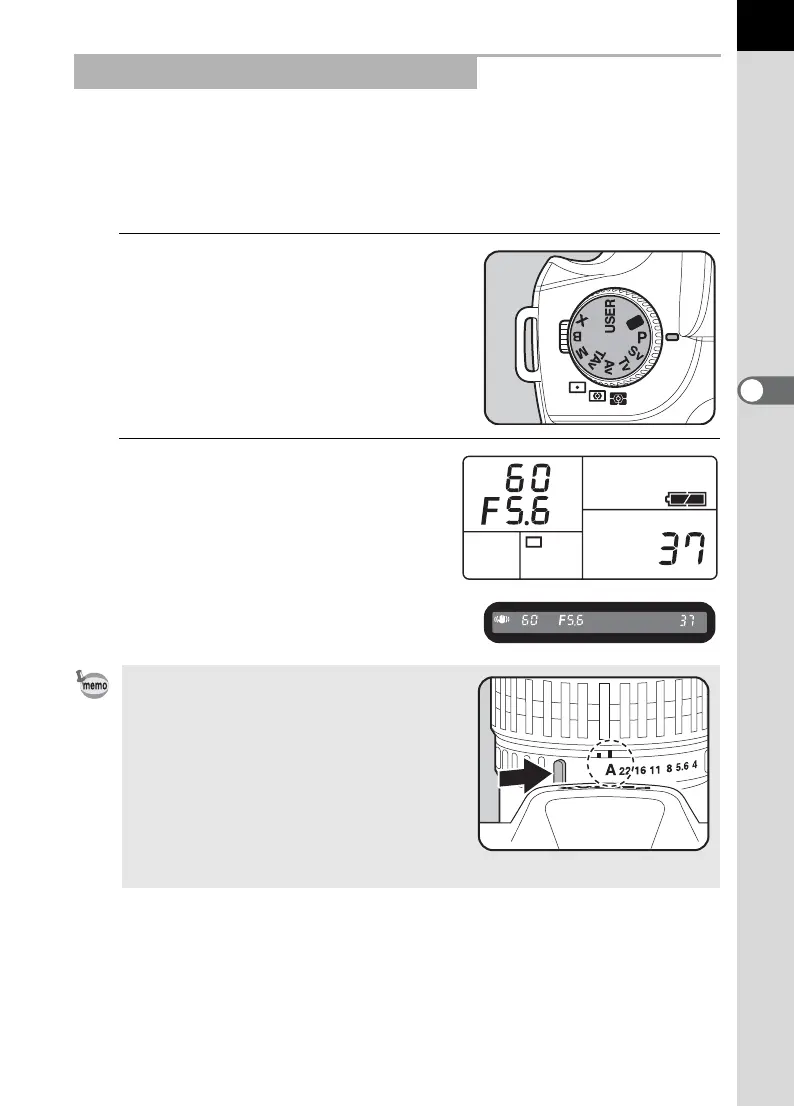
Set the mode dial to e.
2
Confirm the shutter speed
and aperture in the
viewfinder and on the LCD
panel.
Using the e (Hyper-program) Mode
• Set the aperture to the s position while
holding down the auto-lock button when
using a lens with an aperture ring.
• You can change the Program line to use.
Set in [Program Line] in the [A Custom
Setting] menu.
• You can automatically correct the
sensitivity if appropriate exposure cannot
be set with the set criteria. Set [Sensitivity]
to [AUTO] in the Fn menu. (p.140)



 To Next Page