34
Programming Corpus 3G/HD/APE/VS - Specific Attributes
• To enable IRM on the wheelchair:
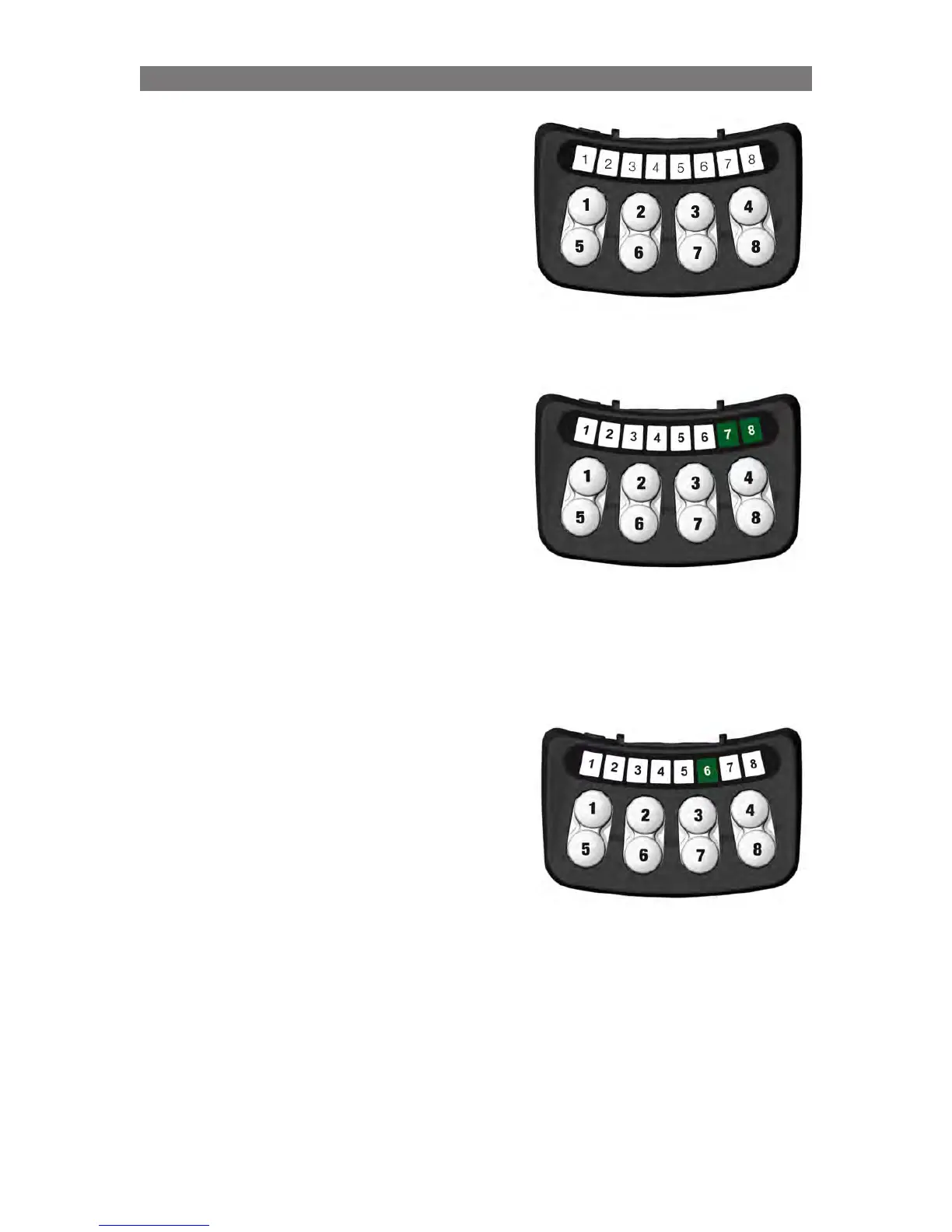
- Press the button 7 until LED 6 lights green.
- Turn the wheelchair ”Off”.
• To turn the option of using IRM off.
- Press the button 7 until LED 6 lights red.
- Turn the wheelchair ”Off” by pressing the start
button on the wheelchair’s control panel.
IRM Setup
Setup is performed using the following key sequences
on the ICS control panel.
Activation / deactivation of the IRM
• With the power turned off, press button 2, 7 and 8
on the ICS control panel.
• Turn the power on by pressing the start button on
the wheelchair’s control panel. ICS-control panel
buttons can be released when all the LEDs are lit
green.
• LED 7 and 8 will now flash green.



 To Next Page