36
Programming Corpus 3G/HD/APE/VS - Specific Attributes
The user’s handling of the IRM
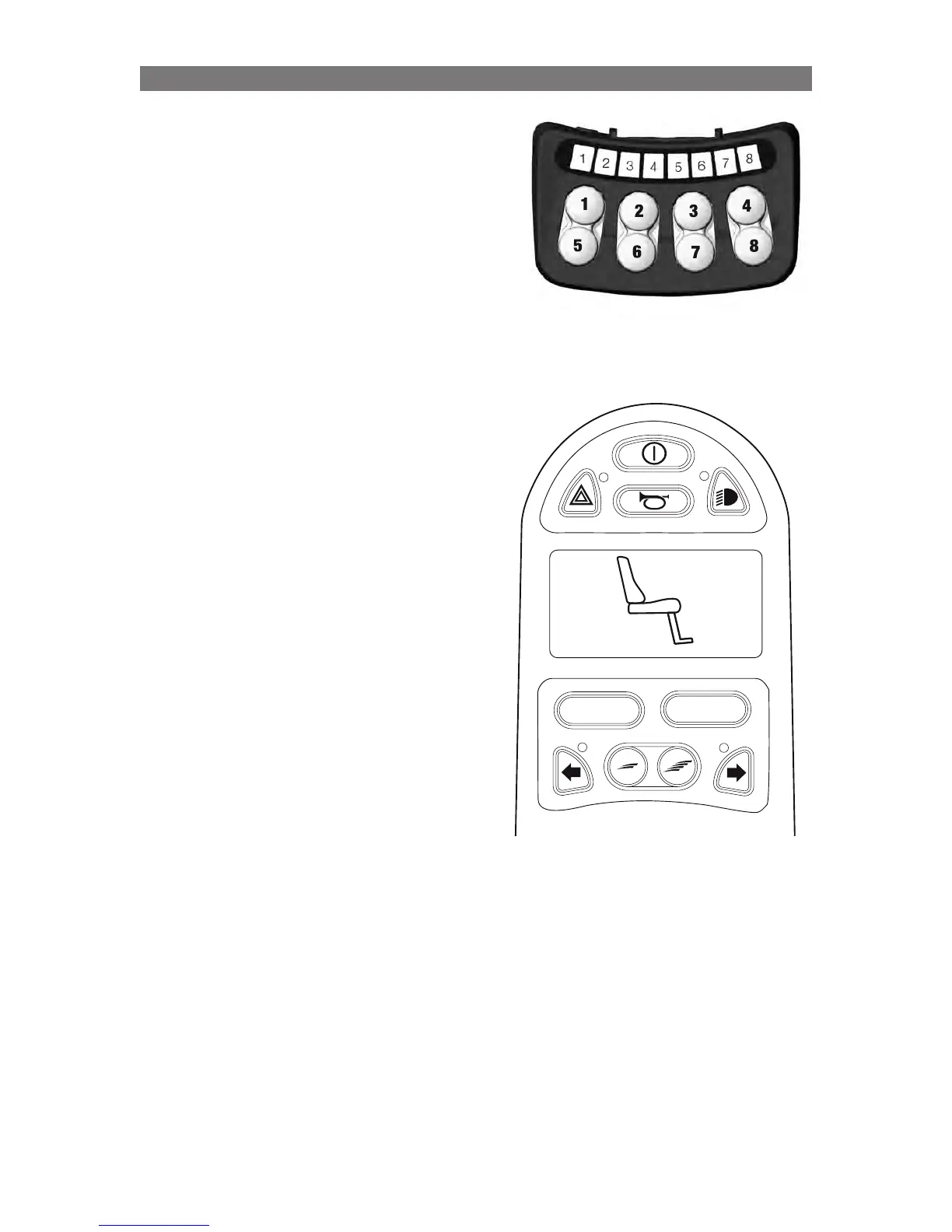
Method A) Via ICS control panel with ”memory mode”:
• HolPress and hold button 8 to enter the memory
mode. LED 8 is blinking green.
• Press and hold button 3 to move the seat to it’s rear
position.
• (If needed, help the body to slide towards the back
rest.)
• Press and hold button 7 to move the seat to the
front end position.
• Press and hold button 8 to exit the memory mode.
Method B) Via R-net Control Panel or OMNI:
Joystick is here specified as an example, but it could be
any other available control unit.
NOTE! The icon ’Recall Memory 3’ must be set for
display on the display (see section ”Configuring ICS via
the R-net Control Panel”).
• Go to Seating Mode.
• Use the Joystick to toggle the function untill the M3
icon is shown on the display.
• Move the joystick forvard to move the seat to it’s
rear position.
• (If needed, help the body to slide towards the back
rest.)
• Move the joystick backvards to move the seat to the
front end position.
• Leave Seating Mode.
PROFILE
MODE
M3



 To Next Page