8Assembling the XT Camera SystemXT Camera System Manual |
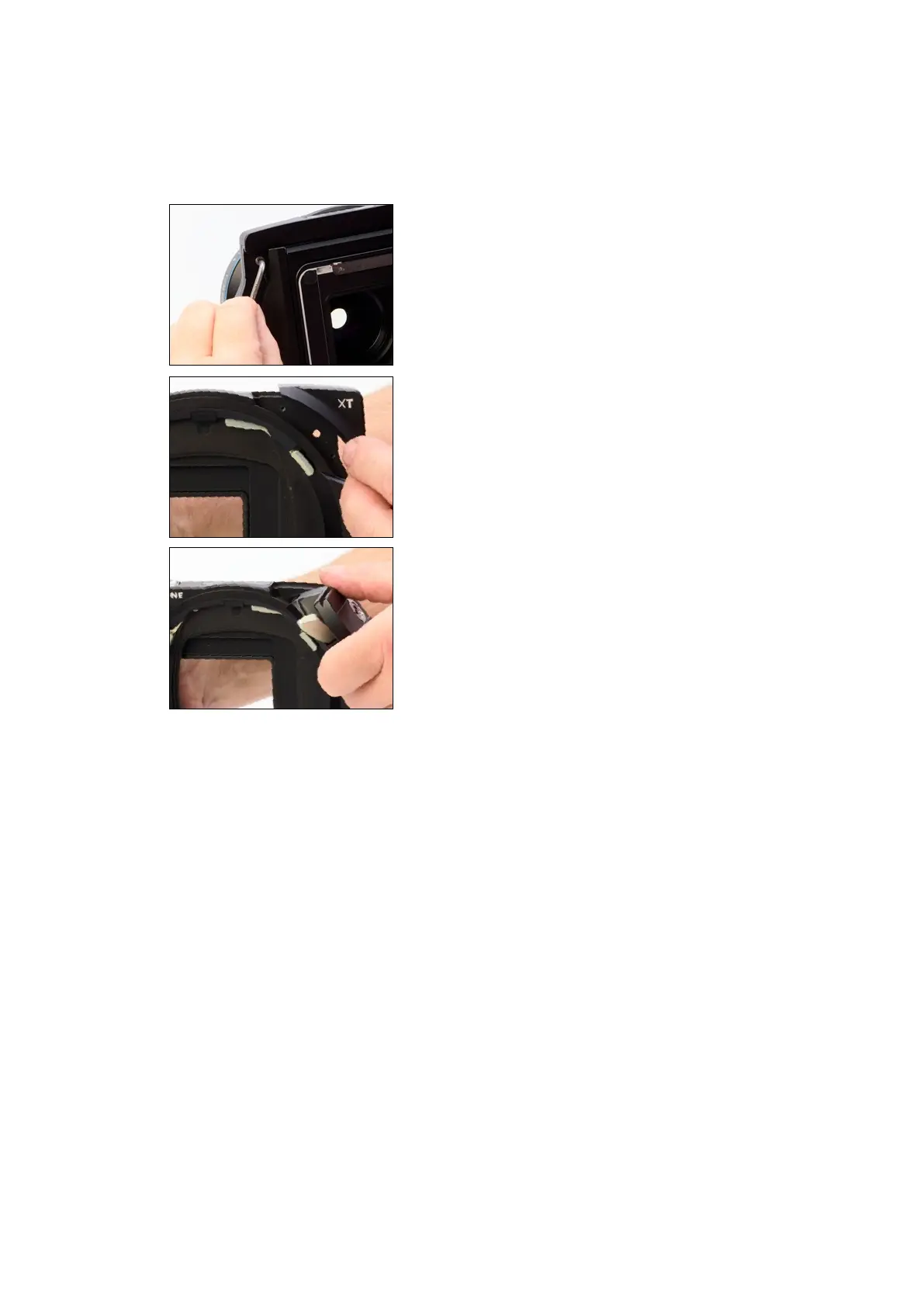
Removing the tripod mount system
The integrated tripod mount can be removed from the XT Camera Body if you
want to save weight or size. Removing the tripod foot mount will also make it
more convenient to shoot the XT Camera handheld.
1) Shift the XT Camera horizontally all the way to the right (when looking at
the camera from behind) with the Horizontal Shift Dial.
2) A torx screw is now uncovered. Unscrew it with the supplied torx tool.
3) Remove the top-right corner piece with the XT label by sliding it upwards.
4) Open the silver-colored Rotation Lock on the tripod mount by pressing it
forward. Then rotate the tripod mount system all the way up to the area with
the removed XT plate.
5) Remove the tripod mount system.
6) Slide the XT corner piece back in place and secure it by fastening the torx
screw from step 2.



 To Next Page