ONE TIME PROGRAM
PROGRAM 1
CHANNEL 10
TIME ON 09:30 PM
TIME OFF 11:00 PM
REC SPEED SLP
SP=1 SLP=2
TO CORRECT PUSH CLEAR
TO END PUSH EXIT
38 Timer Recording (cont’d)
8
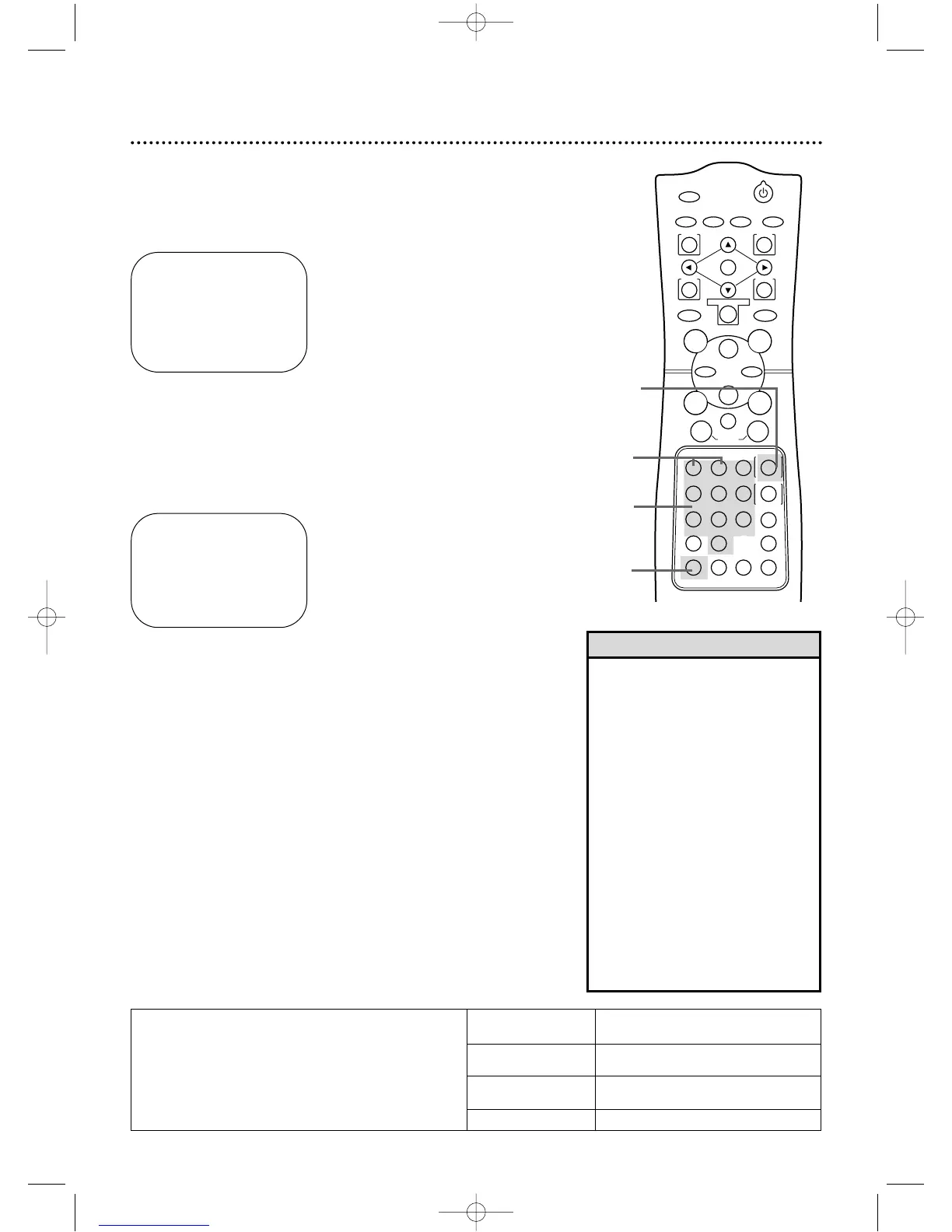
Press the Number 1 button to record in SP speed or the
Number 2 button to record in SLP speed. (See the chart
below.) You cannot use the SPEED button at this time.
9
Press two Number buttons for the month and two
Number buttons for the day you want to record the pro-
gram. For example, for July 10,2001, press 07, 10.The day of the
week and the year will appear automatically (you cannot program
the DVD/VCR to record more than one year in advance).
ONE TIME PROGRAM
PROGRAM 1
CHANNEL 10
TIME ON 09:30 PM
TIME OFF 11:00 PM
REC SPEED SLP
START DATE 07/10/01
TUE.
TO CORRECT PUSH CLEAR
TO END PUSH EXIT
10
Press the DISPLAY/STATUS/EXIT button. PROGRAM WAS
COMPLETED/PLEASE PUSH TIMER-SET FOR TIMER RECORD-
ING will appear on the screen briefly.(If PROGRAM NOT COM-
PLETED appears,try again from step 1.)
11
Press the TIMER SET button.The TIMER SET light will appear
on the front of the DVD/VCR.The DVD/VCR will be in DVD mode.
The VCR/TV light will disappear,meaning the DVD/VCR is in TV
position.
If the timer recording will take place several hours or days from now,
you may use the DVD/VCR until time for the recording.Press the
TIMERSET button a few minutes before the recording starts.If you
forget to press the TIMER SET button,PLEASE PUSH TIMER-SET
FOR TIMER RECORDING flashes on your TV screen two minutes
before a timer recording starts.Press the CLEAR button to remove
the message.Then press the TIMER SET button.
Cassette type/Playback Time
Tape Speed T160 T120 T60
SP (standard play) 2 hrs.
2 hrs. 1 hr.
40 mins.
LP (long play) 5 hrs.
4 hrs. 2 hrs.
(playback only) 20 mins.
SLP (super long play) 8 hrs. 6 hrs. 3 hrs.
Tape Speeds
This chart shows the recording/playback time
for three types of video cassettes (T160,T120,
and T60).There are three playback speeds: SP,
LP, and SLP. You can record in SP or SLP
speed.You cannot record in LP speed.
8
9
10
11
• When all timer recordings are finished,
the TIMER SET light will flash.To use the
DVD/VCR again as usual,press the
TIMER SET button to disable the flash-
ing TIMER SET light, then press the
VCR/TV button to select VCR position.
The VCR/TV light will appear.Press the
OUTPUT SELECT button to choose VCR
or DVD mode, then continue with other
features as described in this manual.
• When timer recordings are set,the
TIMER SET light will appear.To use the
DVD/VCR as usual until time for the
recording,press the TIMER SET button
so that the TIMER SET light disappears.
Press theVCR/TV button to choose VCR
position.The VCR/TV light will appear.
Press the OUTPUT SELECT button to
choose VCR or DVD mode,then contin-
ue with other features as described in
this manual.
Helpful Hints
DV910(H9100).QX33 01.8.9 10:26 AM Page 38



 To Next Page