47
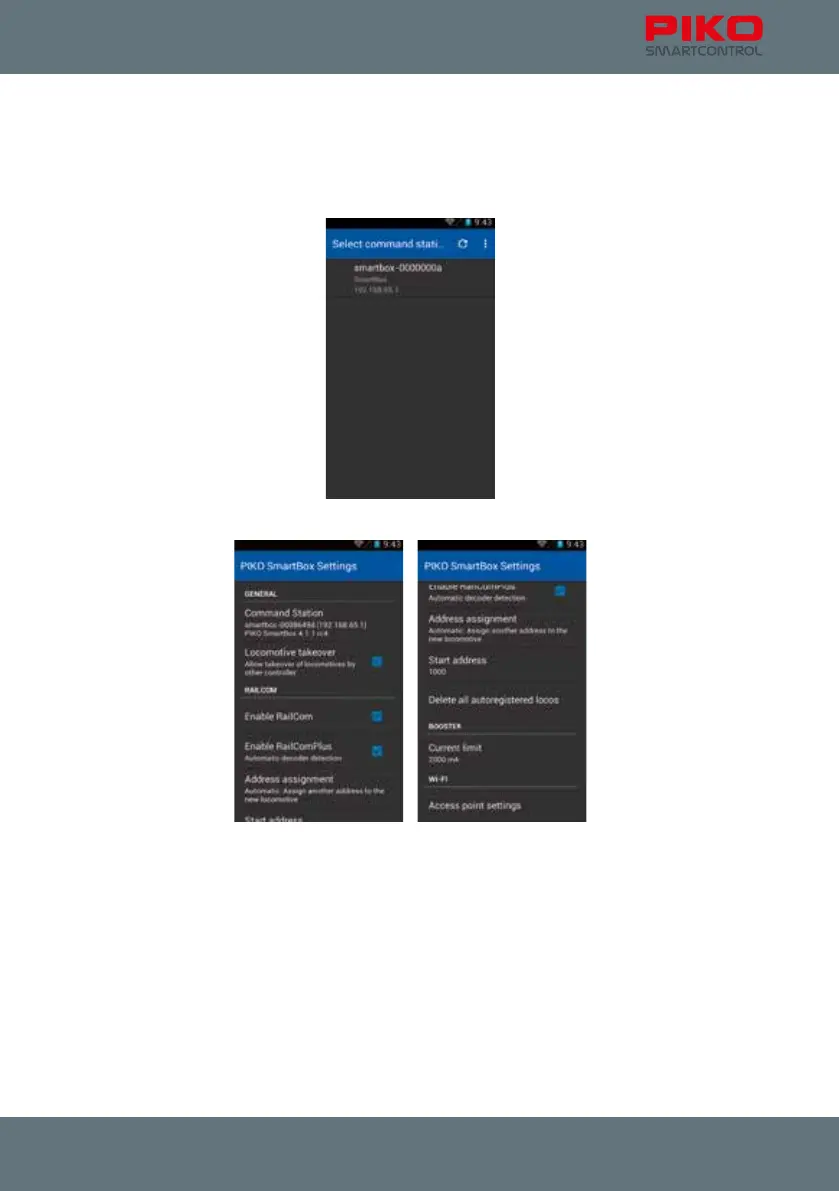
After starting the app you will be asked to choose a command station.
As with the “PIKO SmartControl
®
app” you should ensure that the PIKO SmartBox
®
is already activated
and has created a WiFi network. Your PIKO SmartControl
®
should also show the WiFi symbol in the top
status bar.
You can choose your PIKO SmartBox
®
by selecting it.
This application offers the following options:



 To Next Page