49
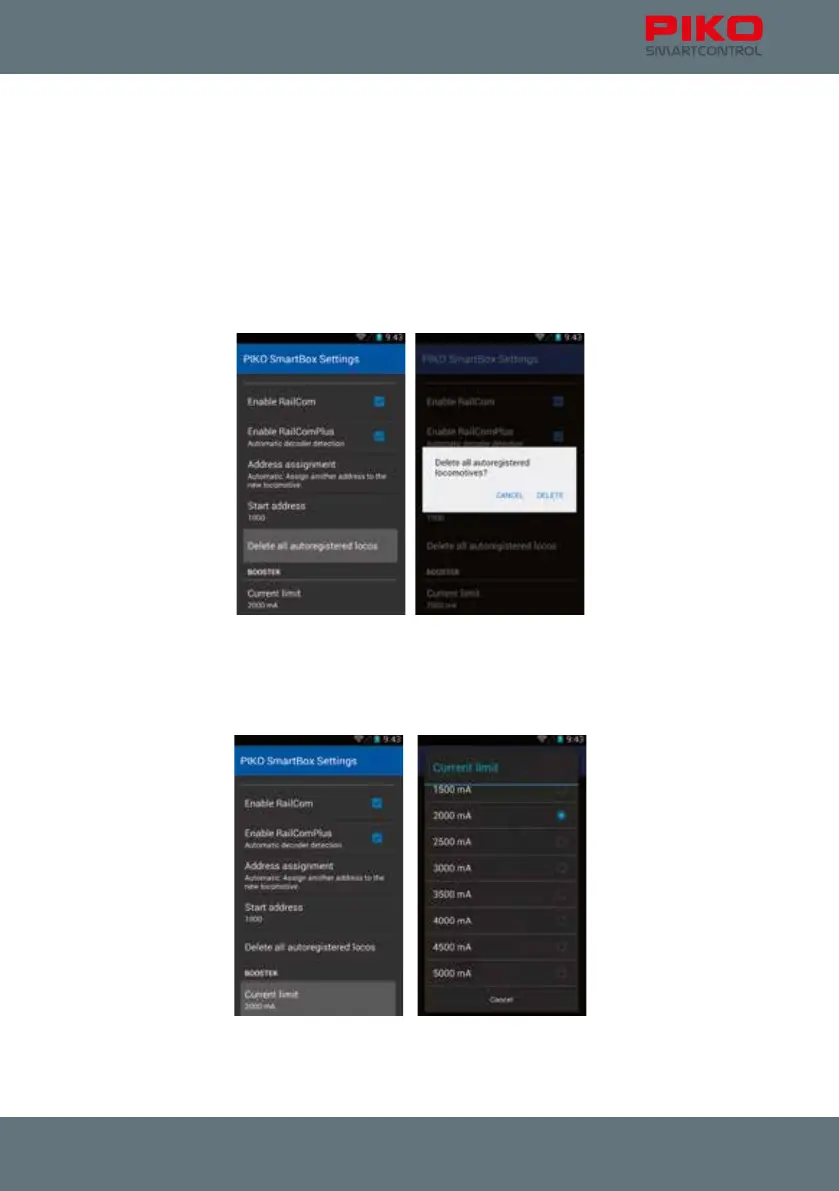
”Start address“
This option controls what happens if an address is already in use. By default all decoders are set
to address #3. This won’t cause a problem if you only have one loco, but if you have more all other
locomotives will need to be assigned other addresses. You can congure the starting address the PIKO
SmartBox
®
uses when automatically assigning addresses. Alternatively, you can always congure a
locomotive’s address via CV-programming.
”Delete all autoregistered locos“
Here you have the possibility to delete all locomotives that registered via RailComPlus automatically.
This is an option to avoid the difcult alternative to delete all locomotives separately.
”Current limit“
The PIKO SmartBox
®
auto detects the power supply in use. The system will pick a current limit based
on the power available. Usually this is the maximum available current. For smaller scales or layouts it
can make sense to further limit the power provided.



 To Next Page