10 PARTS REPLACEMENT & REPAIR
Technical manual Planmeca ProX 69
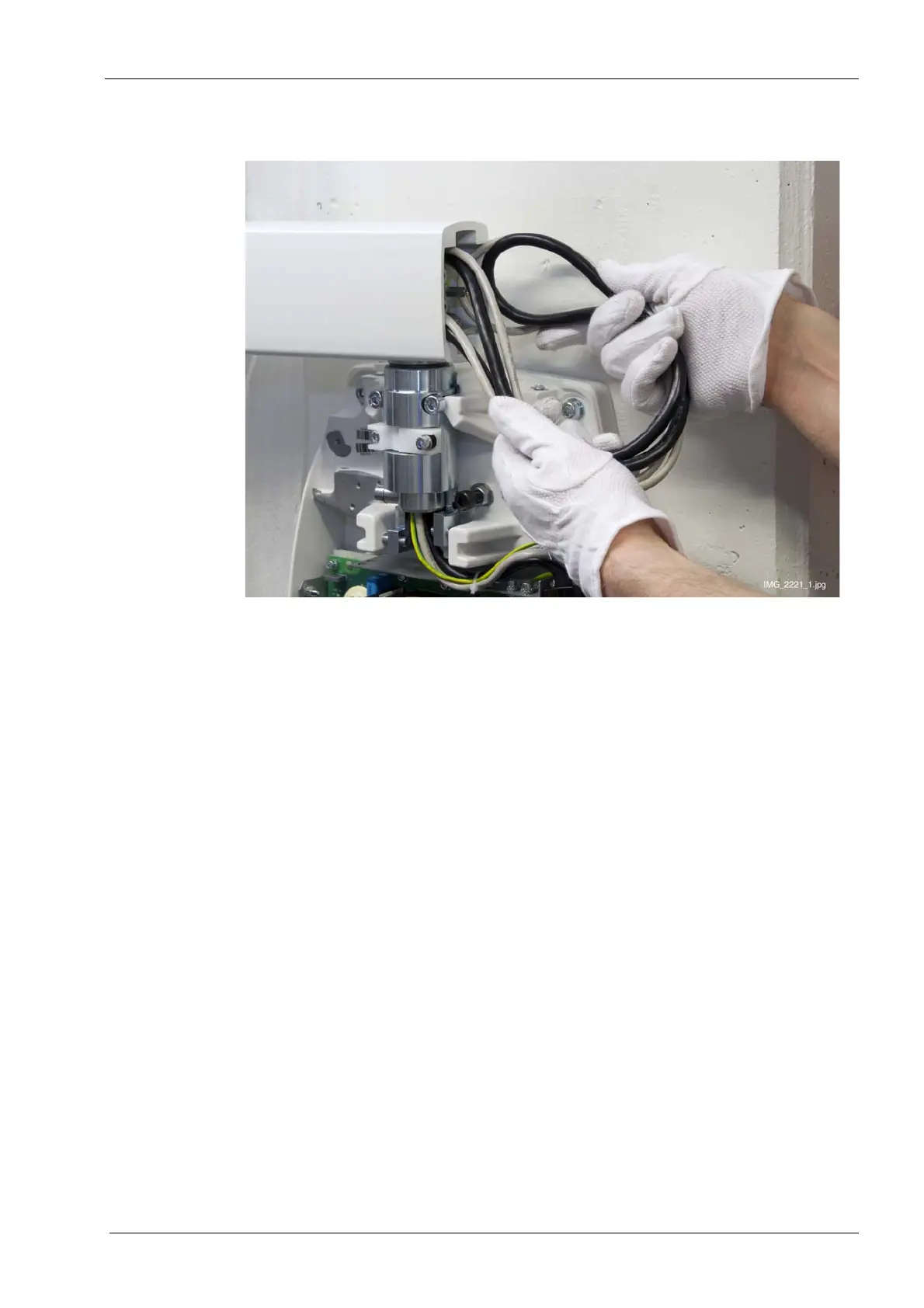
30.Pull the excess cable out from the generator side end of the extension arm. Push the
excess cables into the arm.
31.Move the arm and check that the cables do not tighten too much or make any noise.
32.Attach the removed covers, switch on the X-ray unit and check the unit operation.















 To Next Page