AFV-P Series High Performance Programmable AC Power Supply
112
The description for the items and the icons at the program mode of the remote con-
trol software are given as follows,
1) Click to enter into the PROGRAMMABLE page of the remote control software
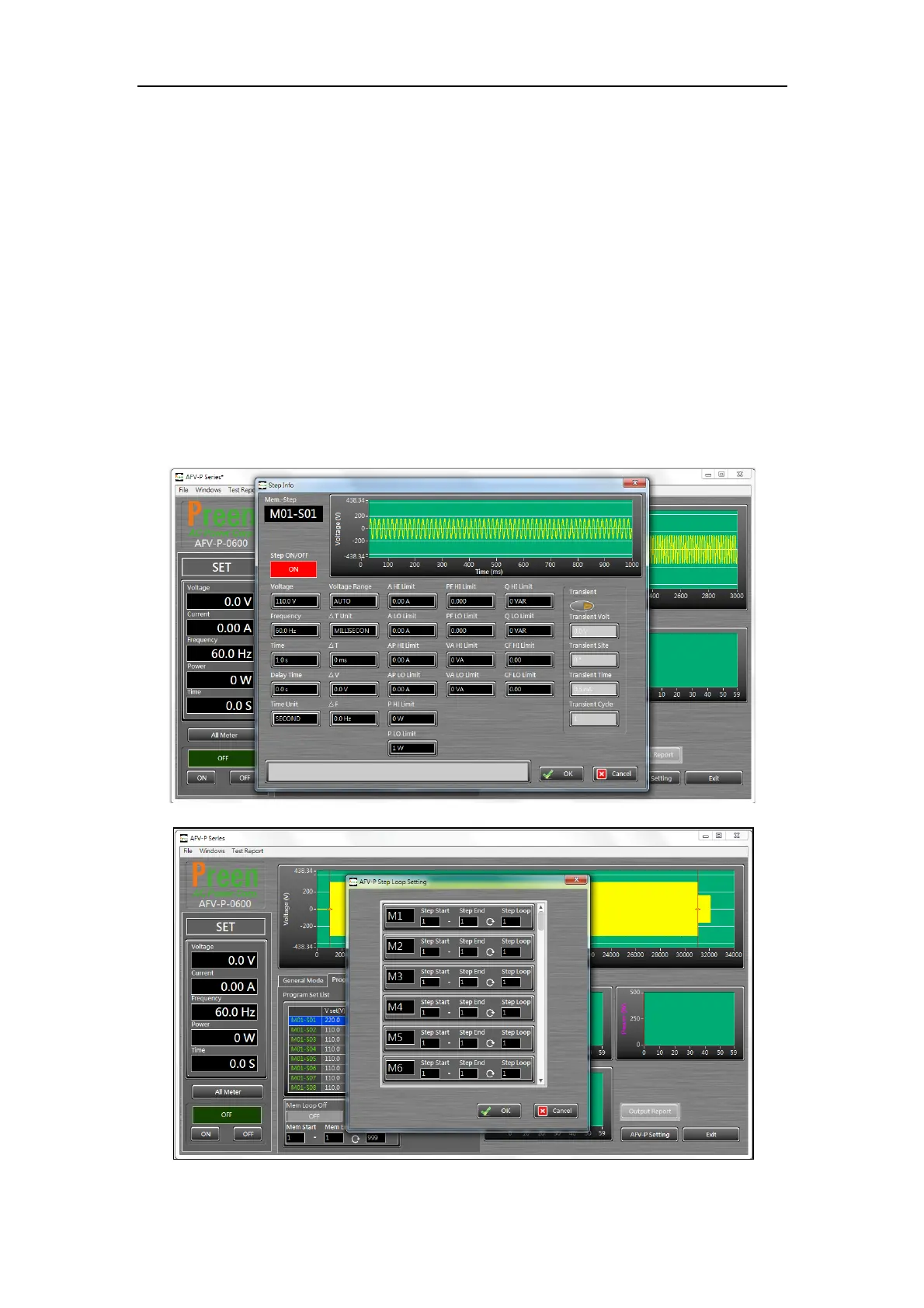
(see Figure 7.9) for the desired Step of the Memory Set. The description for
the items at the PROGRAMMABLE page of the control software is similar to
the PROGRAMMABLE page mentioned according to Chapter 5.
2) Click to enable/disable the Memory Loop.
3) Use to set the start number of the Memory Loop.
4) Use to set the end number of the Memory Loop.
5) Use to set the Memory Loop times.
6) Click to set the start number/end number of the Step Loop and the Step Loop
times for the desired Memory Set.
Figure 7.9 Setting page of the PROGRAMMABLE page
Figure 7.10 Set the Step Loop for the desire Memory Set



 To Next Page