AFV-P Series High Performance Programmable AC Power Supply
33
3.5.1.3 Output Phase Angle
At the TESTING subpage 2 (ADVANCED mode), users are allowed to set the output
phase angel with options from 0 to 359 by using the touch screen and the rotary
knob (refer to Subsection 3.2). In other words, the product can control the output
phase angle (that is, the start angle and the end angle) of the output waveform.
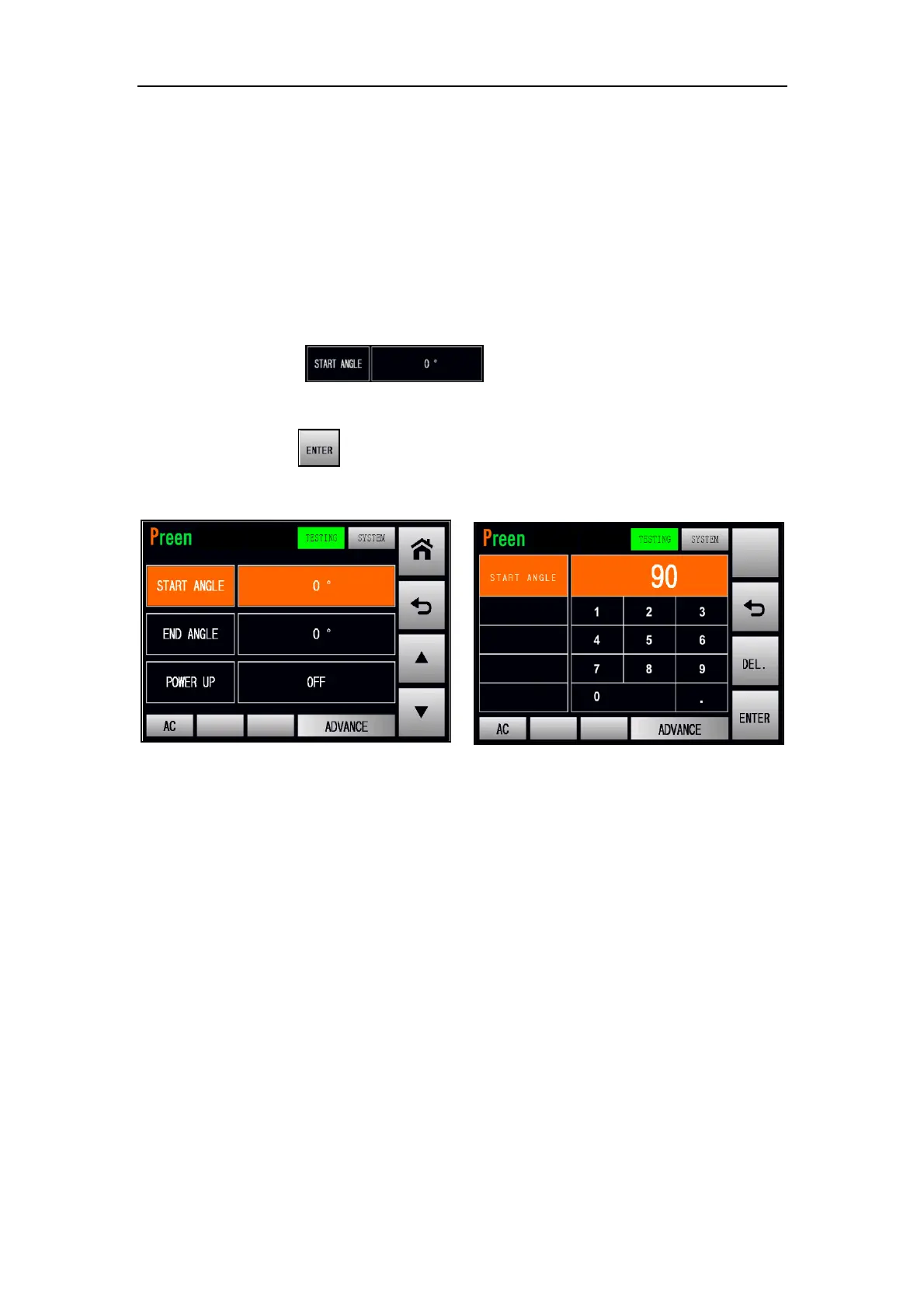
Firstly, the procedures of setting the start angle from 0 to 90 by using the virtual
numeric keys are given as below:
1. Press the item to use the virtual numeric keys to set
the value of 90.
2. Press the icon to confirm.
Figure 3.15 Set the start angle from 0 to 90 (ADVANCED mode)



 To Next Page