AFV-P Series High Performance Programmable AC Power Supply
45
3.5.2.4 Power-on Status
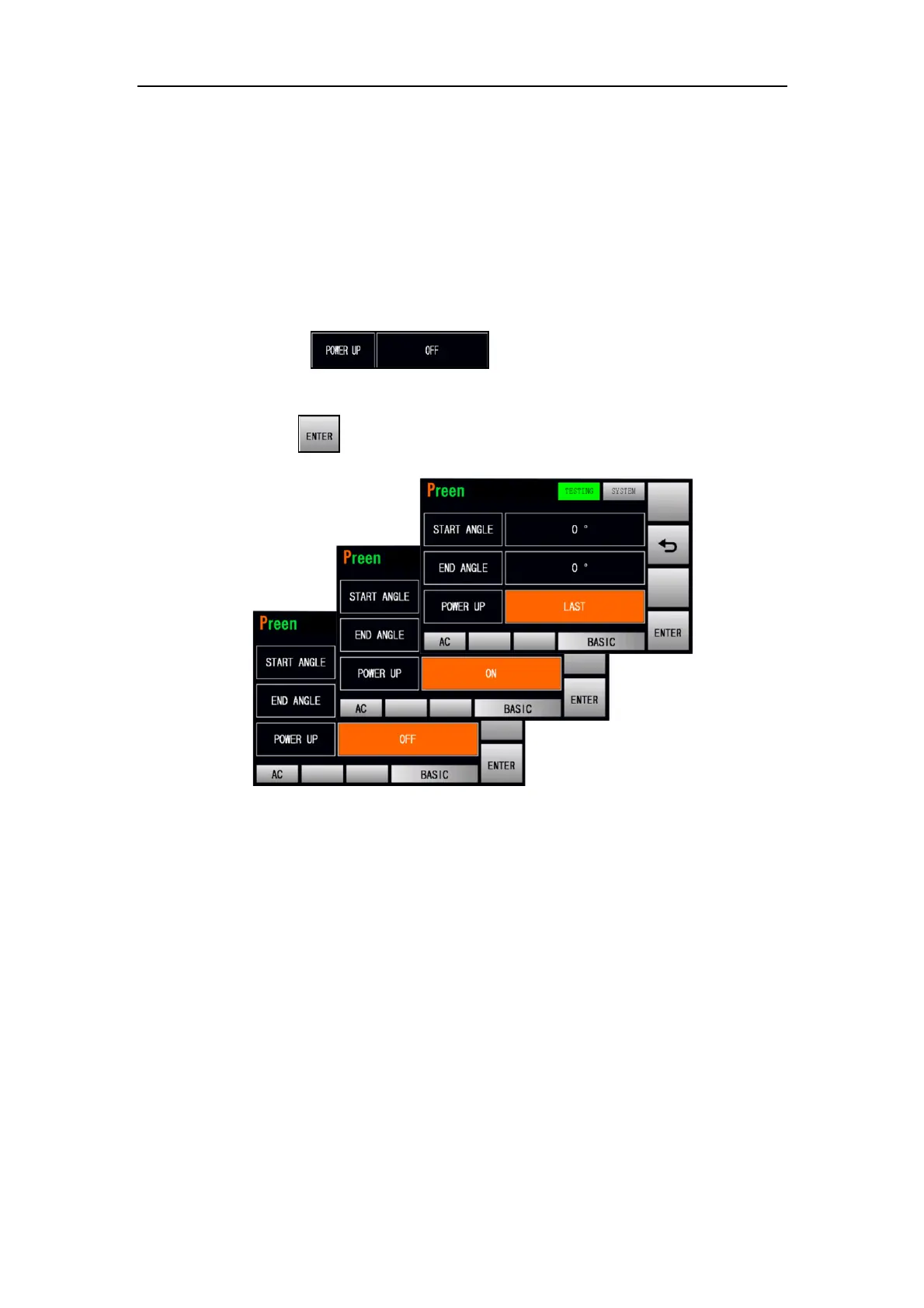
At the TESTING subpage 2 (BASIC mode), users are allowed to set the power-on sta-
tus with three options of OFF, ON and LAST. OFF indicates that the output is off after
turning on the product; ON indicates that the output is on after turning on the prod-
uct; LAST indicates that if the output remains on while turning off the product previ-
ously, the output is on after turning on the product currently, otherwise, the output
is off after turning on the product currently.
The procedures of setting the power-on status are given as below:
1. Press the item repeatedly to switch the icon status
from OFF to either ON or LAST.
2. Press the icon to confirm.
Figure 3.31 Three options of the power-on status (BASIC mode)



 To Next Page