AFV-P Series High Performance Programmable AC Power Supply
84
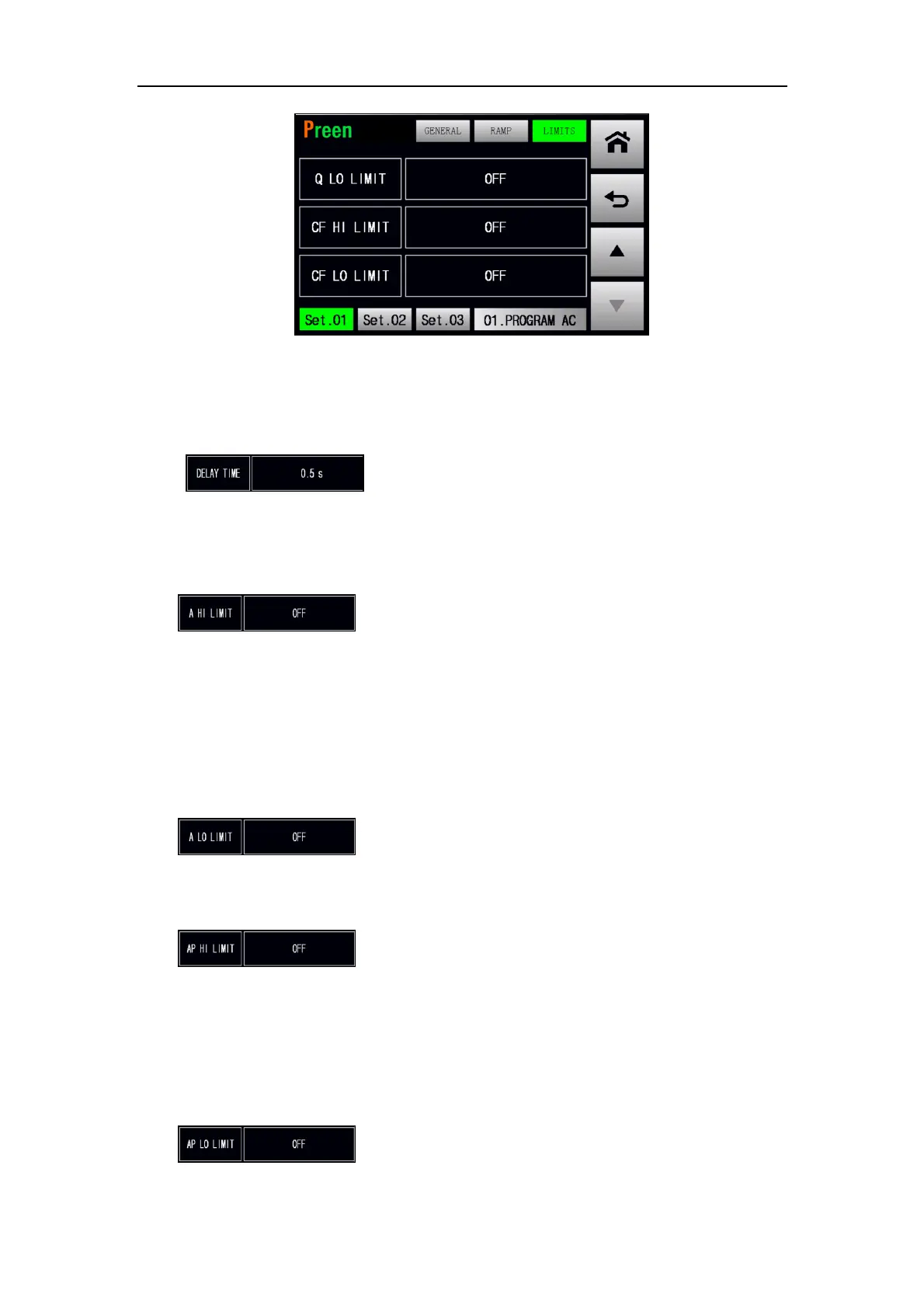
Figure 5.17 LIMITS subpage 5
The description for the items and the icons at the GENERAL subpage of the Step 1 are
given as follows,
1) : Press to set the delay time to perform the LIMITS
feature, with options from 0.5s to 999.9s, and the default option is 0.5s.
While setting the delay time less than 0.5s, the feature of the delay time will
be disabled, and this icon status will be OFF.
2) : Press to set the maximum output current for the de-
sired Step, with options from 0.01A to 5A for the product model of AFV-P-600;
from 0.01A to 10A for the product model of AFV-P-1250; from 0.01A to 20A
for the product model of AFV-P-2500; from 0.01A to 40A for the product
model of AFV-P-5000. While setting the maximum output current less than
0.01A, the output test of the maximum output current will be disabled, and
this icon status will be OFF.
3) : Press to set the minimum output current for the de-
sired Step, with options which are similar to that of the maximum output
current.
4) : Press to set the maximum output peak current for the
desired Step, with options from 0.1A to 23A for AFV-P-600; from 0.1A to 45A
for AFV-P-1250; from 0.1A to 90A for AFV-P-2500; from 0.1A to 180A for
AFV-P-5000. While setting the maximum output peak current less than 0.1A,
the output test of the maximum output peak current will be disabled, and this
icon status will be OFF.
5) : Press to set the minimum output peak current for the



 To Next Page