• All terminal blocks are equipped with an explanatory abbreviation; see the Connections sections
for the various connections.
• For Priva Blue ID projects, do not connect the FE terminal block. This terminal is intended for
possible future use.
For Compass, connect the FE terminal block.
• Switch the system power off before connecting devices to the modules; see Switching system
power on and off (page 32).
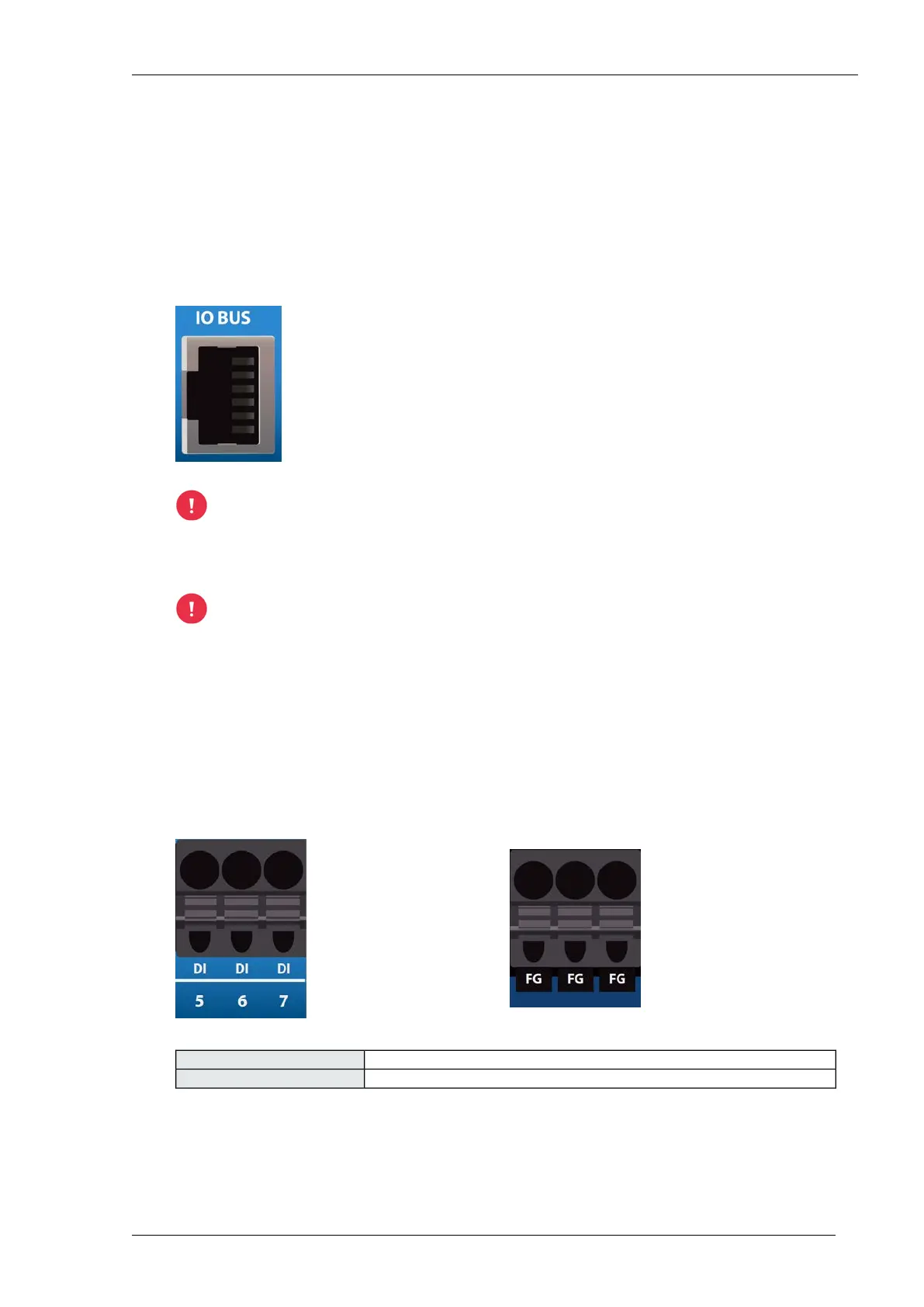
Connections - I/O bus
The right-hand I/O bus is the outgoing I/O bus. The left-hand I/O bus is the incoming I/O
bus. Always connect the right-hand I/O bus to the left-hand I/O bus of the next module.
Points to be considered when connecting the I/O bus
The I/O bus cables are not hot-pluggable. Always disconnect the system power from all
modules when removing or connecting I/O bus cables.
Connect the modules to each other via the I/O bus. Use the supplied I/O bus cables (10 cm) or a long
I/O bus cable (72 cm, article number 5219112). Always take the permitted I/O bus cable length into
account (maximum total length and maximum length between modules).
The controller's I/O bus connector has a dust cover. Remove the dust cover before connecting an
I/O bus cable. No I/O bus cable is connected in the outgoing I/O bus connector of the last module;
always install a dust cover there
Connections - digital input
digital inputDI
common neutral for inputFG (Field Ground)
Installing Priva Compass - 00.01436
Priva



 To Next Page