GTR-3455
Doc Ref: Page: 55
Date: 13/01/13 Issue: H
Pr
seal
®
uk
Tray Sealing Solutions
9.2.5 To Communicate with an FX PLC (Ref MAP001)
Necessary Items Required:-
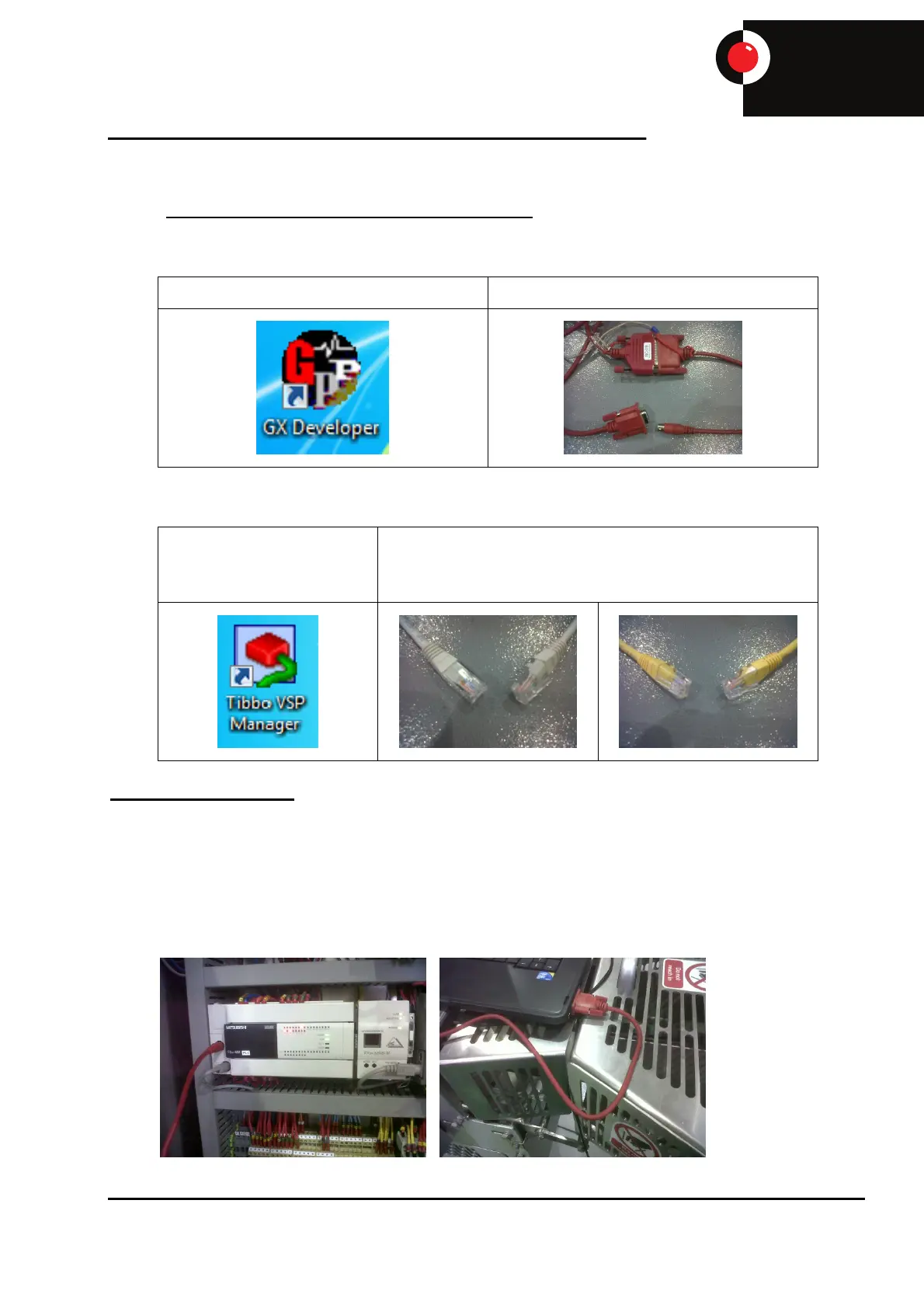
Laptop with GX Developer installed E505 (Red) Programming Cable
Optional Items Required:-
Laptop with Tibbo VSP
Manager installed
E595 (Grey) Standard Ethernet cable or
E597 (yellow) Crossover cable
(Depending on laptop port configuration)
To Connect to the PLC
When downloading a new program to a PLC or when making changes always take a copy of the
original program in the PLC and save it in a known location, if any problems occur the original
program can then be used.
Connect E505 red lead from serial port on laptop to PLC port on the left of the PLC. If there is not a
spare port available, unplug the grey HMI cable and use the port that it was plugged in to. When
finished, ensure that the HMI cable is plugged back in to the port it was removed from.


 To Next Page