MVI69E-MBS ♦ CompactLogix Platform Adding the Module to RSLogix
Modbus Serial Enhanced Communication Module User Manual
ProSoft Technology, Inc. Page 19 of 154
June 28, 2017
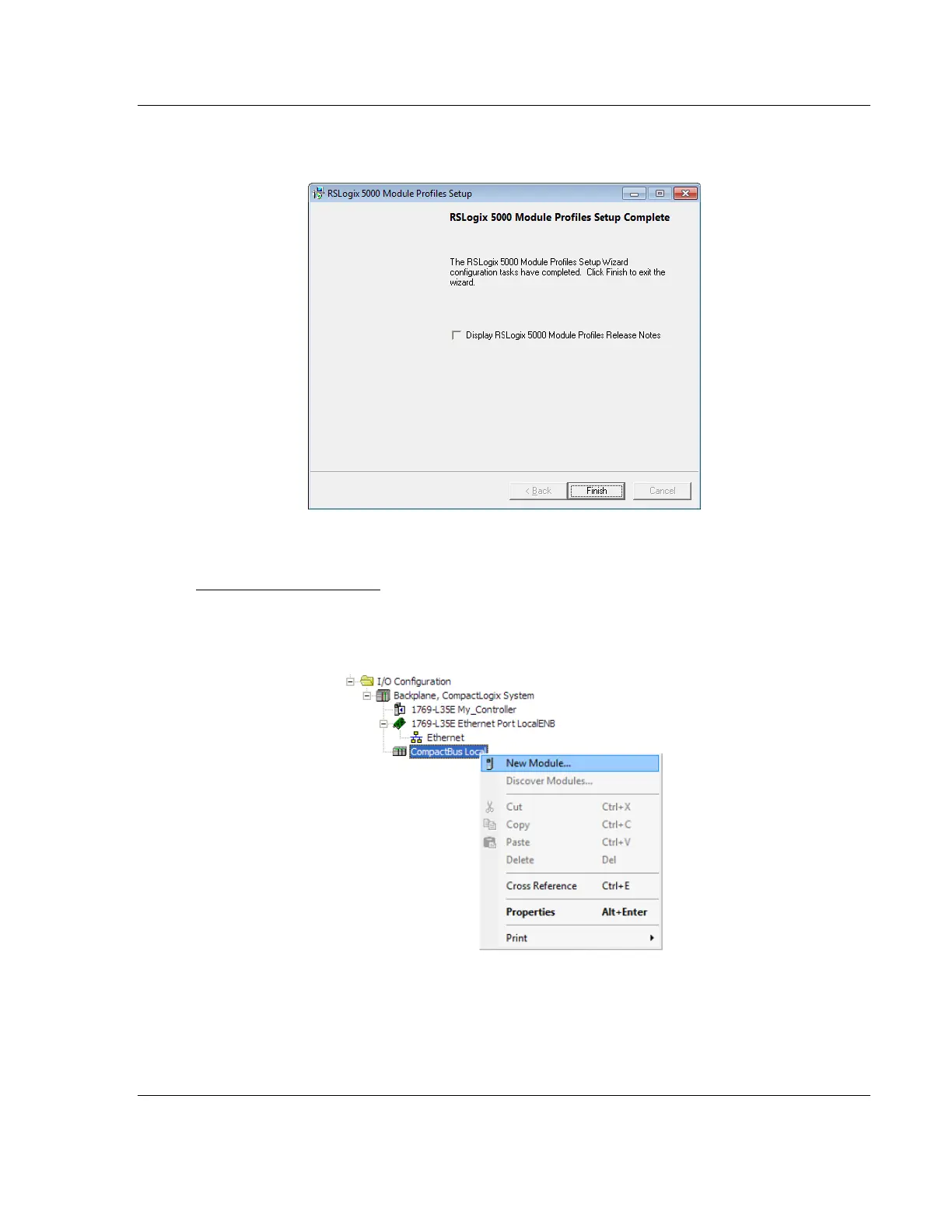
3 Click FINISH when complete. The AOP is now installed in RSLogix 5000. You
do not need to reboot the PC.
Using an Add-On Profile
1 In RSLogix 5000, expand the I/O CONFIGURATION folder in the Project tree.
Right-click the appropriate communications bus and, and then click NEW
MODULE.



 To Next Page