Configuring the MVI69E-MBS Using PCB MVI69E-MBS ♦ CompactLogix Platform
User Manual Modbus Serial Enhanced Communication Module
Page 52 of 154 ProSoft Technology, Inc.
June 28, 2017
3.2.3 Modbus Port x Commands
This section defines the master command list specifications for a Master port.
The information in this section applies to both MBS PORT 1 and MBS PORT 2.
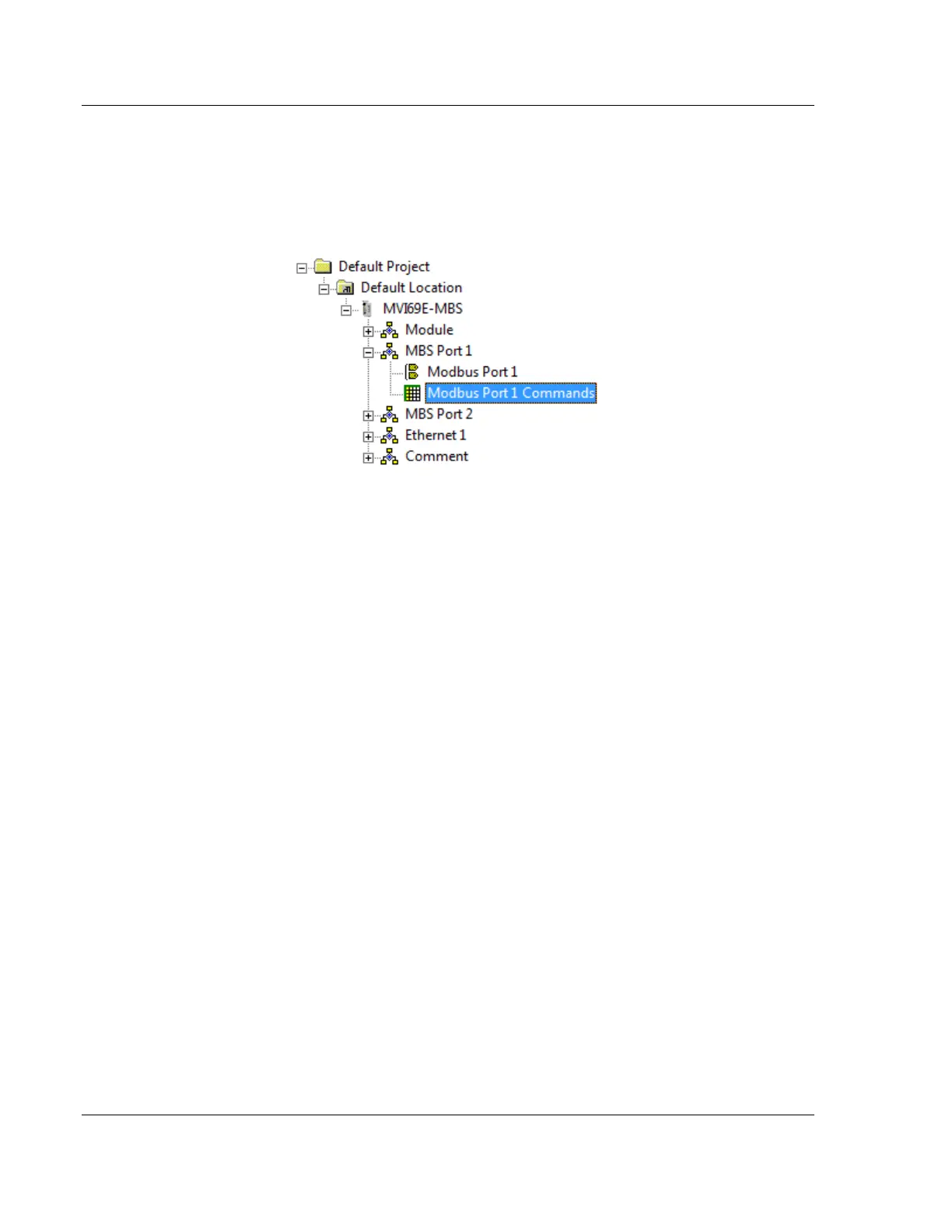
In the ProSoft Configuration Builder tree view, double-click the MODBUS PORT X
COMMANDS icon.
In order to interface the MVI69E-MBS with Modbus slave devices, you must
create a command list. The commands in the list specify the slave device to be
addressed, the function to be performed (read or write), the data area in the
device to interface with and the registers in the internal database to be
associated with the device data.
The Master command list supports up to 250 commands. The command list is
processed from top (Command #0) to bottom.
Read commands are executed without condition. You can set write commands to
execute only if the data in the write command changes (Conditional Enable). If
the register data values in the command have not changed since the command
was last issued, the command is not executed. You can use this feature to
optimize network performance.
The MVI69E-MBS Master (and Slave) communication drivers support several
data read and write commands. When a command is configured, the type of data
(bit, 16-bit integer, 32-bit float, etc), and the level of Modbus support in the slave
equipment needs to be considered.



 To Next Page