Diagnostics and Troubleshooting MVI69E-MBS ♦ CompactLogix Platform
User Manual Modbus Serial Enhanced Communication Module
Page 90 of 154 ProSoft Technology, Inc.
June 28, 2017
6.3 Connecting the PC to the Module's Ethernet Port
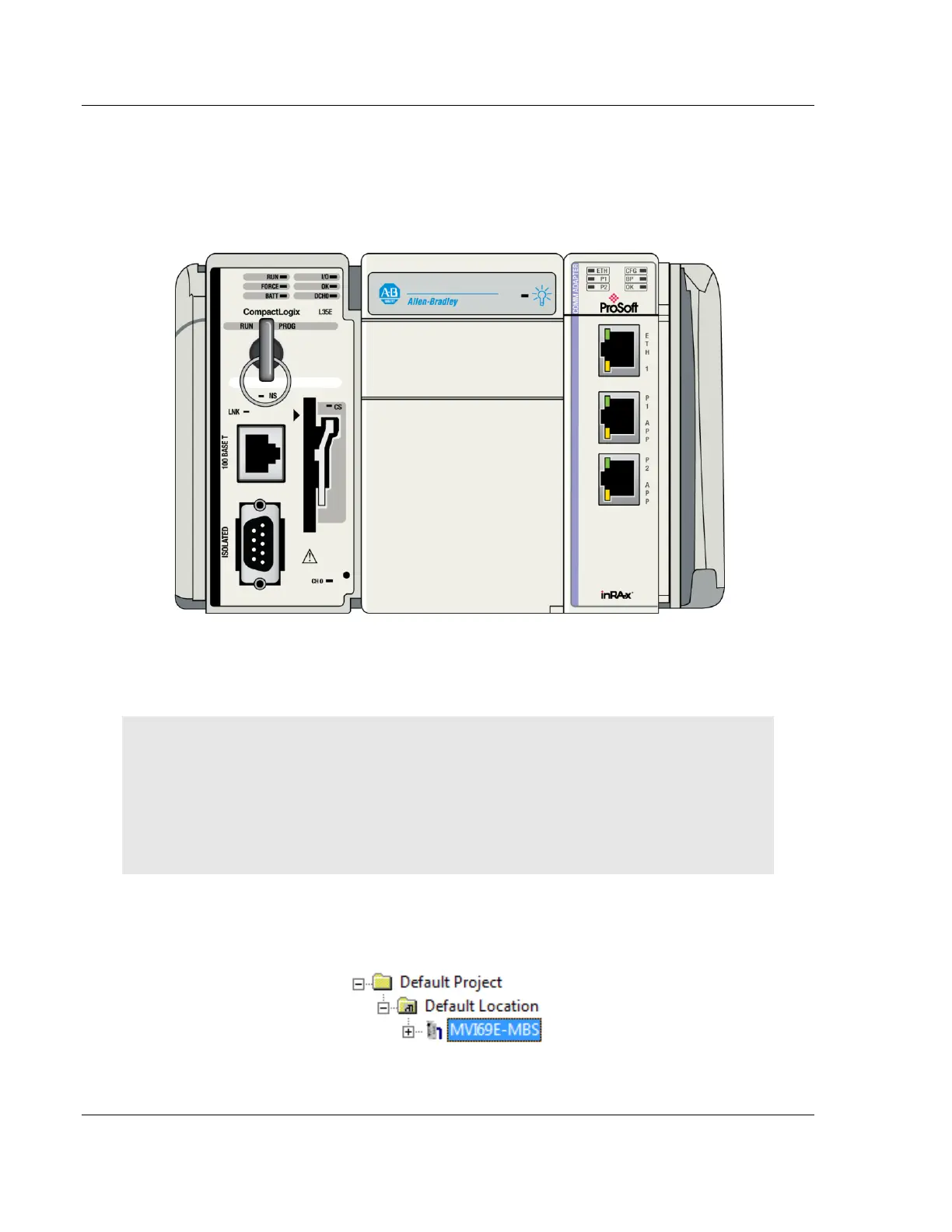
With the module securely mounted, connect one end of the Ethernet cable to the
ETH1 Port, and the other end to an Ethernet hub or switch accessible from the
same network as the PC. Or, connect directly from the Ethernet Port on the PC
to the ETH 1 Port on the module.
6.3.1 Setting Up a Temporary IP Address
Important: ProSoft Configuration Builder (PCB) locates MVI69E-MBS modules through UDP
broadcast messages. These messages may be blocked by routers or layer 3 switches. In that
case, ProSoft Discovery Service is unable to locate the modules.
To use ProSoft Configuration Builder, arrange the Ethernet connection so that there is no router/
layer 3 switch between the computer and the module, OR reconfigure the router/ layer 3 switch to
allow routing of the UDP broadcast messages.
1 In the tree view in ProSoft Configuration Builder (PCB), select the MVI69E-
MBS module. (For instructions on opening and using a project in PCB, please
refer to Configuring the MVI69E-MBS Using PCB (page 43).



 To Next Page