Configuring the MVI69E-MBS Using PCB MVI69E-MBS ♦ CompactLogix Platform
User Manual Modbus Serial Enhanced Communication Module
Page 44 of 154 ProSoft Technology, Inc.
June 28, 2017
3.1 Basic PCB Functions
3.1.1 Creating a New PCB Project and Exporting an .L5X File
Please see the chapter Adding the Module to RSLogix (page 17).
3.1.2 Renaming PCB Objects
You can rename objects such as the Default Project and Default Location folders
in the tree view. You can also rename the Module icon to customize the project.
1 Right-click the object you want to rename and then choose RENAME.
2 Type the new name for the object and press Enter.
3.1.3 Editing Configuration Parameters
1 Click the [+] sign next to the module icon to expand module information.
2 Click the [+] sign next to any icon to view module information and
configuration options.
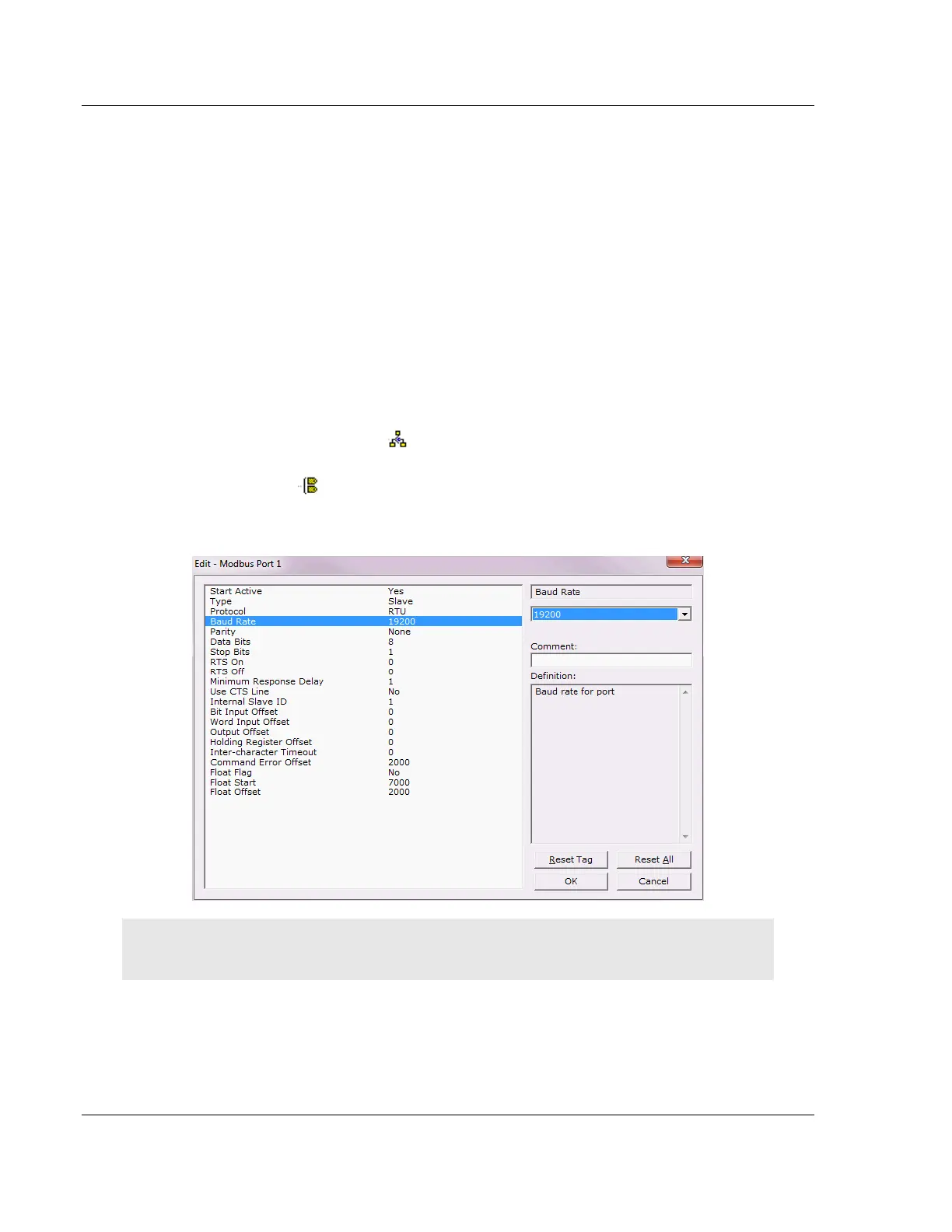
3 Double-click any icon to open an Edit dialog box.
To edit a parameter, select the parameter in the left pane and make your
changes in the right pane.
Note: Depending on the parameter, you must enter text, or a valid number, or select from a list of
options.
4 Click OK to save your changes.



 To Next Page