Adding the Module to RSLogix MVI69E-MBS ♦ CompactLogix Platform
User Manual Modbus Serial Enhanced Communication Module
Page 18 of 154 ProSoft Technology, Inc.
June 28, 2017
2.1.1 Creating a Module in the Project Using an Add-On Profile
Installing an Add-On Profile
Download the AOP file (MVI69x_RevX.X_AOP.zip) from the product webpage
(www.prosoft-technology.com) onto your local hard drive and then extract the
files from the zip archive. Make sure you have shut down RSLogix 5000 and
RSLinx before you install the Add-On Profile (AOP).
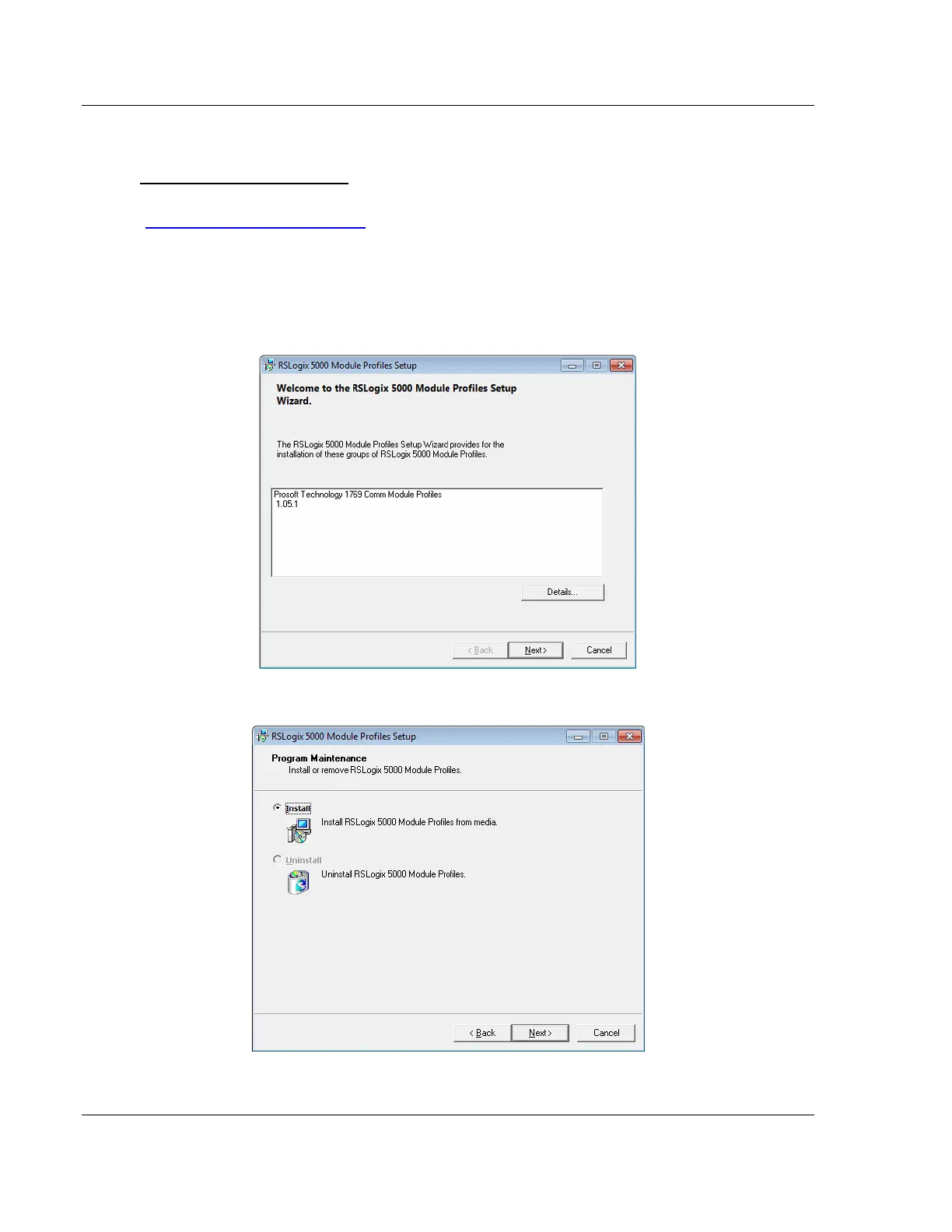
1 Run the MPSetup.exe file to start the Setup Wizard. Follow the Setup Wizard
to install the AOP.
2 Continue to follow the steps in the wizard to complete the installation.



 To Next Page