MVI69E-MBS ♦ CompactLogix Platform Configuring the MVI69E-MBS Using PCB
Modbus Serial Enhanced Communication Module User Manual
ProSoft Technology, Inc. Page 55 of 154
June 28, 2017
their register and digital point address assignments.
Note: The value entered here does not need to include the
"Modbus Prefix" addressing scheme. Also, this value is an
offset of the zero-based Modbus addressing scheme.
Example: Using a Modbus Function Code 3 to read from
address 40010 in the slave, a value of ‘9’ would be entered in
this parameter. The firmware (internally) adds a ‘40001’ offset
to the value entered. This is the same for all Modbus
addresses (0x, 1x, 3x, 4x).
Override Value
Upon Error
This parameter is only applicable for Enable Codes 3
(Bit/Word Override) or 4 (Float Override).
If an error occurs associated to a read command the module
automatically populates the associated database area with
this override value.
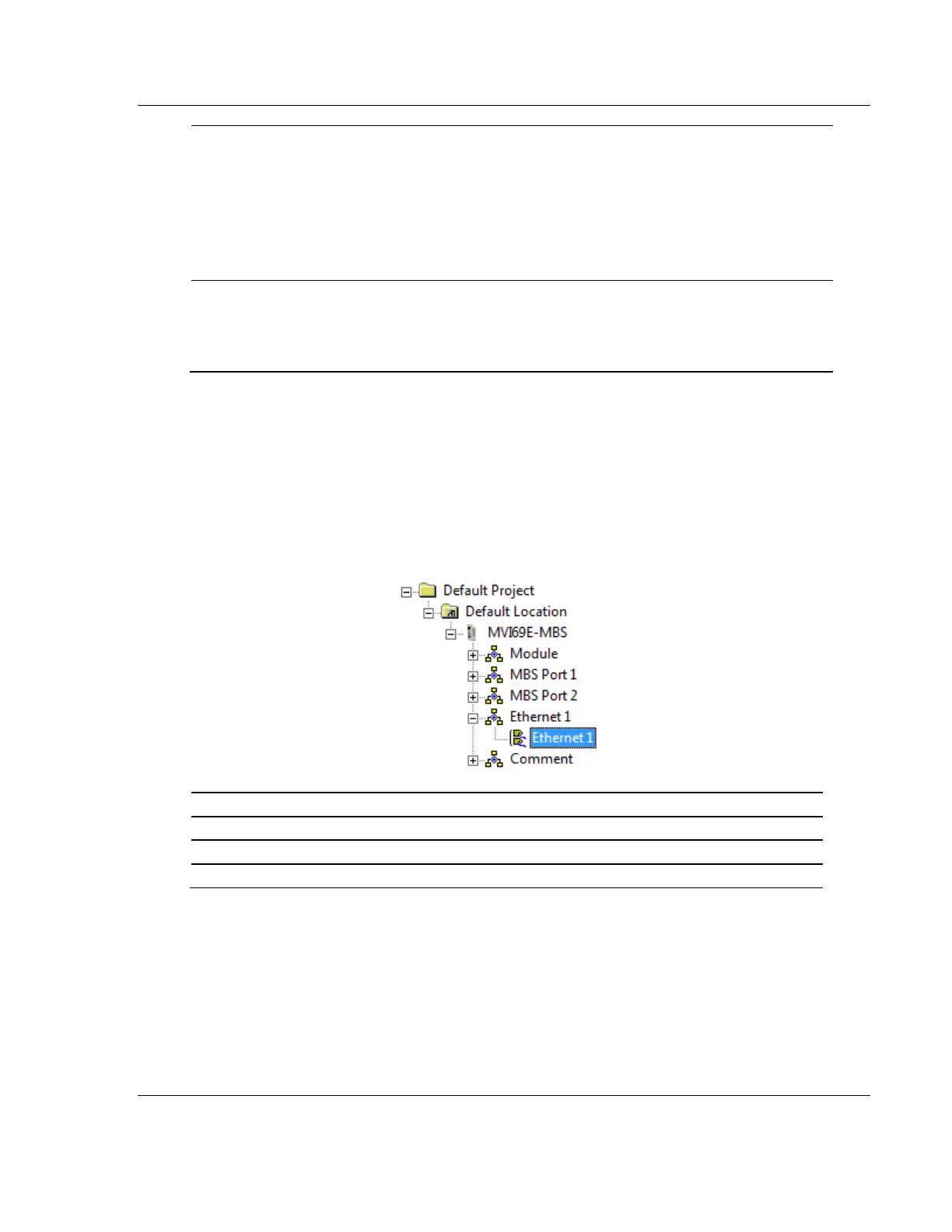
3.2.4 Ethernet 1
This section defines the permanent IP address, Subnet Mask, and Gateway of
the module.
In the ProSoft Configuration Builder tree view, double-click the ETHERNET 1 icon.
Unique IP address assigned to the module



 To Next Page