Adding the Module to RSLogix MVI69E-MBS ♦ CompactLogix Platform
User Manual Modbus Serial Enhanced Communication Module
Page 36 of 154 ProSoft Technology, Inc.
June 28, 2017
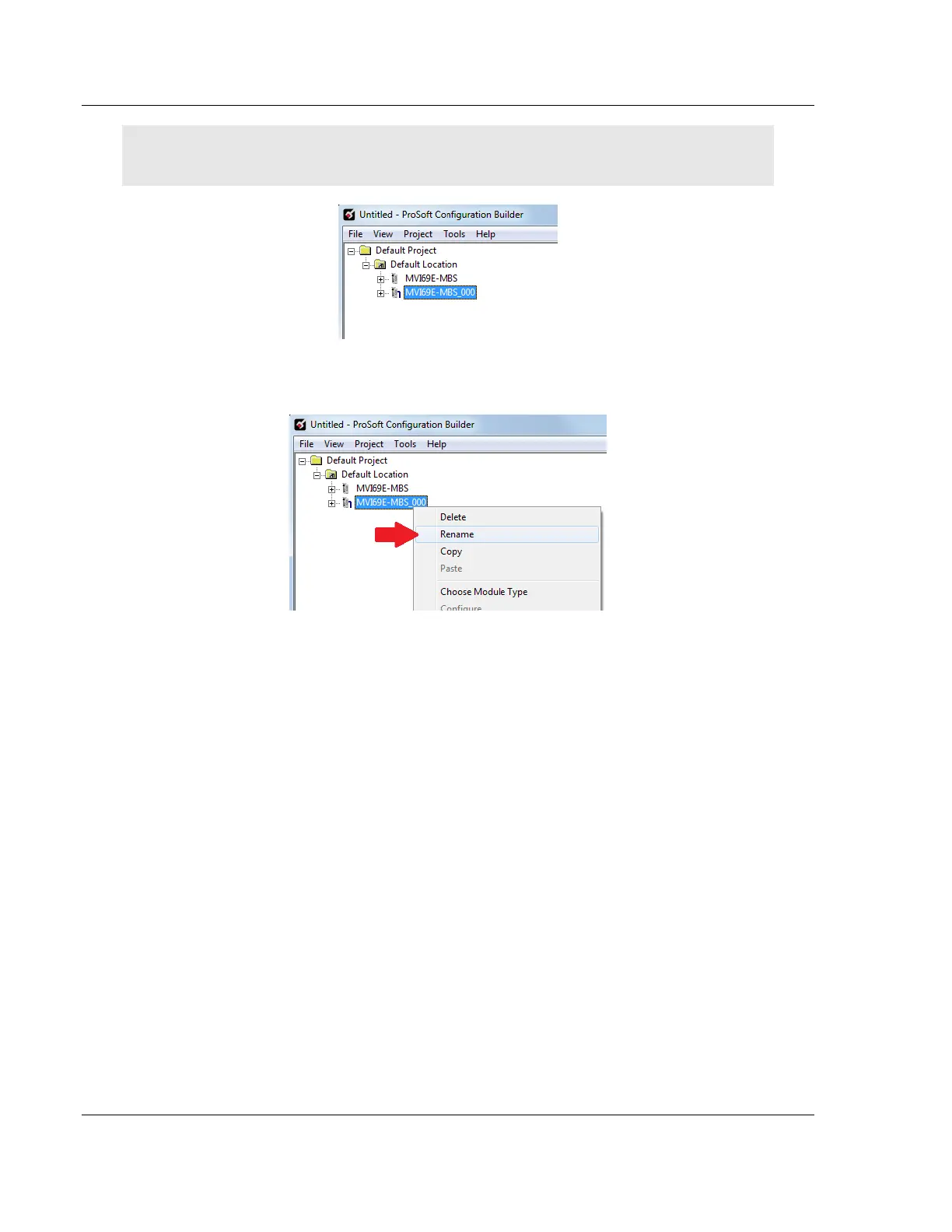
Note: You must give each MVI69E-MBS module a unique name. The default name on a duplicate
module appends a number to the end such as MVI69E-MBS_000, MVI69E-MBS_001, etc.
6 You can rename the module by right clicking the module and choosing
Rename.
7 Configure the module parameters. See Module Configuration Parameters
(page 47) and then export the AOI .L5X file for the new module (right-click the
module and choose EXPORT AOI FILE. See Creating and Exporting the .L5X
File (page 28).



 To Next Page