511026 Rev. 07-01-19
113
6.
19.2.3.1.3 Viewing Elements by Group
When the list is grouped, you can expand or contract the list for each group by clicking the triangle next to
the number in the first column. Grouping is enabled by default.
To disable grouping, click Group Off.
To enable grouping, click Group On.
6.19.2.3.2 Graphical View
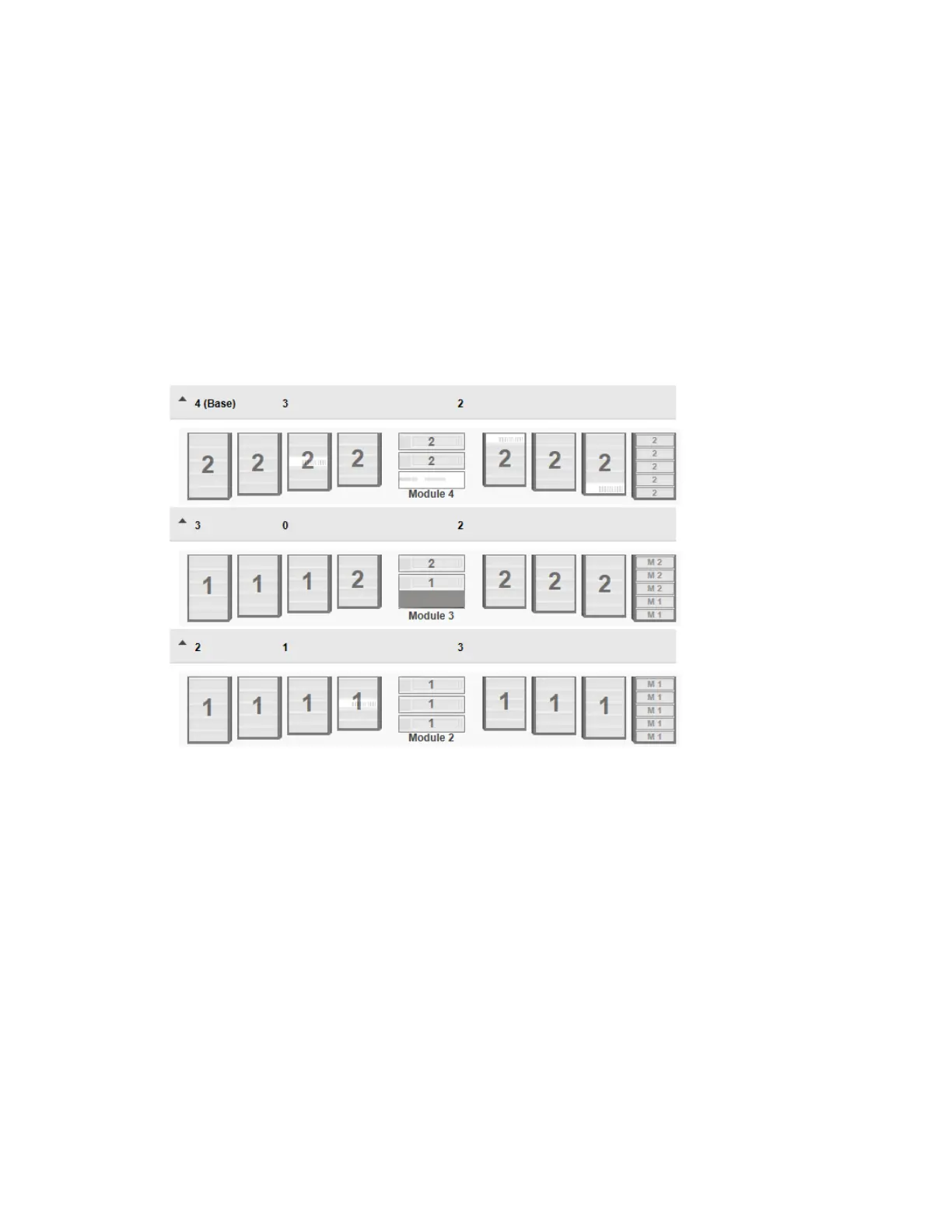
The graphical view of the partition map displays the partition number for every magazine. Magazines that
can be configured as mailslots, display single slots. When mailslots are configured, the slot number gets a
leading ‘M’.



 To Next Page