Q40 Tape Library Installation and Operations Manual
511026 Rev. 07-01-19 112
6.19.2.3.1 List View
I
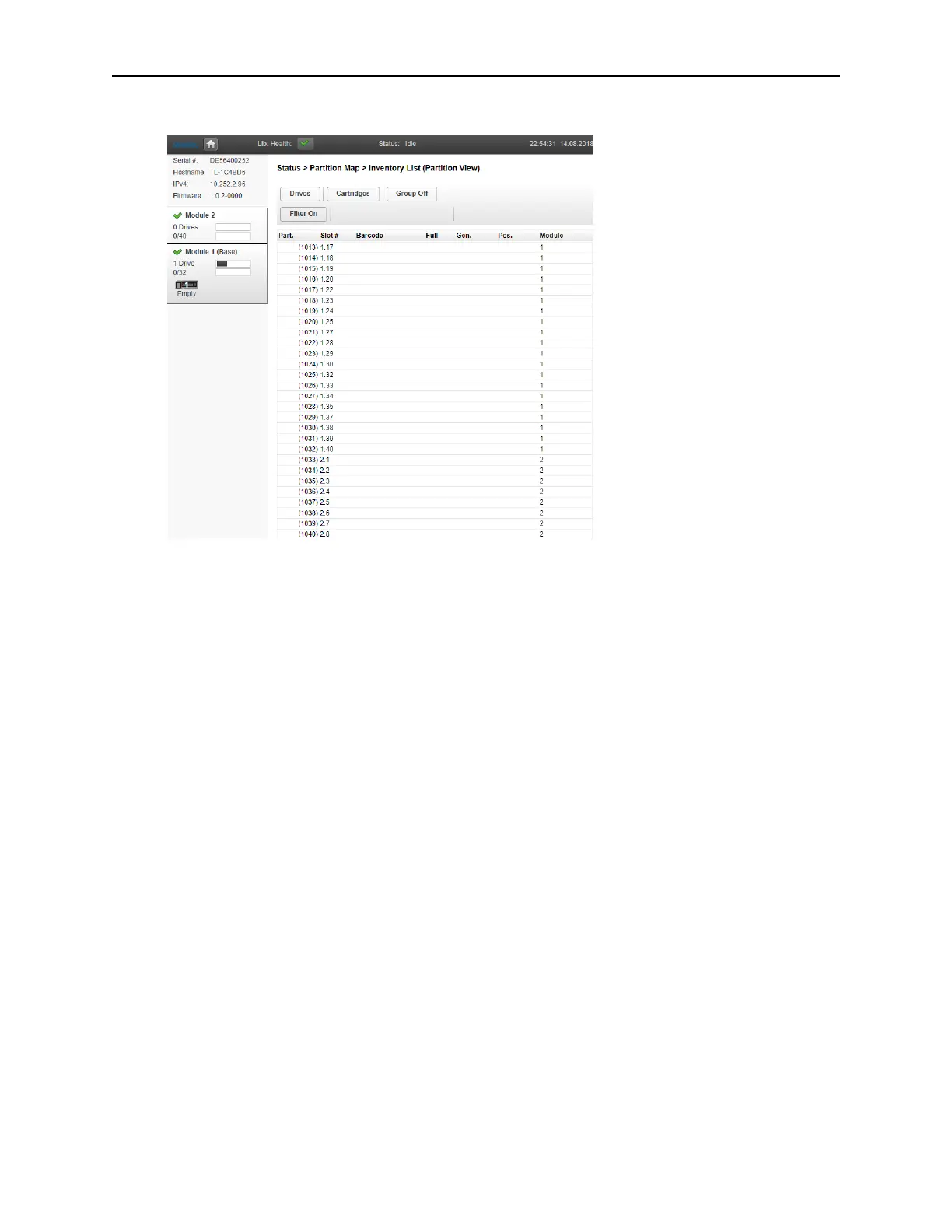
n the Inventory List (Partition View) you can see:
• Module – The module number
• Slot # - The slot number in the form <module> <slot>.
• Label – Barcode label.
• Full – X if a cartridge is using the element.
• Gen – LTO generation of the cartridge
• Partition – The partition number
6.19.2.3.1.1 Filtering by Barcode Label
To filter the list based on barcode label, enter characters in the filter box and then click Search.
3. CIick Filter On.
The search box is displayed.
4. E
nter characters into the search box and then click Search.
The characters can be anywhere in the barcode label. The search characters are not case
sensitive. There are no wildcards.
To disable filtering, click Filter Off.
6.19.2.3.1.2 Listing Just Drives or Cartridges
To limit the list to tape drives, click Drives.
To limit the list to cartridges, click Cartridges.
To see all elements, click Partition or Slots.



 To Next Page