511026 Rev. 07-01-19
115
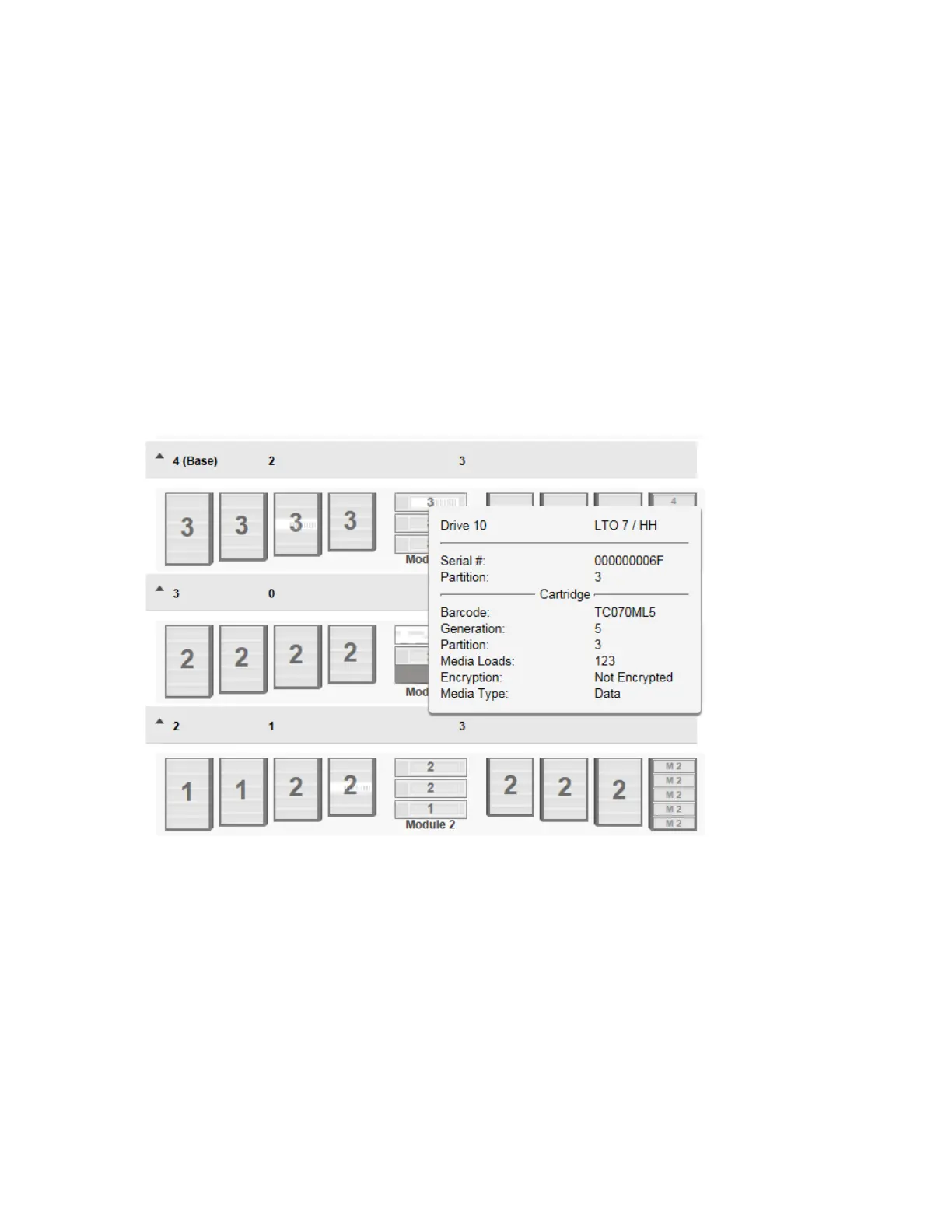
Mov
ing the mouse over a drive will display additional information such as:
• Drive – LTO generation of drive and format (Full Height or Half Height)
• Drive # - The drive number
• Serial # - Serial number of the drive
• Partition – The partition number
If a cartridge is loaded in this drive additional information about the cartridge is displayed such as:
• Barcode – Barcode data on label
• Generation – LTO generation of cartridge
• Partition – The partition number
• Media Loads – Number of loads
• Encryption – Encryption status
• Media Type – Data cartridge, Cleaning Cartridge



 To Next Page