Q40 Tape Library Installation and Operations Manual
511026 Rev. 07-01-19 116
6.19.2.3.3 Partition Map Configuration Status
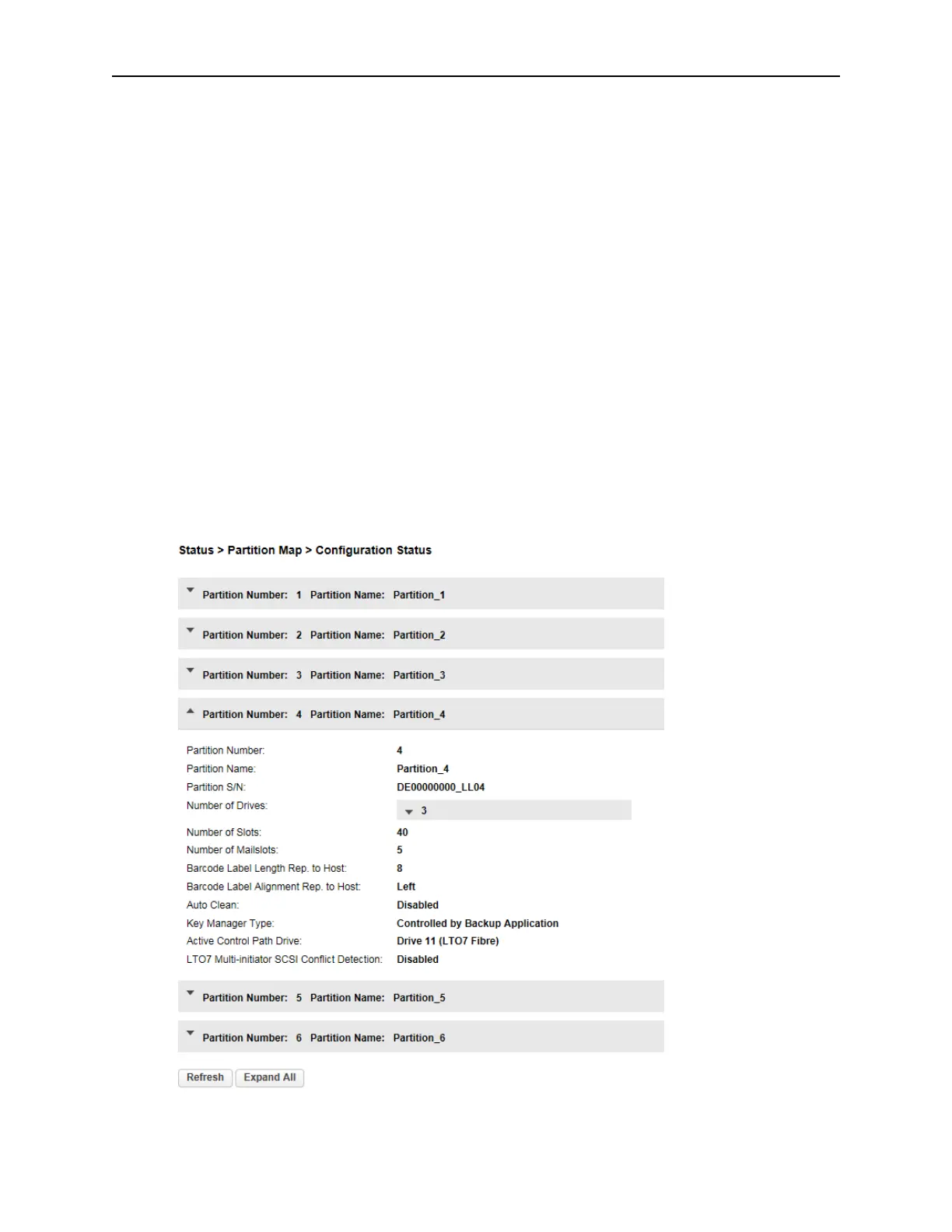
To see the configuration of a partition, navigate to the Status >Partition Map >Configuration Status
page.
• Partition Number – The partition number
• Partition Name – The partition name
• Partition S/N – The partition serial number
• Number of Drives – Number of drives in this partition
• Number of Slots – Number of slots in this partition
• Number of Mailslots – Number of mailslots in this partition
• Barcode Label Length Rep. to Host – Barcode length reported to the host
• Barcode Label Alignment Rep. to Host – Barcode alignment reported to the host
• Auto Clean – Indicates whether automatic cleaning of drives is enabled or disabl
ed
• K
ey Manager Type – Encryption type
• Active Control Path Drive – LUN drive for this partition
• LTO7 Multi-initiator SCSI Conflict Detection – Indicates whether Multi-initiator Conflict
Detection is enabled or disabled



 To Next Page