511026 Rev. 07-01-19
51
5.4.1 Initial System Setup
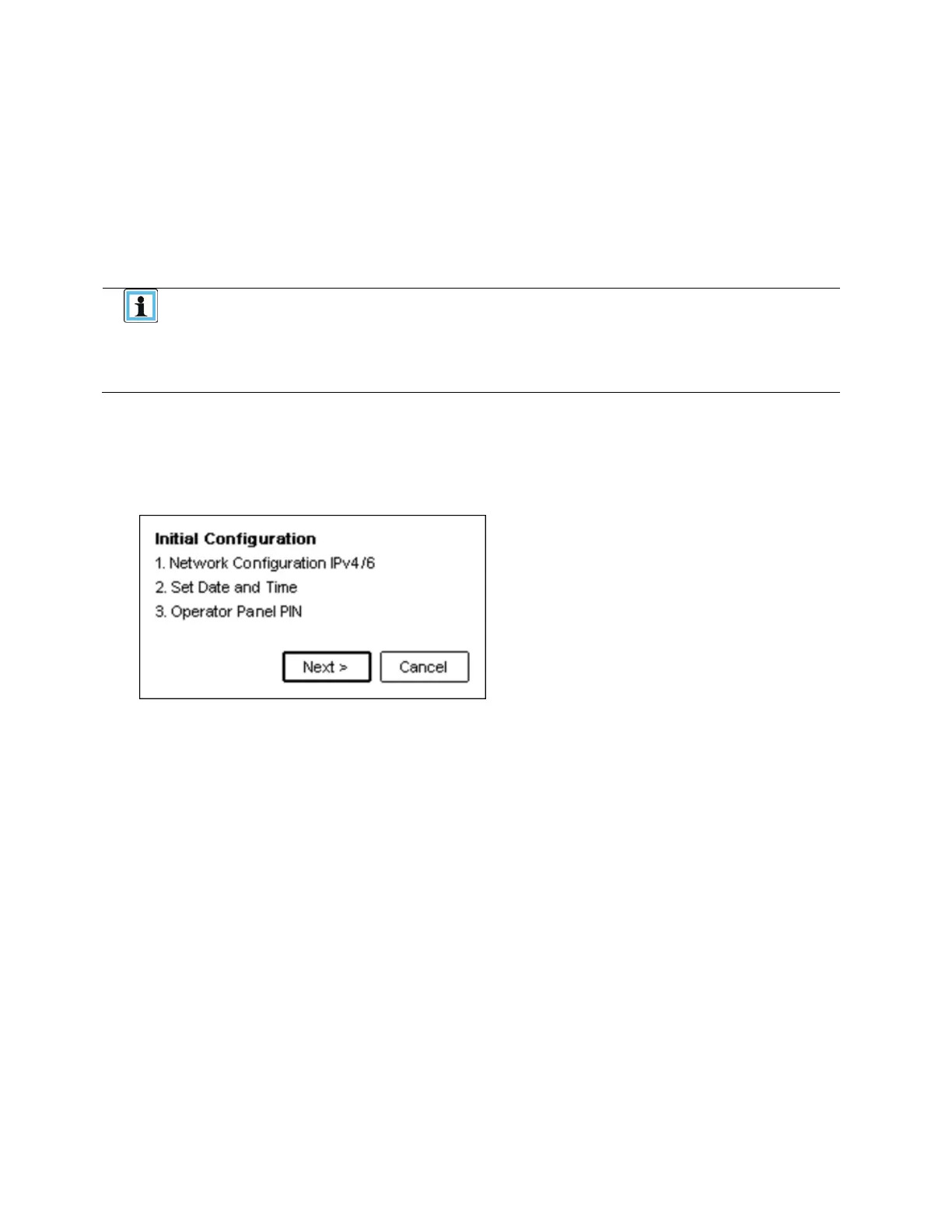
For initial configuration go to the Configuration > Initial System Setup screen.
T
he wizard guides you through setting the library network configuration, configuring date and time, and
setting the administrator PIN. You can skip items and stop the wizard at any time. When you have
configured the network settings, you can initiate the wizard from the RMI to complete the remaining
configurations.
On the very first power up of the library the user is prompted to walk through the
Initial Configuration wizard. It is recommended to walk completely through the
wizard and finish the wizard by pressing the Finish Button. Otherwise with
every login on the OCP the user will be prompted again to walk through the
To log in the first time on the RMI you should use the default administrator password adm001. To set your
own password navigate to the Access > Users page on the RMI.
1. P
ress Next>, then Enter to start the wizard beginning with the network configuration.
2. I
n the network configuration page you can configure these items.
• Host Name
• Domain Name
• Protocol
• IPv4 related settings:
• Method
• IPv4 Address
• Netmask
• IPv4 Gateway
• IPv4 DNS1
• IPv4 DNS2
• IPv6 related settings:
• Method
• IPv6 Address
• IPv6 Gateway
• Prefix Length
• IPv6 DNS1
• IPv6 DNS2



 To Next Page