Q40 Tape Library Installation and Operations Manual
511026 Rev. 07-01-19 52
3. W
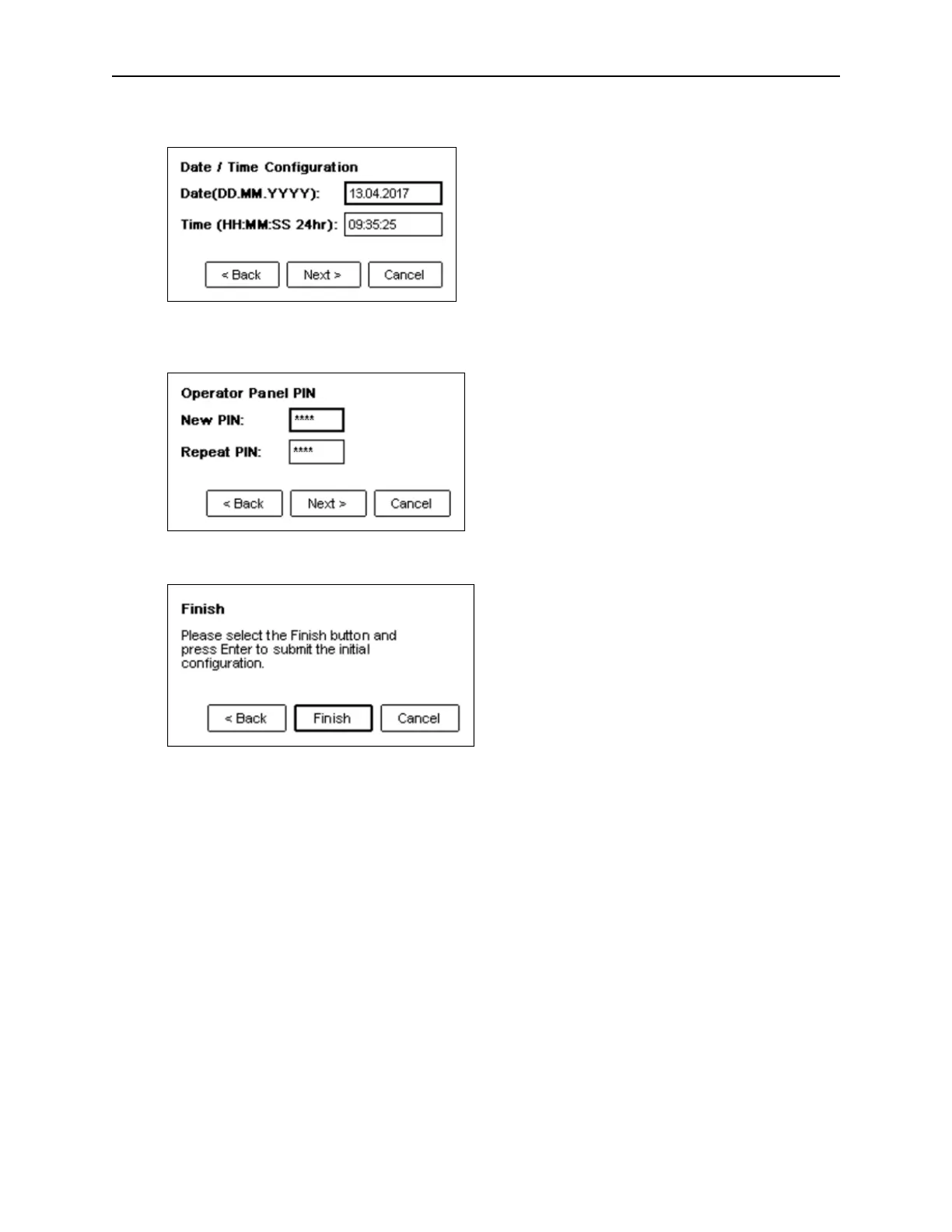
hen finished with the network settings, select Next> and press Enter to switch to date and time.
4. W
hen finished with the date and time settings, select Next> and press Enter to switch where t
he
A
dministrator OCP PIN can be changed.
5. W
hen finished with the PIN change, select Next> and press Enter to switch to the finish screen.
6. T
o keep the settings, select Finish and press Enter. With Cancel, you can skip the configuration a
nd
l
eave the wizard without any changes. With Back, you can correct your changes before they ar
e
s
ubmitted.



 To Next Page