511026 Rev. 07-01-19
53
5.4.2 Date & Time
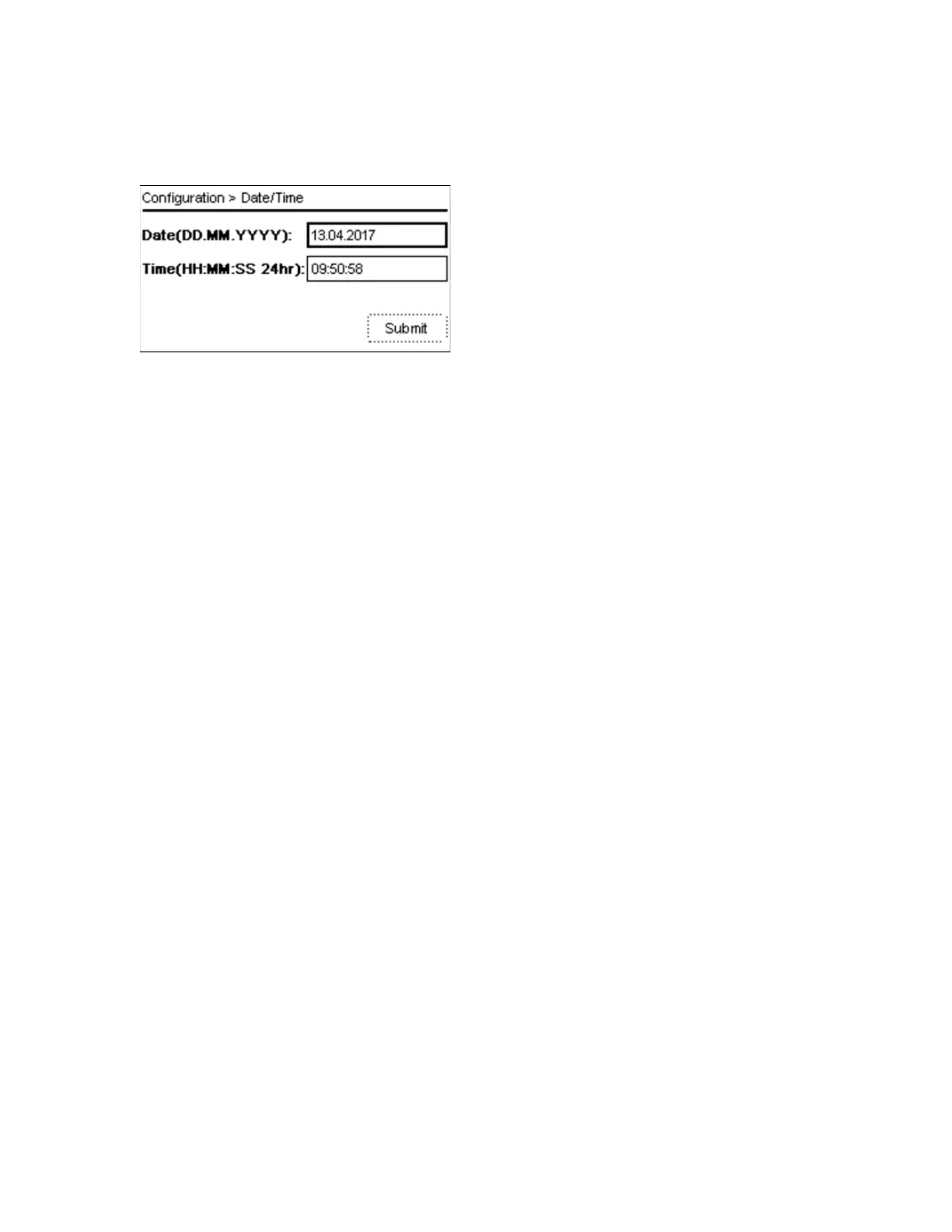
To configure date and time navigate to the Configuration > Date & Time screen.
1. P
ress Enter and use Up or Down buttons to change the date.
2. Press the Right button to move to the month and select the correct month
3. Repeat this procedure for the year
4. Press Enter
5. Press Down to navigate to the Time field
6. Press Enter and use Up or Down buttons to change the hour.
7. Press the Right button to move to the minutes and select the correct minute
8. Repeat this procedure for the seconds
9. Press Enter.
10. The Submit option is activated
11. Press Down to navigate to Submit
12. Press Enter to submit the new date and time



 To Next Page