511026 Rev. 07-01-19
61
5.4.6.4 Reset List of Known Drives and Modules
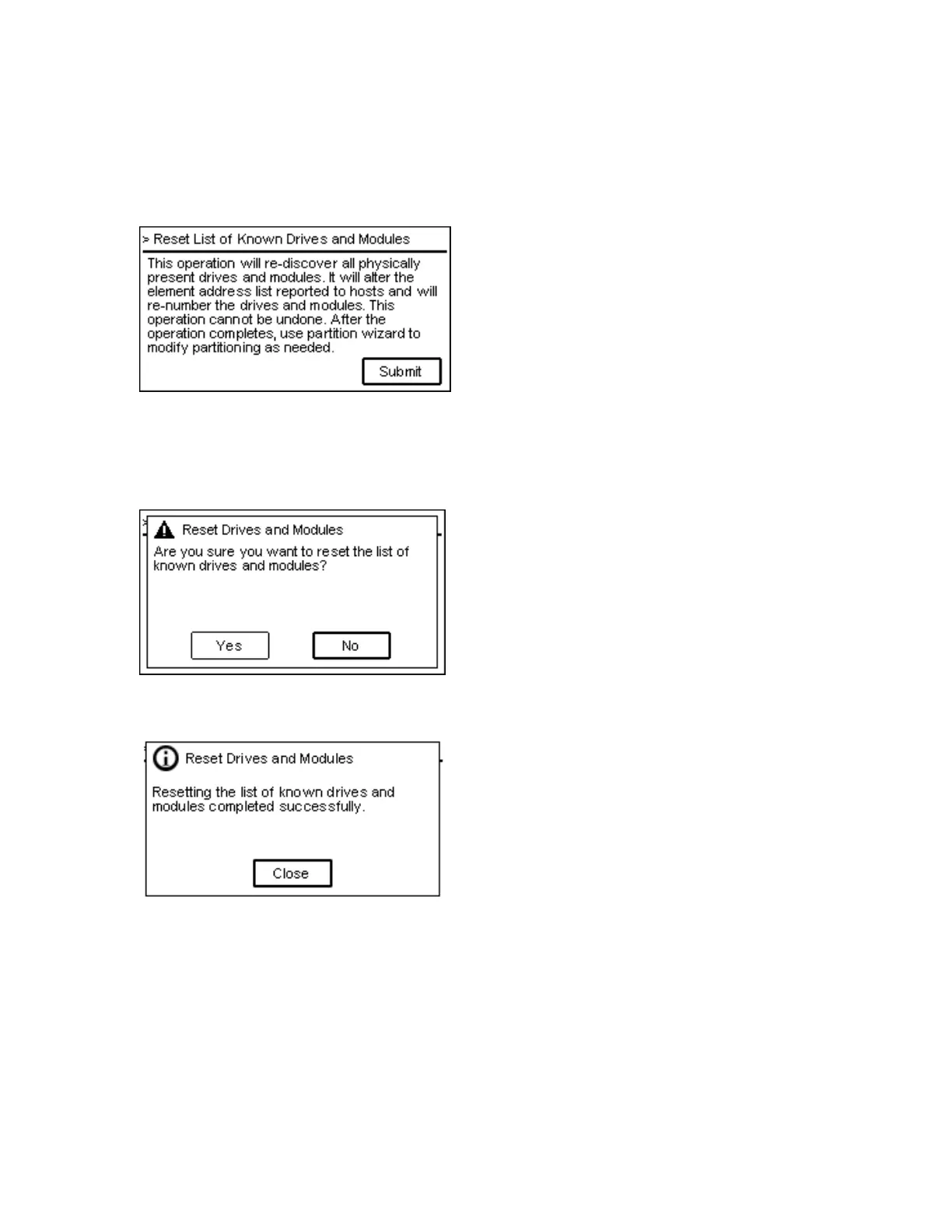
The Save/Restore > Reset List of Known Drives and Modules page enables you to remove Modules
and Drives that have been physically removed from the library stack.
1. P
ress Submit to reset the list of drives and modules in the library stack
2. A dialog will prompt the user to confirm to reset the list.
3. A
dialog box will confirm that the drives and modules list has been reset.



 To Next Page