Q40 Tape Library Installation and Operations Manual
511026 Rev. 07-01-19 60
5.4.6.3 Reset Default Settings
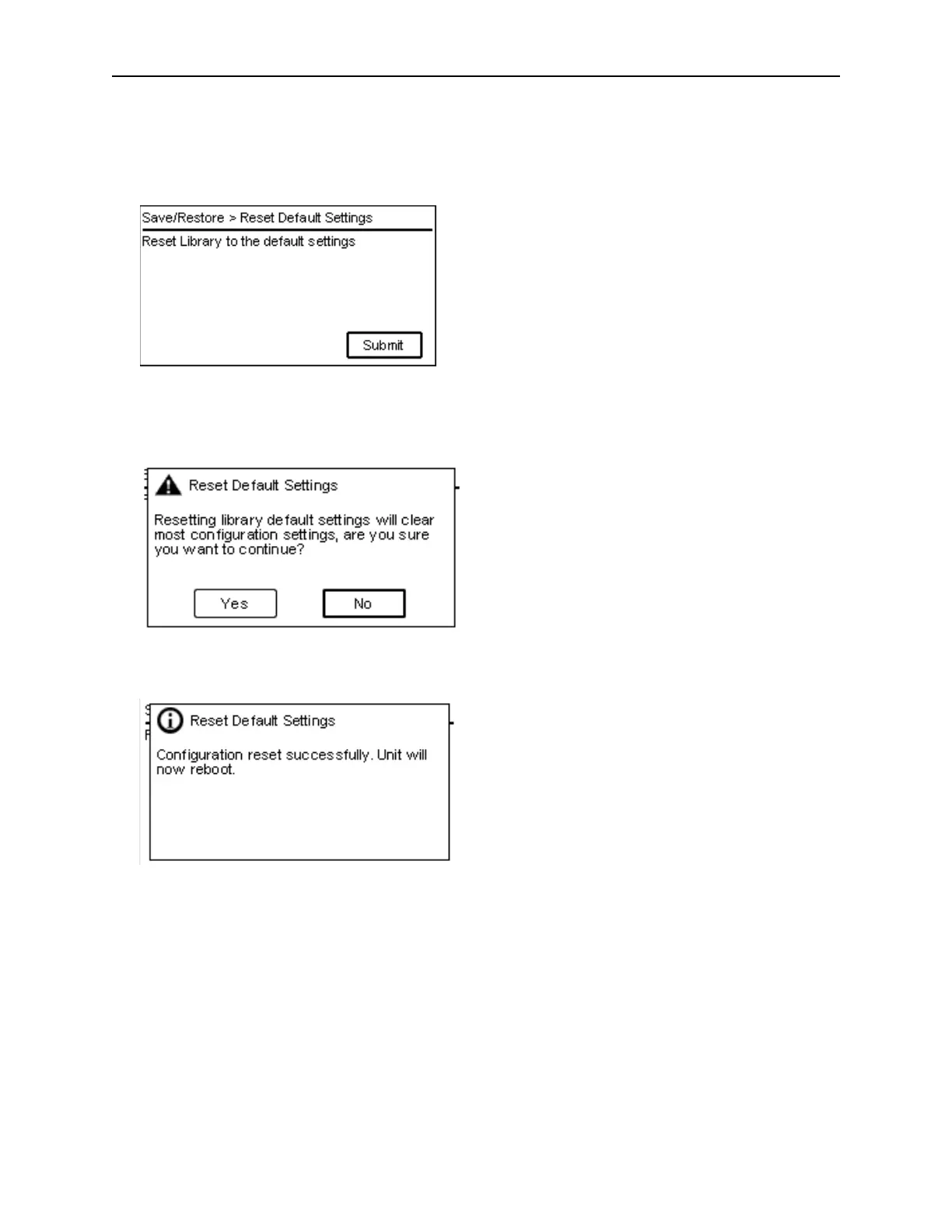
From the Save/Restore > Reset Default Settings page you can reset the library to default configuration
settings.
1. P
ress Submit to reset the configuration settings to default.
2. A dialog will prompt the user to confirm to reset to defaults.
3. A dialog box will confirm that the default settings were reset.



 To Next Page