511026 Rev. 07-01-19
59
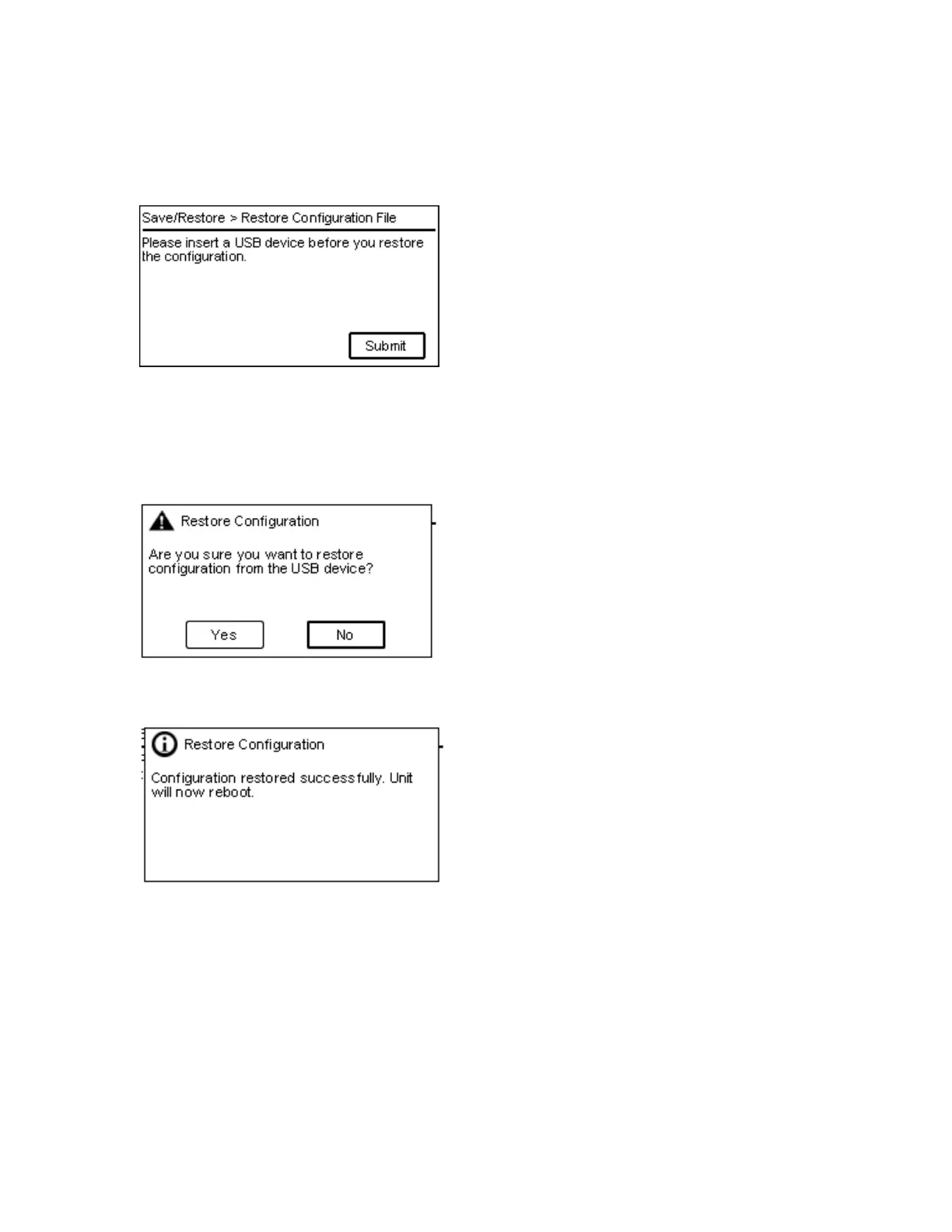
5.4.6.2 Restore Configuration File
From the Save/Restore > Restore Configuration File page you can restore the library configuration
from a USB device.
1. I
nsert a USB device on the OCP.
2. Press Submit to start the restore process.
3. A
dialog box will prompt the user to confirm the restore process.
4. A
dialog box will confirm that the file was restored properly.



 To Next Page