511026 Rev. 07-01-19
71
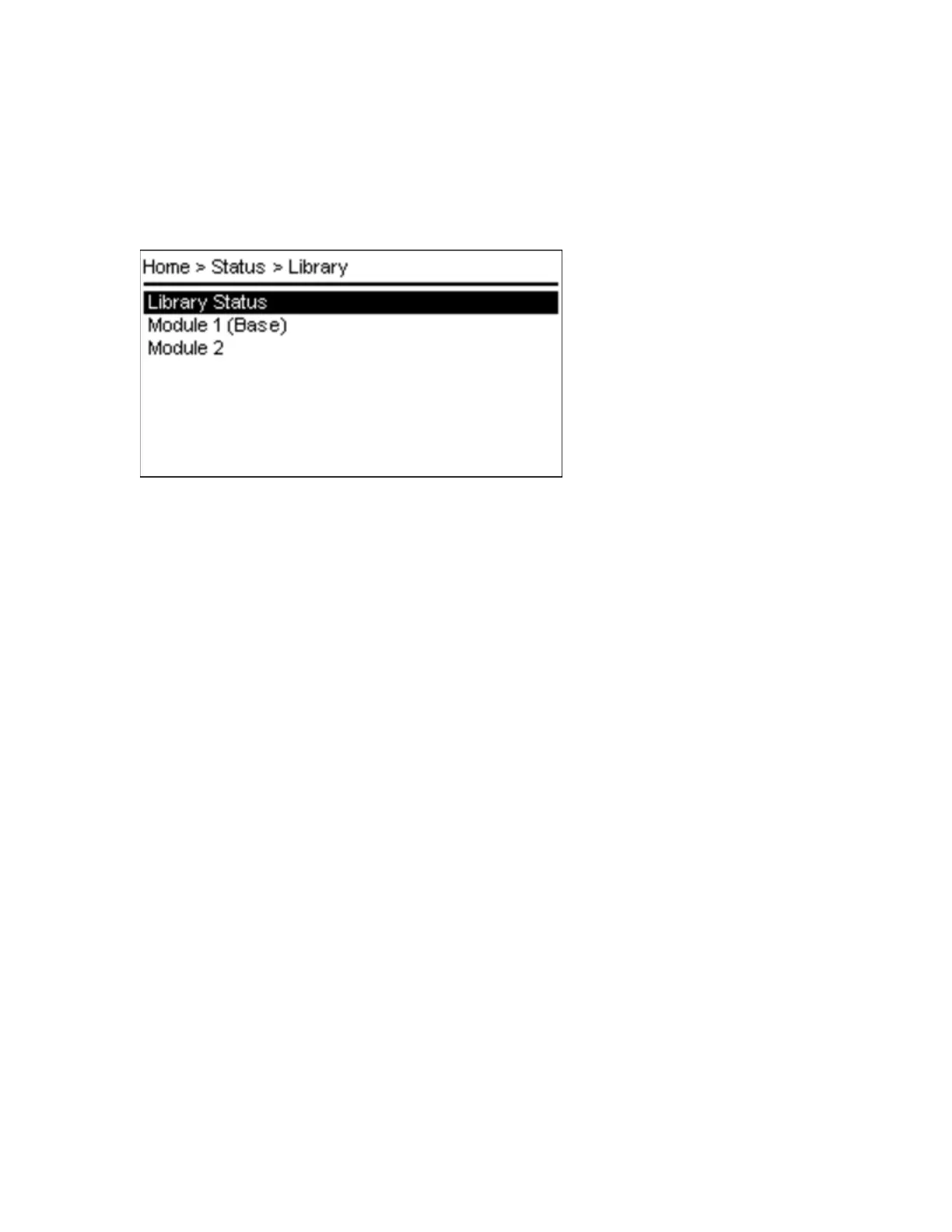
5.6.2 Library
From the Status > Library screen you can see the library status information.
• Library Status
• Module Status for each single module in the stack (up to 7 modules can be possible)
T
he Status > Library > Library Status screen provides the following status information:
Library Information:
• Vendor
• Product ID
• Serial Number
• Base Firmware Revision
• Expansion Firmware Revision
• Robotic Hardware Revision
• Robotic Firmware Revision
• Barcode Reader Hardware Revision
• Barcode Reader Firmware Revision
Library Status:
• Library Status - e.g. Scanning, Moving, Idle
• Total Power On Time - days/hours/minutes
• Cartridge in Transport - source slot of current moving cartridge
• Odometer
• Robotic Location - Position in Stack
• Shipping Lock - Locked/Unlocked
T
he Status > Library > Module screen provides the following status information:
• Controller Revision - Base/Expansion controller
• Power Supply Status
• Lower Power Supply - Present/Not Present
• Upper Power Supply - Present/Not Present



 To Next Page