Q40 Tape Library Installation and Operations Manual
511026 Rev. 07-01-19 72
5.6.3 Drive
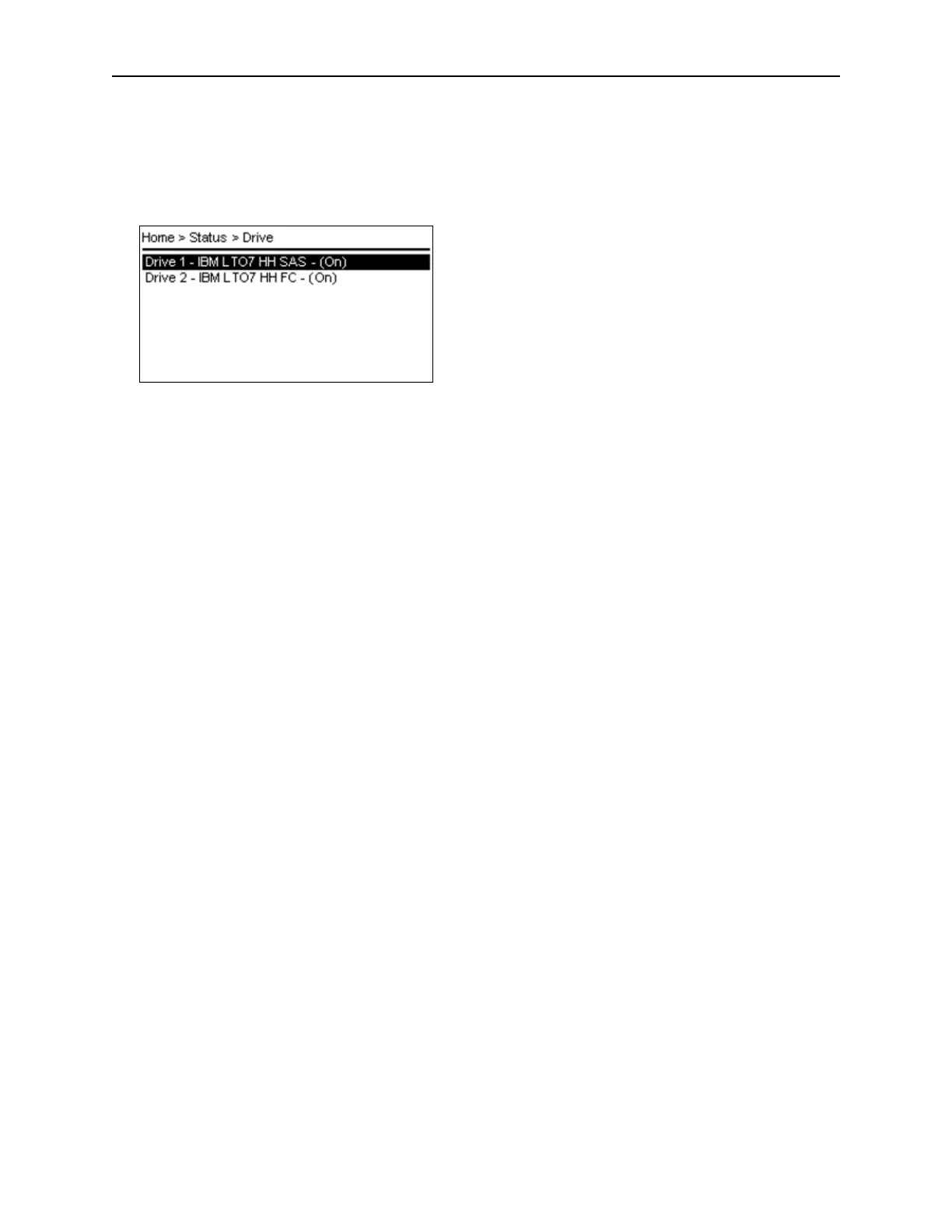
From the Status > Drive screen you can see the configuration and status of each drive that is installed in
the library. Use Up and Down to select a drive from the drive list The drive list already provides the
powered status of the drives (On, Off).
T
he Status > Drive > Drive x screen provides the following status information:
• Vendor
• Personality
• Firmware
• Generation
• Form Factor - HH, FH
• Interface Type - Fibre Channel (FC), SAS
• Manufacturer S/N
• Powered - On, Off
• WWNN
• Temperature
• Logical Library
• Encryption
• Cartridge - Barcode label, N/A if no cartridge loaded
• Module Location
• Cooling Fan Status - Active, Not Active
F
ibre Channel Drive: Status for Port 0 and Port 1 (if present)
• WWPN
• Speed
• Port Type
• Port ID or Loop ID / ALPA
• Interface
S
AS Drive: Status for Port 0 and Port 1
• WWPN
• Interface
• Speed



 To Next Page