511026 Rev. 07-01-19
81
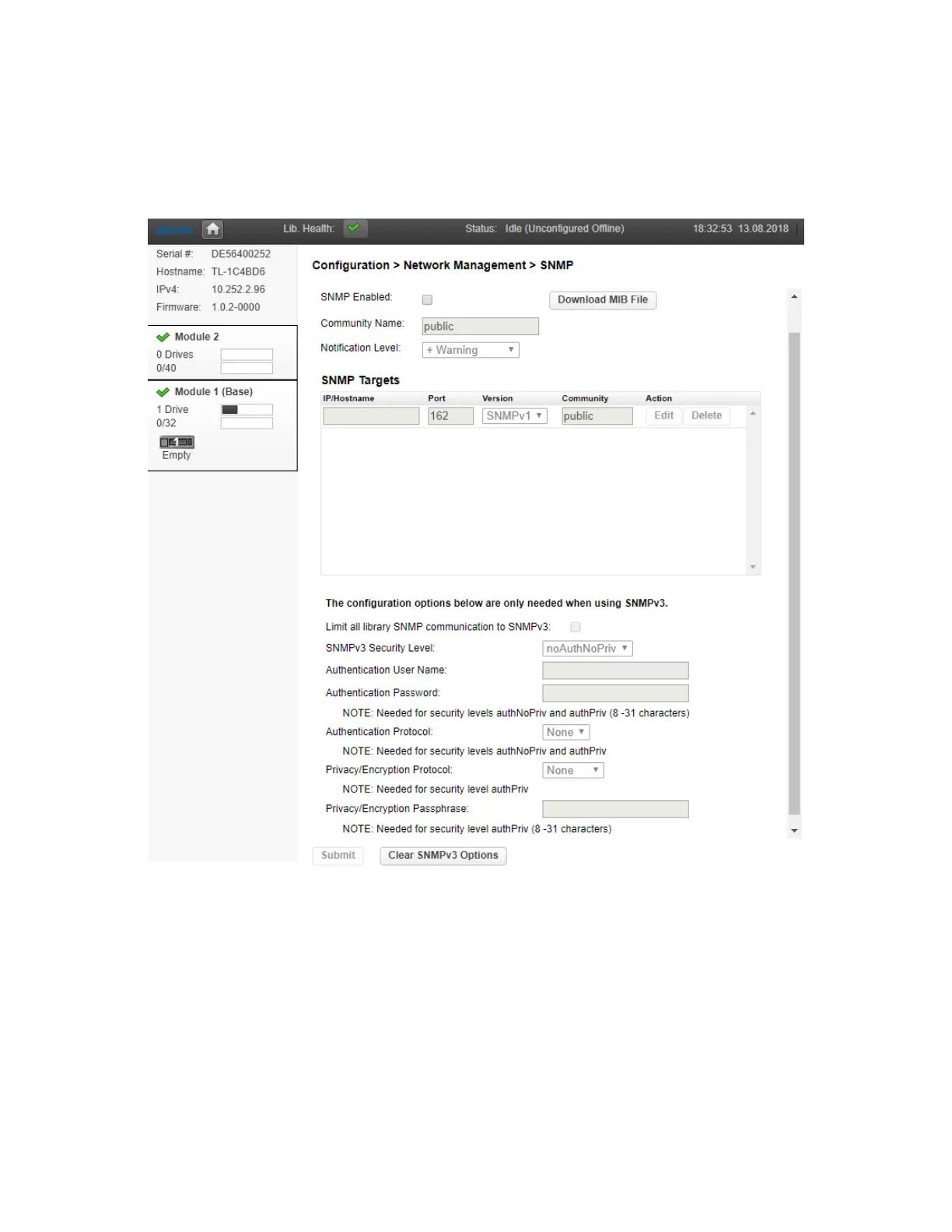
6.3.2 Configuring SNMP
Use the Configuration > Network Management > SNMP page to enable and configure SNMP (Simple
Network Management Protocol), which allows applications to manage the device. The library supports
both SNMP configuration and SNMP traps.
• SNMP Enabled – When checked, the library can be managed by computers listed in the SNMP
Target IP Addresses field.
• Community Name – A string used to match the SNMP management station and library. It must be
s
et to the same name on both the management station and the library. The default community nam
e
is
public.
• SNMP Targets – List of configured SNMP targets.



 To Next Page