Q40 Tape Library Installation and Operations Manual
511026 Rev. 07-01-19 82
T
o add an SNMP target or edit information for an SNMP target:
1. C
lick Edit for the appropriate SNMP target. When adding an SNMP target, click Edit next to a target
without an IP/Hostname.
2. Enter the target IP address or hostname
3. Enter the port.
4. Select the SNMP version.
5. Enter the SNMP community string for the target.
6. Click Submit
.
T
o delete an SNMP target:
1. C
lick Delete for the target to be deleted.
2. Click Submit.
T
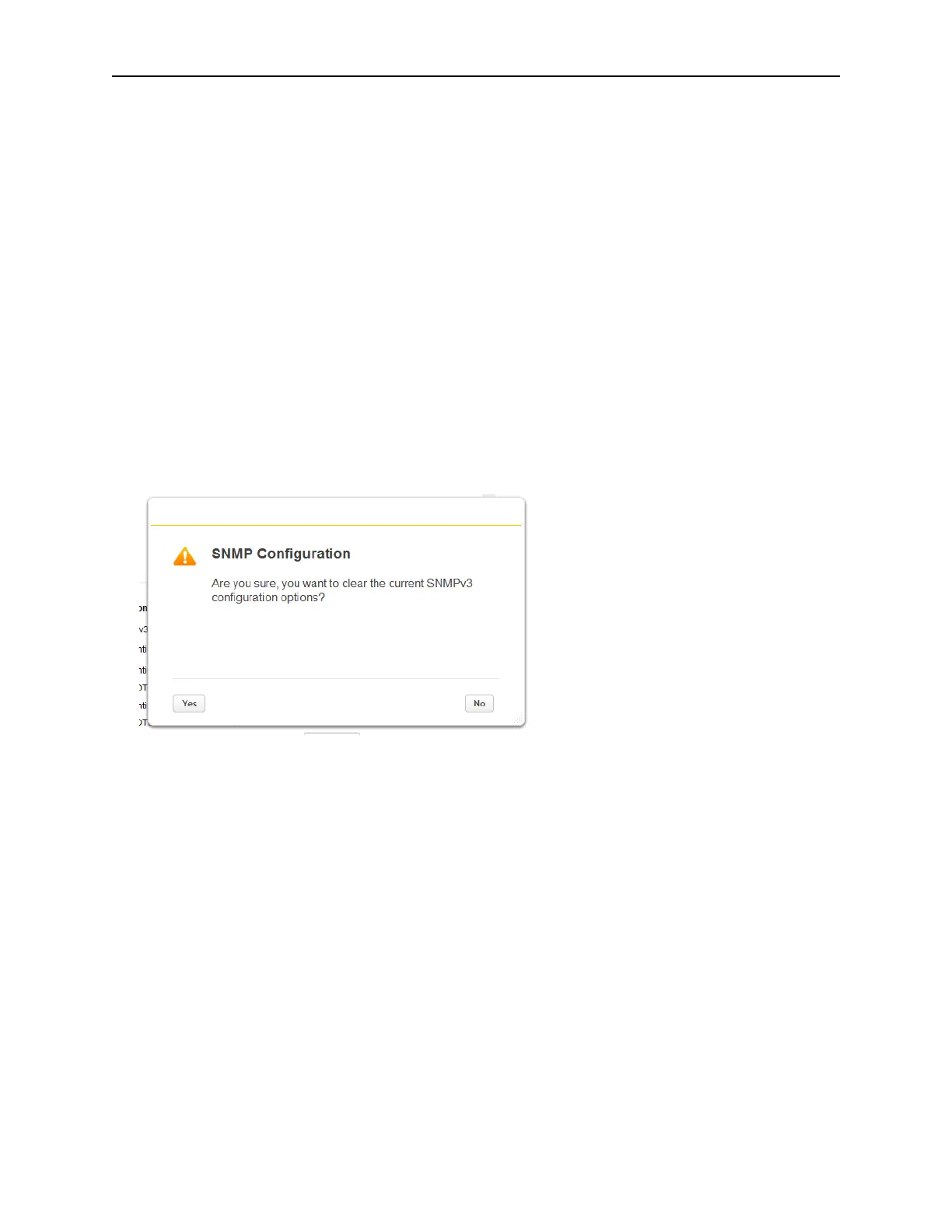
o clear SNMPv3 Options:
1. C
lick Clear SNMPv3 options
2. To confirm that you want to clear the SNMPv3 Options, click Yes



 To Next Page