511026 Rev. 07-01-19
83
6.3.3 Configuring Event Notification Parameters
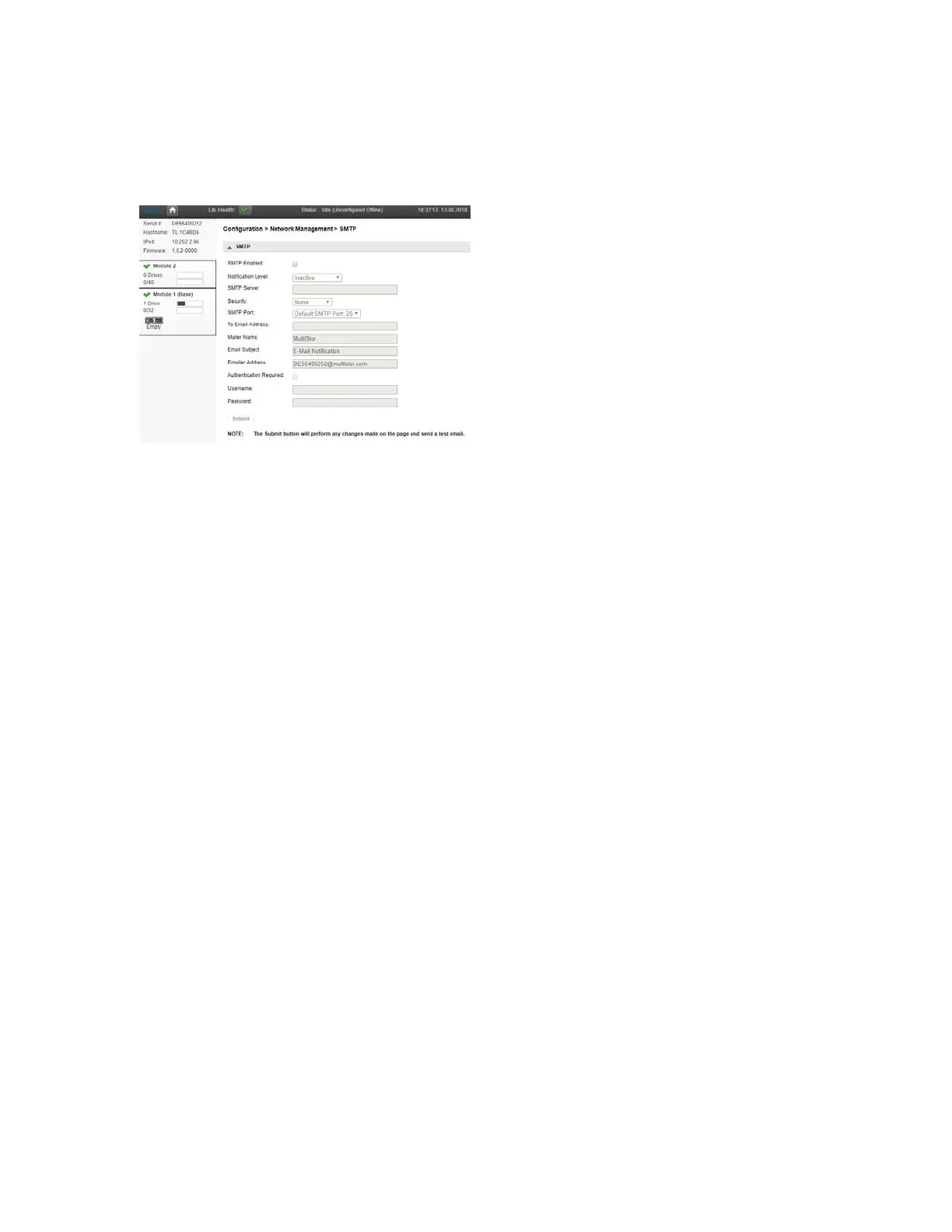
Use the Configuration > Network Management > SMTP page to enable SMTP (Simple Mail Transfer
Protocol) functionality and configure e-mail notification of library events. The library must have network
access to an SMTP server.
• SMTP Enabled – Check to enable SMTP. When checked, the remaining configurations are active.
• Notification Level – The types of events for which the library should send e-mail
• Inactive – No events are sent.
• Critical – Only critical events are sent.
• + Warnings – Only critical and warning events are sent.
• + Configuration – Only critical, warning, and configuration events are sent.
• + Information – All events are sent.
• SMTP Server – Hostname or IP address of the SMTP server
• Security – Security protocol for accessing the SMTP server
• None
• SSL => SSL/TLS
• TLS = STARTTLS
• SMTP Port – SMTP server port. The default port for the selected protocol will be selected. You can
c
hoose one of the default ports or configure a custom port.
• To Email Address – The address to receive the reported events (for example
f
irstname.lastname@example.com). Only one email address can be configured.
• Mailer Name – Name of the sender of the e-mail
• Email Subject – Subject line for the e-mail message
• Emailer Address – Return address to use for the e-mail message
• Authentication Required – When checked, a username and password are required to access the
S
MTP server.
• Username – User account for logging into the SMTP server when authentication is required
• Password – Password associated with the Username when authentication is required



 To Next Page