511026 Rev. 07-01-19
97
6.7.4 Position Test
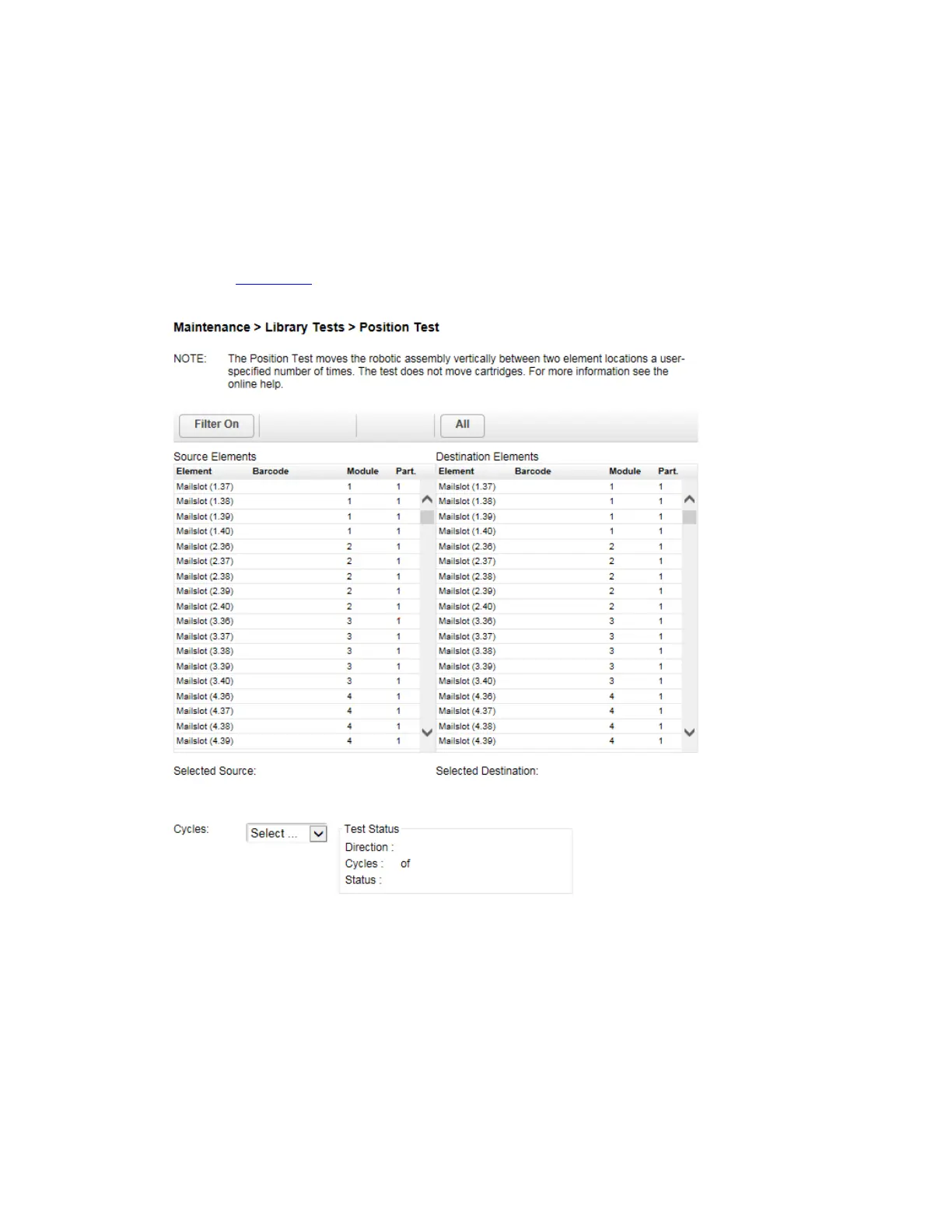
The position test moves the robotic assembly vertically between two element locations. The test does not
move cartridges. You can select the number of times to move the robotic assembly between two element
positions.
T
he position test is intended to show that the vertical movement of the robotic assembly is operating
correctly. To diagnose problems with the robotic assembly itself or verify that it has been correctly
replaced, use the robotic test
.
T
o run the position test:
1. Navigate to the Maintenance > Library Tests > Position Test screen.
2. Select a source location from the Source Elements list.
3. Select a destination location from the Destination Elements list.
4. Select the number of cycles.
5. Click Start Test.



 To Next Page