Q40 Tape Library Installation and Operations Manual
511026 Rev. 07-01-19 98
6.7.5 Wellness Test
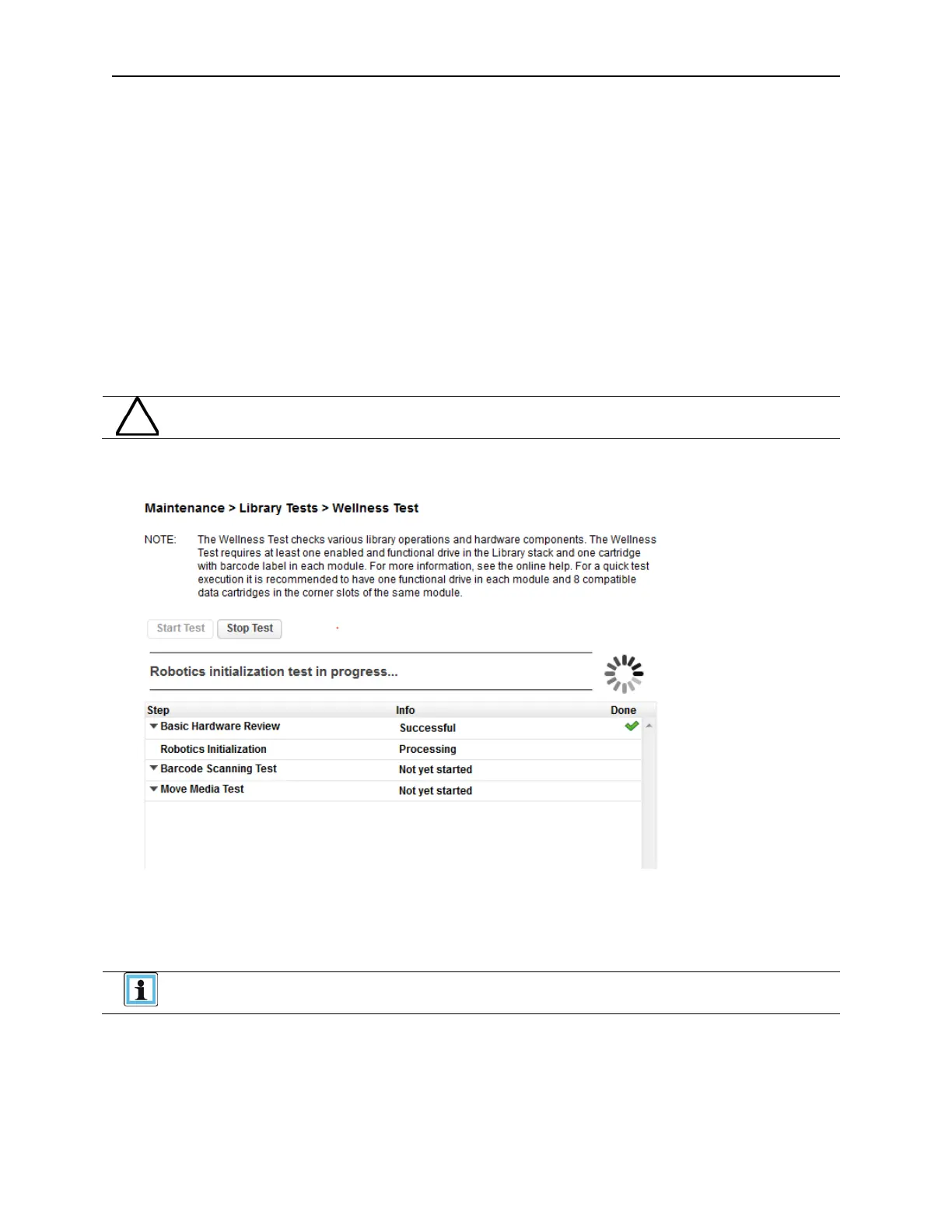
The wellness test performs a general health check of the library by running the following tests:
Basic Hardware Review
Robotics Initialization Test
Barcode Scanning Test
Move Media Test
• Running the test requires at least one enabled and functional drive and one cartridge with a barcode
l
abel in each module.
• After the test has been started the Stop Test button is active. Clicking the button will abort the
w
ellness test but not before the current test has been completed.
• During the test the library is offline.
The test can move cartridges between partitions.
• The Info column notifies the user about the status and result of each test.
To run the Wellness test, navigate to the Maintenance > Library Tests > Wellness Test screen, and
then click Start Test.
For best results, it is recommended to have one functional drive in each module
and 8 compatible data cartridges in the corner slots of the same module.



 To Next Page