Configuration
R&S
®
TS7124M
77User Manual 1525.5394.02 ─ 05
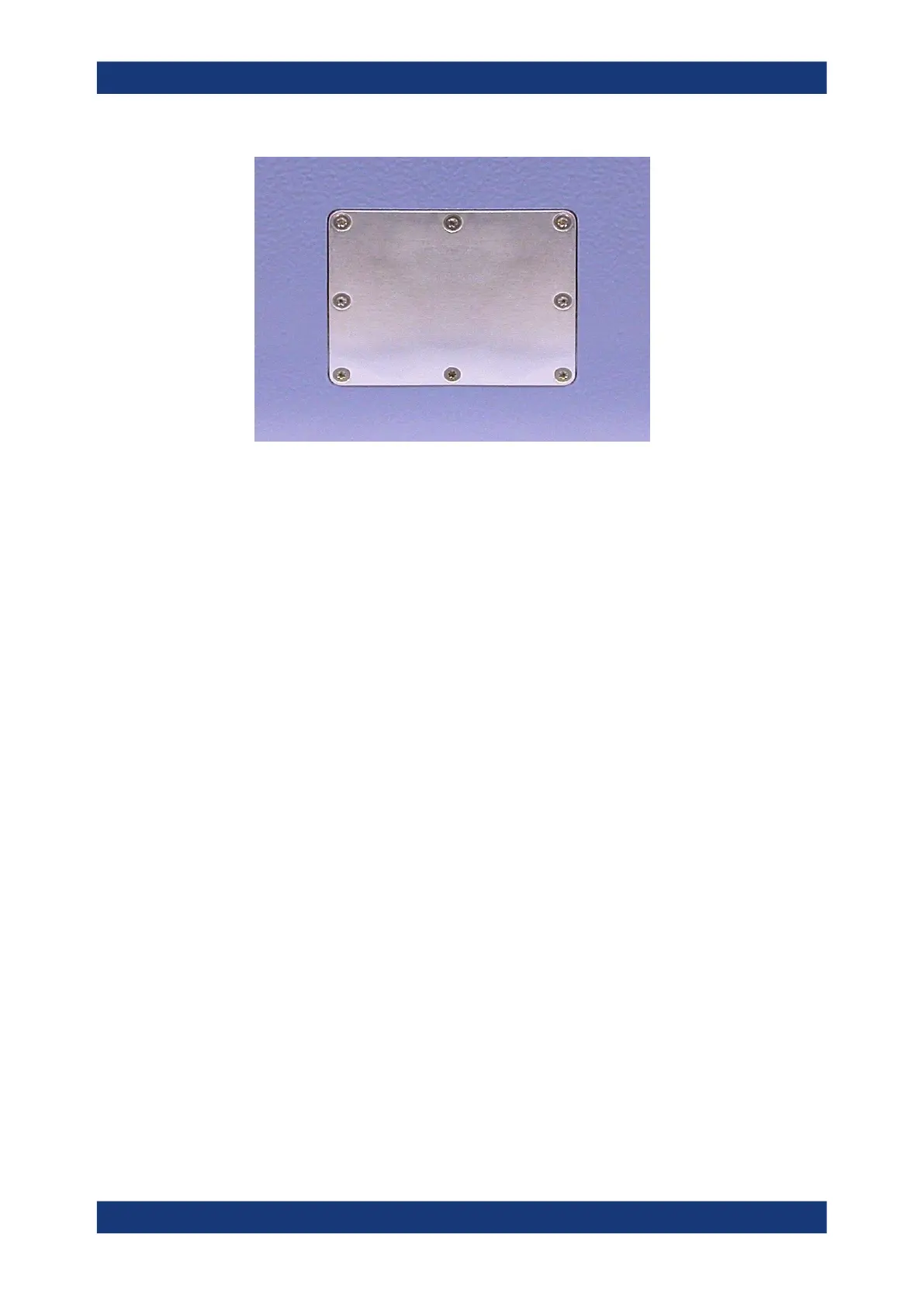
Figure 7-2: Cover plate, fixed by eight Torx
8 screws
3. Remove the cover plate by carefully pushing it out from the inside of the chamber.
4. Remove the old RF sealing around the hole in the door or rear wall.
5. Clean the surface, from which the sealing has been removed, with alcohol and a
lint-free cloth.
6. Put in the new RF sealing.
7. Insert the feedthrough into the hole from the outside of the chamber.
8. Fix the feedthrough from the outside of the chamber with the same eight Torx 8
screws.
9. When finished, close the front door.
7.4 Opening and closing the top cover
Various configuration tasks require opening the chamber's top cover.
Opening and closing the top cover



 To Next Page