Configuration
R&S
®
TS7124M
142User Manual 1525.5394.02 ─ 05
To remove the wideband antenna from the chamber, follow the procedure in Chap-
ter 7.12.2, "Taking the wideband antenna out of the chamber", on page 145.
7.12.1 Mounting the wideband antenna into the chamber
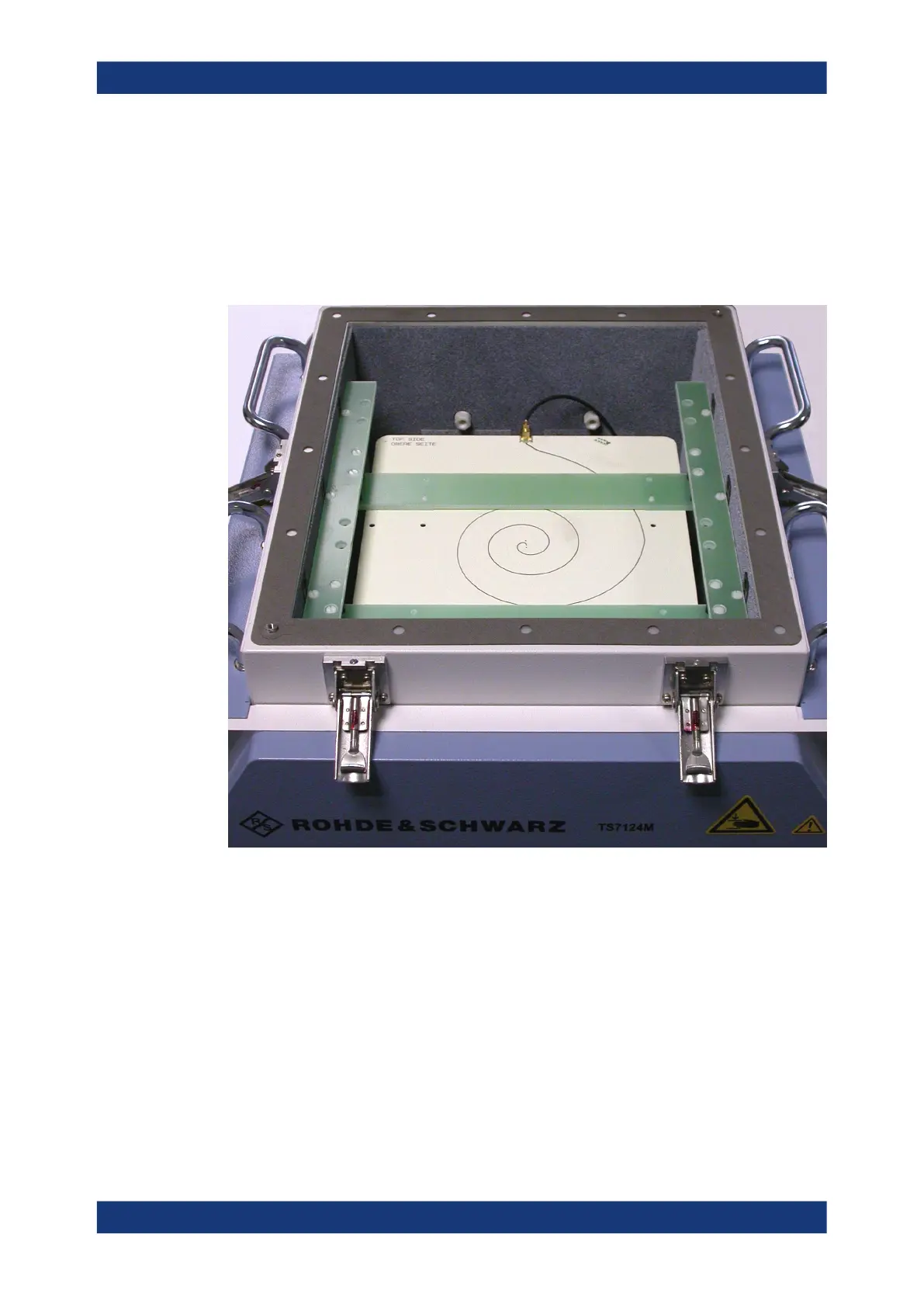
The Wideband antenna R&S TS-F24WA1 can be mounted into the RF shielded box:
Figure 7-84: RF shielded box (open) with mounted wideband antenna
To mount the pre-assembled wideband antenna into the chamber
1. Remove the top cover as described in Chapter 7.4.1, "Opening the top cover",
on page 78.
For the remainder of this procedure, remember to avoid touching the gasket that
seals the top cover.
2. If in the chamber an antenna ring is present, remove it as described in Chap-
ter 7.6.1, "Taking the half antenna ring out of the chamber", on page 87 or Chap-
ter 7.6.3, "Taking the full antenna ring out of the chamber", on page 97. (Narrow-
band antennas or antennas mounted on an antenna holder can remain in the
chamber, if necessary.)
Installing the wideband antenna



 To Next Page