Configuration
R&S
®
TS7124M
80User Manual 1525.5394.02 ─ 05
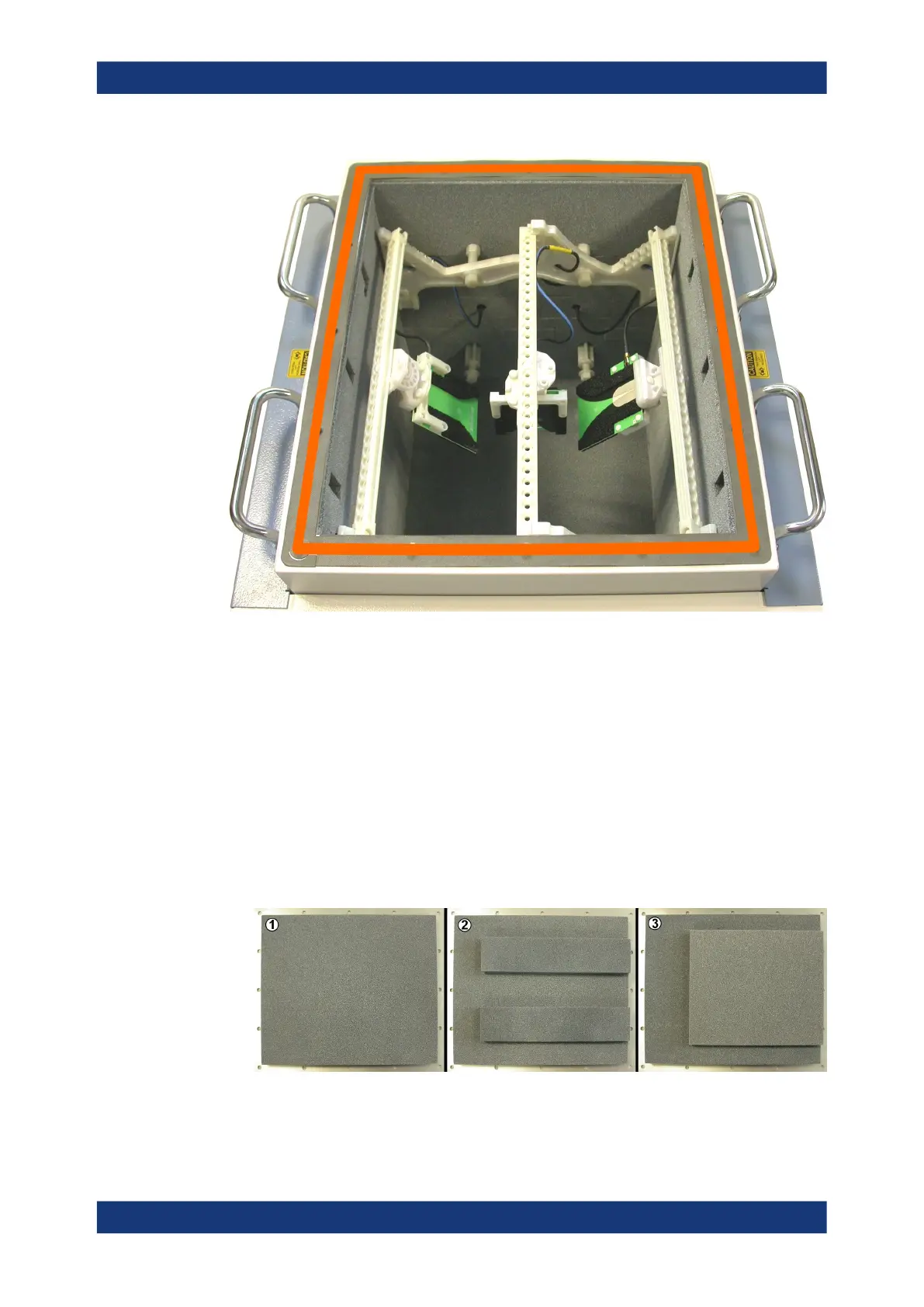
Figure 7-5: RF shielded box with top cover opened. The gasket is marked in orange color
7.4.2 Closing the top cover
To close the top cover
1. Clean the gasket as described in the Chapter 8.4.2, "Cleaning the gasket contact
area", on page 155.
See "Do not touch the gasket" on page 79.
2. Select the correct absorber configuration on the inside of the top cover, depending
on the antenna arrangement in the chamber:
Figure 7-6: Different absorber material configurations on the inside of the top cover. In these pic-
tures, the "FRONT" edge of the cover is on the right-hand side
Opening and closing the top cover



 To Next Page