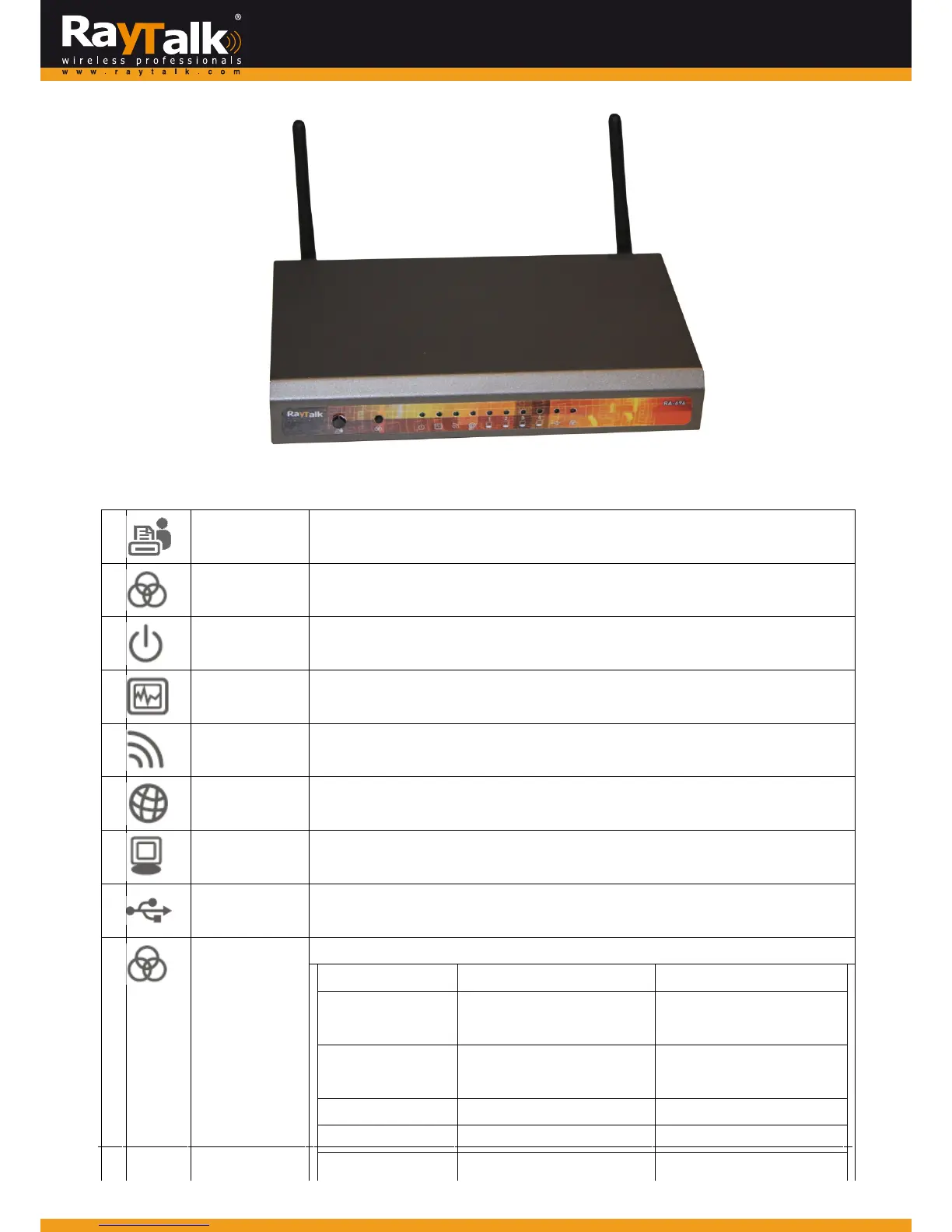
FrontPanel
1
Quickbutton
Pressth isbuttontoquick‐printanaccountgeneratedfrombillingplan1.
2
WESbutton
Pressandholdover5secondstoinitiateMasterModefortheWESprocess.
PressandreleasetoinitiateSlaveModefortheWESprocess.
3
PowerLED
Onindicatespoweron.
4
StatusLED
Onindicatesthesystemready.
5
WirelessLED
Onindicateswirelessnetworkinterfaceisreadyforservice.
6
WANLED
OnindicatesthatWANuplinkconnected.
7
LAN1‐4LED
IndicatestheconnectionstatusofeachLAN.
8
USBLED
IndicatesthestatusofUSBconnection.USBportreservedforfutureuse.
9
WESLED
ForindicatingWDSconnectionstatus.
Master Slave
WESStart
LED(Green)OFFand
thenBLINKINGSLOWLY
LED(Red)OFFandthen
BLINKINGSLOWLY
WESNegotiate
BLINKINGNORMALLY
(Green)
BLINKINGNORMALLY
(Red)
WESTimeout LED(Green)ON LED(Red)ON
WESSuccess LED(Red)ON LED(Green)ON
WESFail LED(Green)ON LED(Red)ON



 To Next Page