Charging and Installing Batteries
The React is powered by a 4 cell battery pack(included).
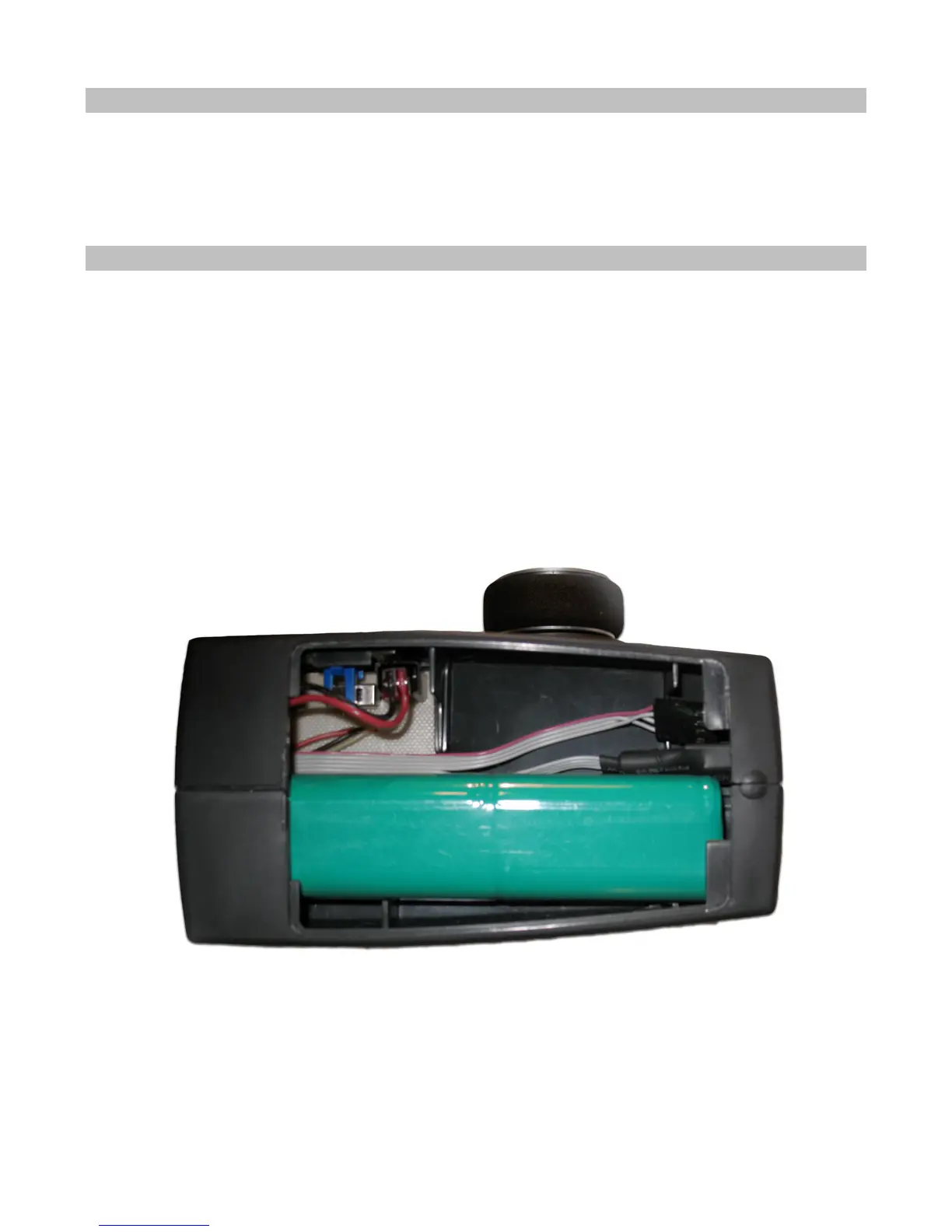
Also inside the battery compartment is the 4 wire Receiver Programming Cable. This cable can be
plugged into the receiver’s TACH pins in order to upgrade the software on the receiver. The RC
Desktop will instruct you when a software upgrade is available.
Installing the Batteries
1. Plug the battery connector into the receptacle in the battery compartment. Refer to
photo for battery installation.
Warning!!!! Plugging the battery in backwards will damage the React!!!!!!!!
2. Place the battery holder in the battery compartment. Make sure the wires do not
pinch.
3. Slide the battery compartment cover into place.



 To Next Page