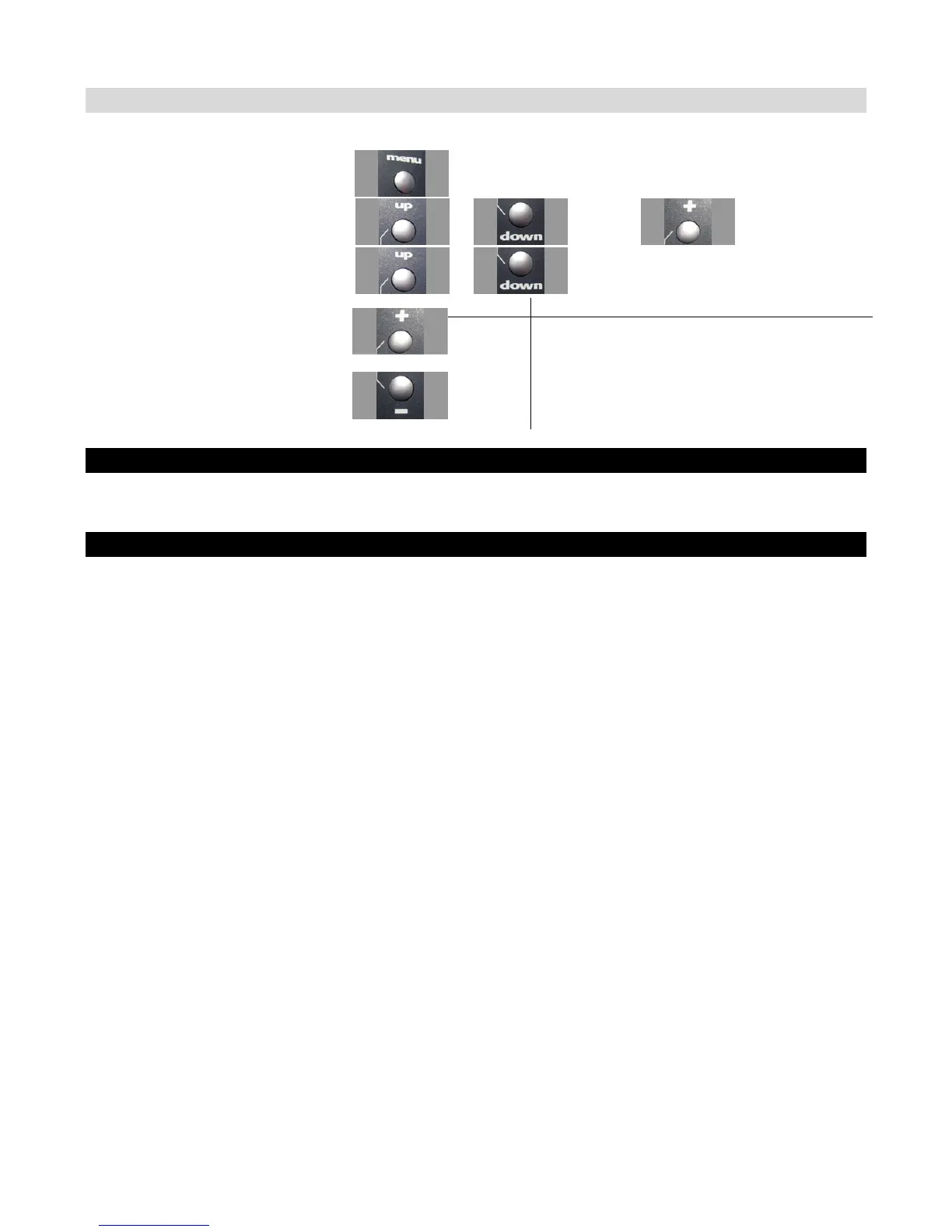
Adjusting Steering Dual Rate using the Function Menu
Use the navigation controls to adjust steering dual rate as follows:
1. Access the top function menu from
the driving screen.
2. Navigate to the Steering (Ch1)
menu.
or : then
3. Navigate to Dual Rate.
or
Value Description
0 Steering servo range is set to minimum.
1-99
Steering servo range is set to a percentage of full
range.
For example, value “50” gives 50% of full servo
range.
4. Change the value.
or
100 Steering servo range is set to full (100%)
Adjusting Steering Dual Rate using the Trim Buttons
You can also use the T2 trim button to adjust the steering dual rate.
Dual Rate and End Point Adjustment
Full servo range is determined by the left and right end point adjustments. The dual rate value
determines the relative servo range between the left and right end points. The servo will never move
beyond the set end point adjustments, no matter what dual rate setting is applied.



 To Next Page