Setting Failsafe Positions
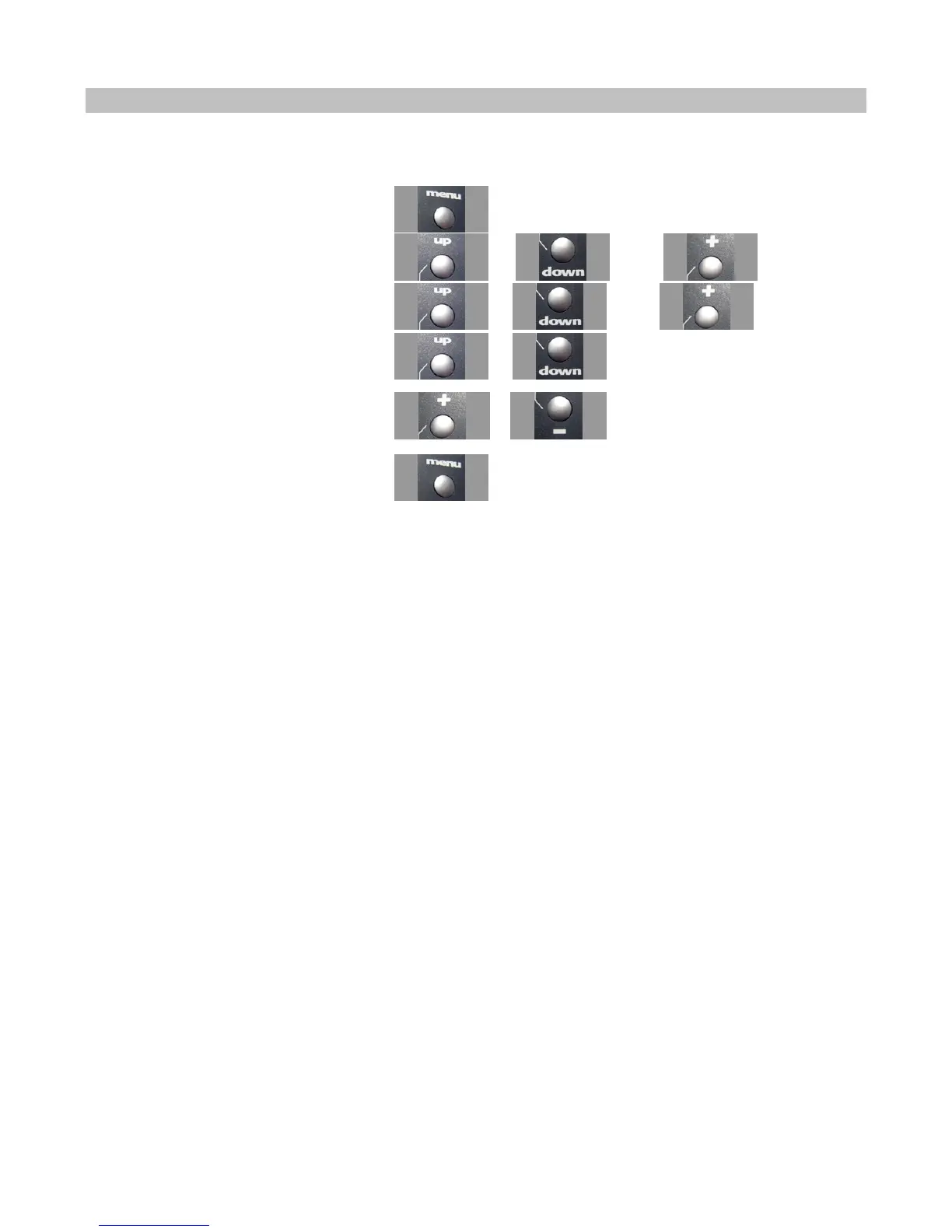
Use the navigation controls to set the failsafe positions as follows:
1. Access the top function menu from the
driving screen.
2. Navigate to the Advanced menu.
or then
3. Navigate to the Failsafe menu.
or then
4. Navigate to Set Failsafes.
or
5. At the confirmation screen:
1. Select Yes to capture the servo
failsafe settings.
2. Select No to abandon the operation.
or
6. Confirm your selection.
7. A 3-second countdown begins on the display screen.
Before the countdown ends, use the React controls to set the servo failsafe positions. (For example, on a nitro car set steering
to centered and throttle to full brake.)
At the end of the countdown, a confirmation message indicates that the servo failsafe positions were stored.
8. To test the failsafe positions, turn off the React and observe the reactions of the connected servos. The servos should go to
the failsafe positions you just set.
You should always set your failsafe positions after making changes to your model, and should test your
settings before driving. An easy way to check the failsafe positions is to turn your model on before
turning on the React.



 To Next Page